The tradition of hosting local servers and tweaking them via the console dates back to CS 1.6, but after the shift to the Source 2 engine, many familiar mechanics changed. I remember the CS:GO days when we'd spam outdated commands like mp_do_warmup_offline 1 just to run around an empty map. In the new version of the game, everything has become both simpler and more complex.
When you gather with friends in a private lobby or want to practice some new smoke lineups on Mirage, waiting for that two-minute timer is incredibly annoying. Do you also get frustrated shooting at walls pointlessly while waiting for the match to start? In this guide, drawing from my own server configuration experience, I’ll explain in detail how to skip the warmup in CS2, which console commands actually work in the current patch, and how to set up an infinite warmup mode without lag.
If you want to dive deeper into game mechanics, the VRedux project will be your ultimate toolkit. But for now, let's deal with the timers and the console.
Expert Verdict
If you've created a local server to practice lineups or duel, waiting for the startup timer to end is a waste of time. In 100% of cases, the slow start issue is solved by entering a single command, but understanding the admin rights architecture in Source 2 is critical.
Key Methods to End Warmup in CS2
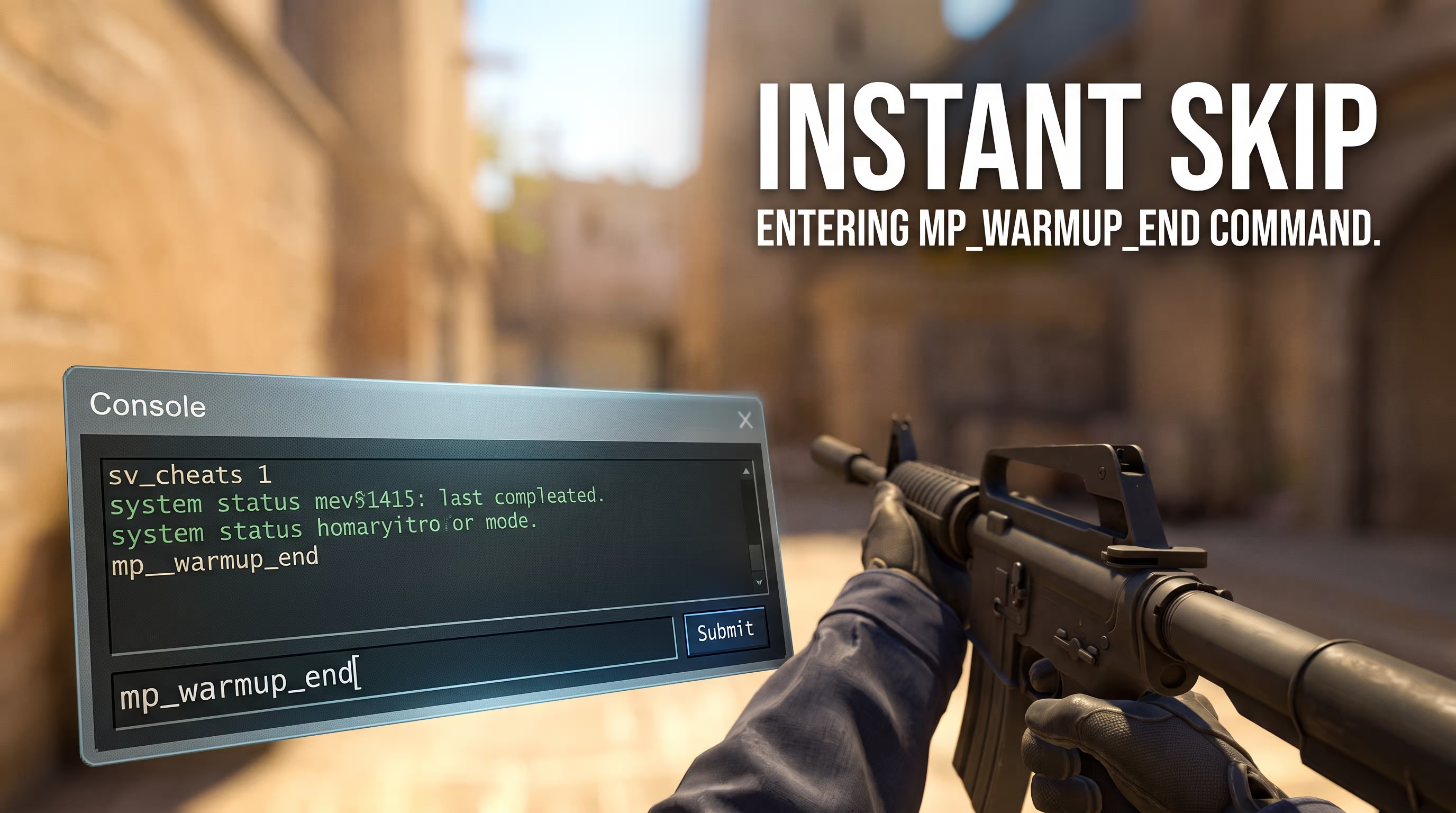
- Instant skip: Open the developer console and enter the command
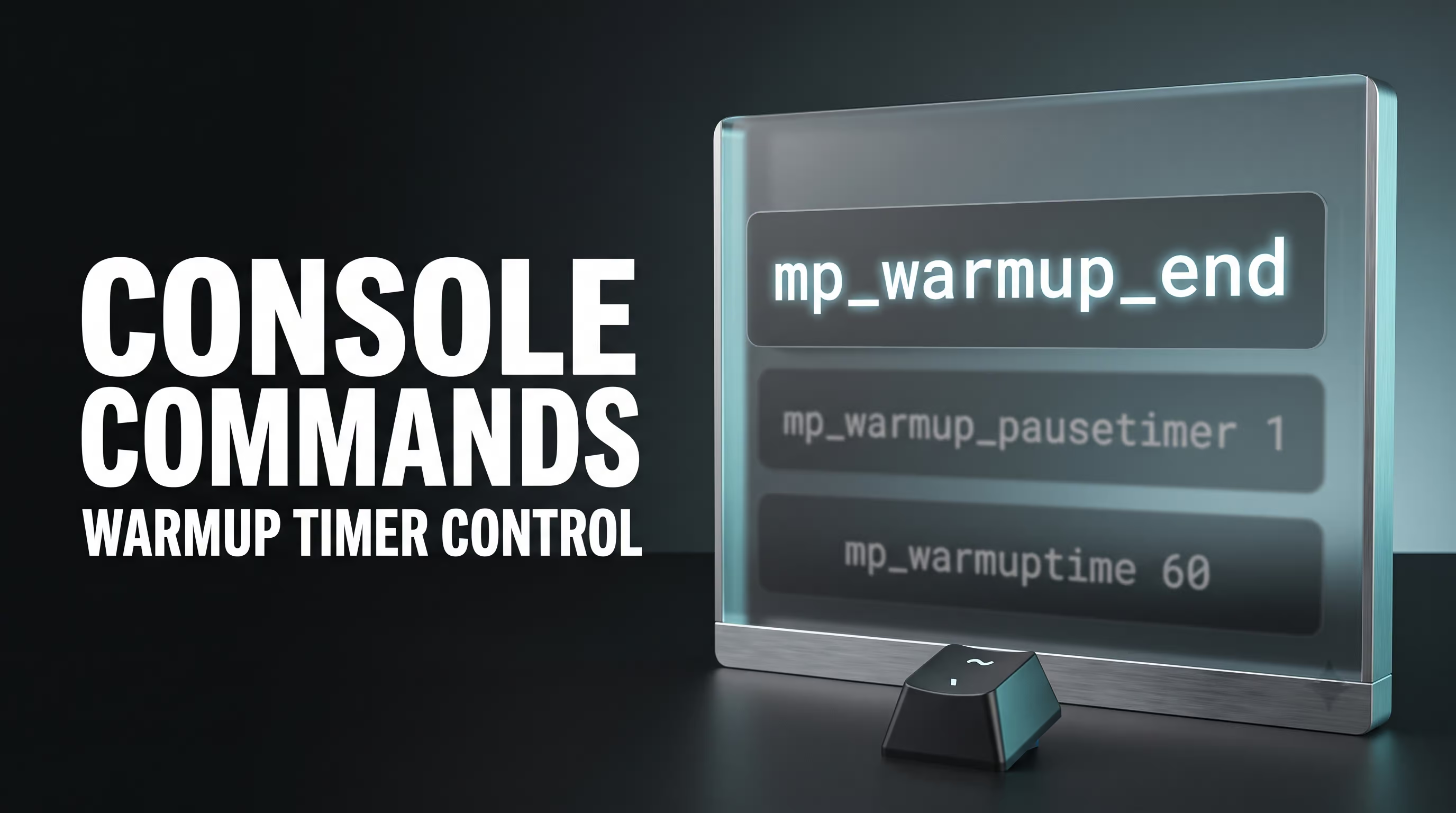
mp_warmup_end. The current phase will end, and the round will begin immediately. - Timer freeze: For long practice sessions, use the
mp_warmup_pausetimer 1variable. This prevents UI bugs and runs more stably than trying to set the timer to millions of seconds. - UI Settings: In recent CS2 updates, the developers integrated a native "Infinite Warmup" toggle directly in the "Play" → "Practice" menu.
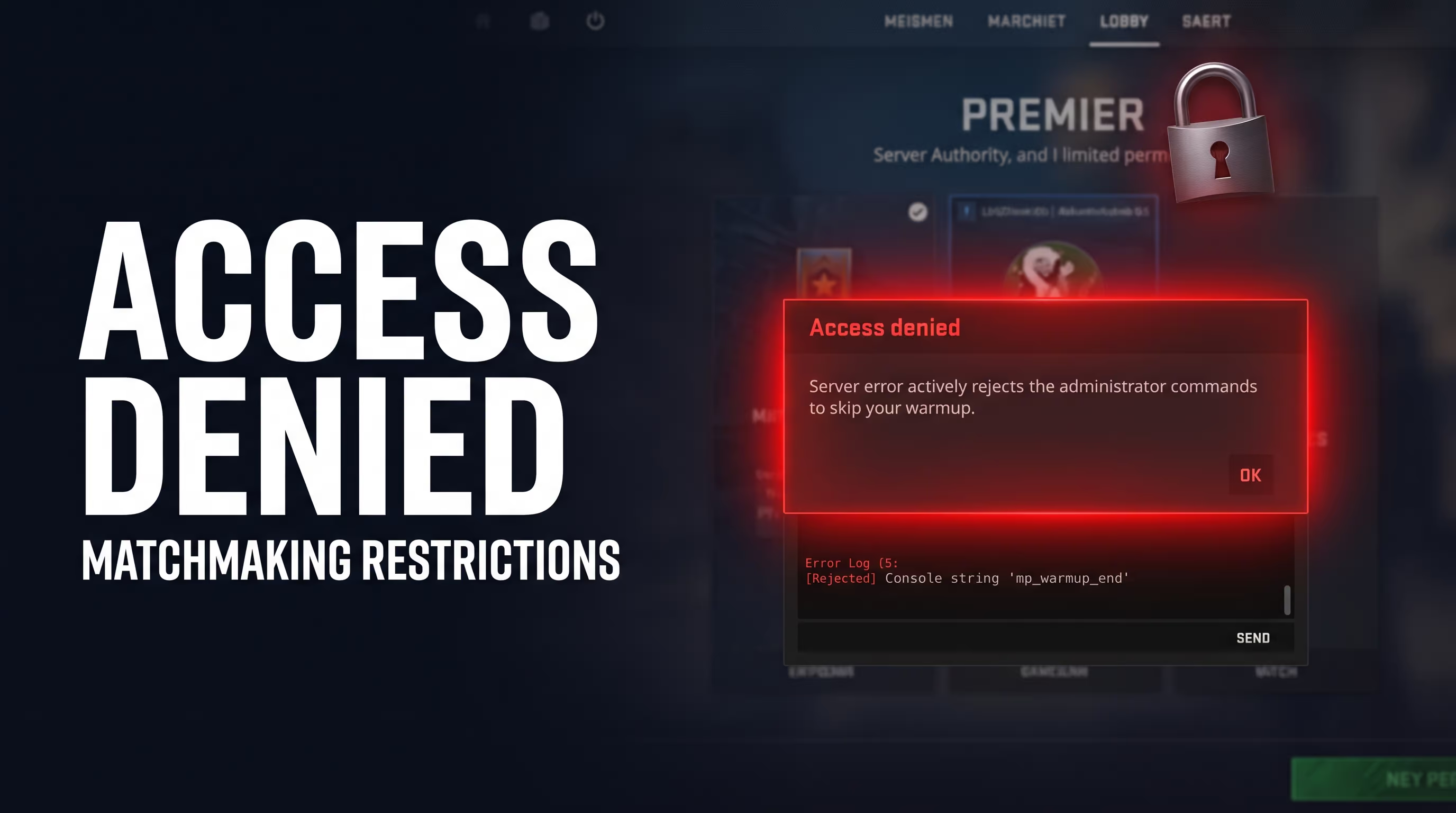
- Matchmaking restrictions: Skipping the warmup in official MM or Premier mode is impossible. Your client does not have the RCON rights required to manage Valve's dedicated servers.
TL;DR: Warmup Control Commands in CS2
If you need a quick answer and don't want to dig into the setup details, just use the table below. To disable the warmup in CS2, you'll need to open the console (the ~ key). Keep in mind: all these variables work exclusively on local servers or lobbies where you are the host (creator).
How to Skip Warmup via Console (Step-by-Step Guide)
The most classic method used by esports pros and shooter veterans is manual variable input. The command to skip warmup in CS2 works flawlessly if you follow the correct sequence of actions.
Many people make the mistake of thinking it's enough to just type the text. In reality, the Source 2 engine requires you to unlock certain variables first. I've personally tested various methods on local Workshop maps, and without admin rights, the game will simply throw an error.
Here is the exact algorithm on how to end warmup in CS2 via the console:
- Launch the game and go to settings. Ensure the "Enable Developer Console (
~)" option is set to "Yes". - Create a local game (e.g., with bots) and load into a map.
- Press the
~(tilde) key to open the command line. - (Optional, but recommended) Type
sv_cheats 1to unlock access to all hidden server variables. - Type the main command:
mp_warmup_endand press Enter.
There's a non-obvious catch here. If nothing happens when you press the key, the issue might be your Windows keyboard layout. The console often doesn't respond if you aren't using the standard US English layout. If you encounter this bug, I recommend reading our detailed manual on how to enable the console in CS2, where we break down all the technical nuances and how to set up binds for other keys.
How to Set Up Infinite Warmup for Practice
Sometimes a player's goal isn't skipping the warmup in CS2, but rather extending it indefinitely. If you want to spend hours flying around the map using noclip, studying new wallbangs, or testing an unconventional spray pattern, you need the infinite mode.
While beginners often get lost in complex timer values, an experienced player resolves the issue in a couple of clicks. In CS2, there are two fundamentally different approaches: through the polished user interface or the old-school way, manually via code. If you want to configure round mechanics thoroughly, check out our guide on infinite round and warmup in CS2.
Ready-to-Use Practice Config (autoexec.cfg)
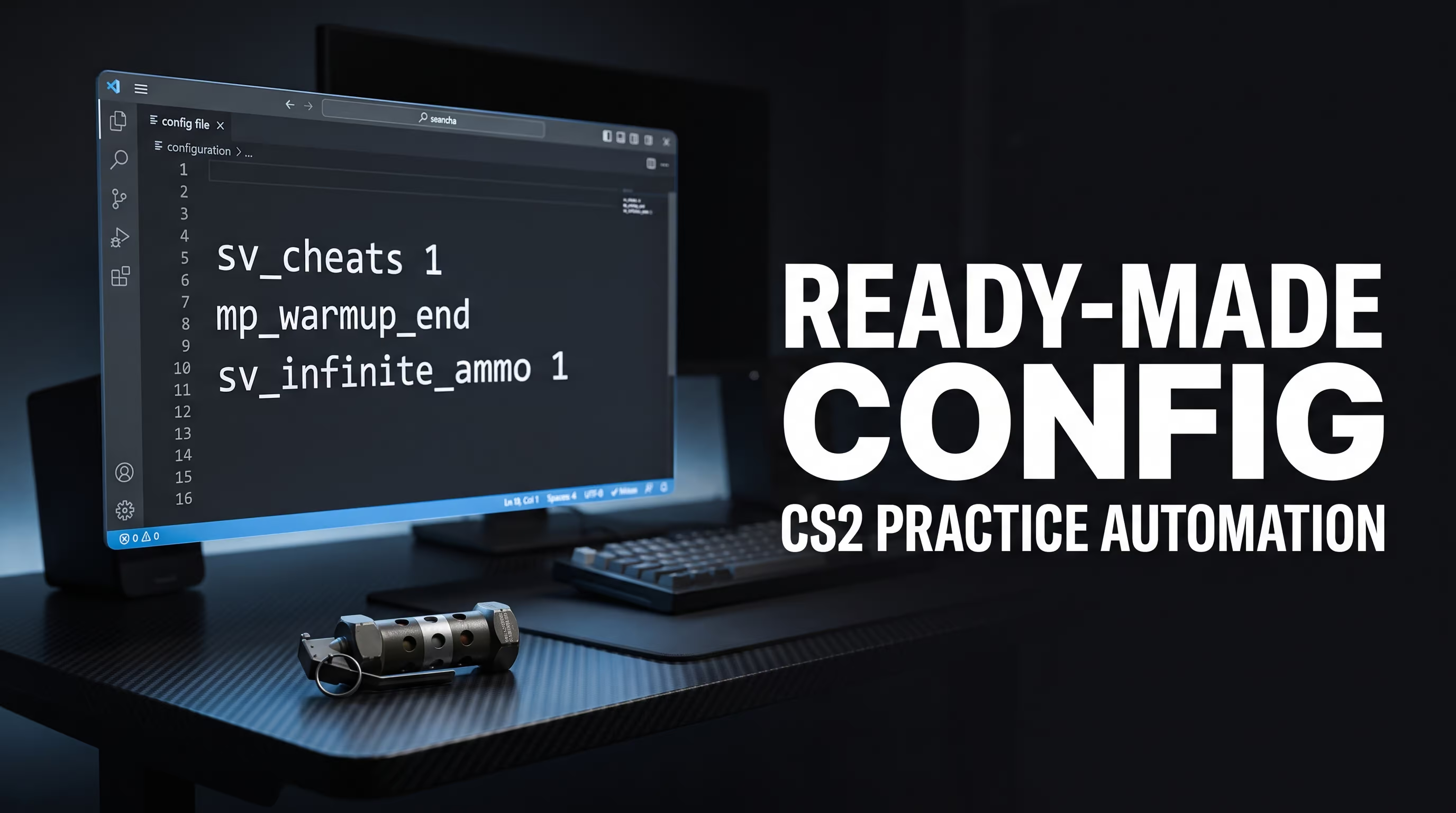
Typing the same parameters over and over is a pain. In my experience, the best way to streamline your gameplay is to create a unified configuration file. You press a single button, and the server is fully prepped: warmup is disabled, nades are infinite, and trajectories are clearly visible.
You will need to create a text document and change its extension. To avoid messing up your Steam file structure, I recommend reading our article on the CS2 Autoexec CFG. For a practice server, create a file named practice.cfg inside the steamapps/common/Counter-Strike Global Offensive/game/csgo/cfg/ folder.
Paste the following code inside:
// Base server settings
sv_cheats 1
mp_warmup_end
mp_limitteams 0
mp_autoteambalance 0
mp_freezetime 0
mp_roundtime_defuse 60

// Grenade and ammo settings
sv_infinite_ammo 1
sv_grenade_trajectory_prac_pipreview 1
sv_grenade_trajectory_prac_trailtime 3
ammo_grenade_limit_total 5

// Restart to apply
mp_restartgame 1
Now, when you join a local map, all you have to do is open the console interface and type exec practice. The script will automatically trigger the warmup skip in CS2 and give you all the necessary tools to hone your skills.
Why Don't Commands Work in Premier and Matchmaking?
The most common question from newer players is: "I type the command to skip the warmup in CS2 during a ranked match, but the console gives me an access denied error or just ignores the input. What should I do?". The harsh reality: nothing.
Let's break down how this actually works. In official modes (Matchmaking, Premier, Wingman), the server is controlled by Valve's algorithms (Server Authority). You, as a player, are merely a client. You don't have so-called RCON (Remote Console) rights to alter global match variables.
Even if all 10 players in the lobby vote for an early start or type mp_warmup_end, the server will ignore it. The warmup time on official servers is hardcoded into Valve's configuration. It's necessary so that players with slow hard drives or potato connections have enough time to load PBR map textures and sync their sub-tick with the server. So, if someone is struggling to connect to matchmaking, disabling the infinite warmup in CS2 simply isn't an option—you'll just have to wait out the system timeout.
FAQ: Common Player Questions
In this section, I've compiled specific issues that gamers face when trying to tweak lobby settings.
Here's the takeaway: a flexible practice setup saves hundreds of hours that are better spent actually improving your aim. A properly configured autoexec with binds for mp_warmup_end and infinite nades is the foundation for any player who wants to climb the ELO ladder, not just run around in pubs.
I highly recommend exploring our technical articles section to learn more about the hidden capabilities of the Source 2 engine, FPS optimization, and proper network rate configs. Good luck with those frags and may your ping stay stable!