Honestly, there is nothing more annoying than lining up the perfect smoke grenade, pulling the pin, and suddenly—bam—the round ends. The screen goes black, everything resets, and you lose your position. If you are trying to practice, the default 1 minute and 55 seconds is a joke. It’s simply not enough.
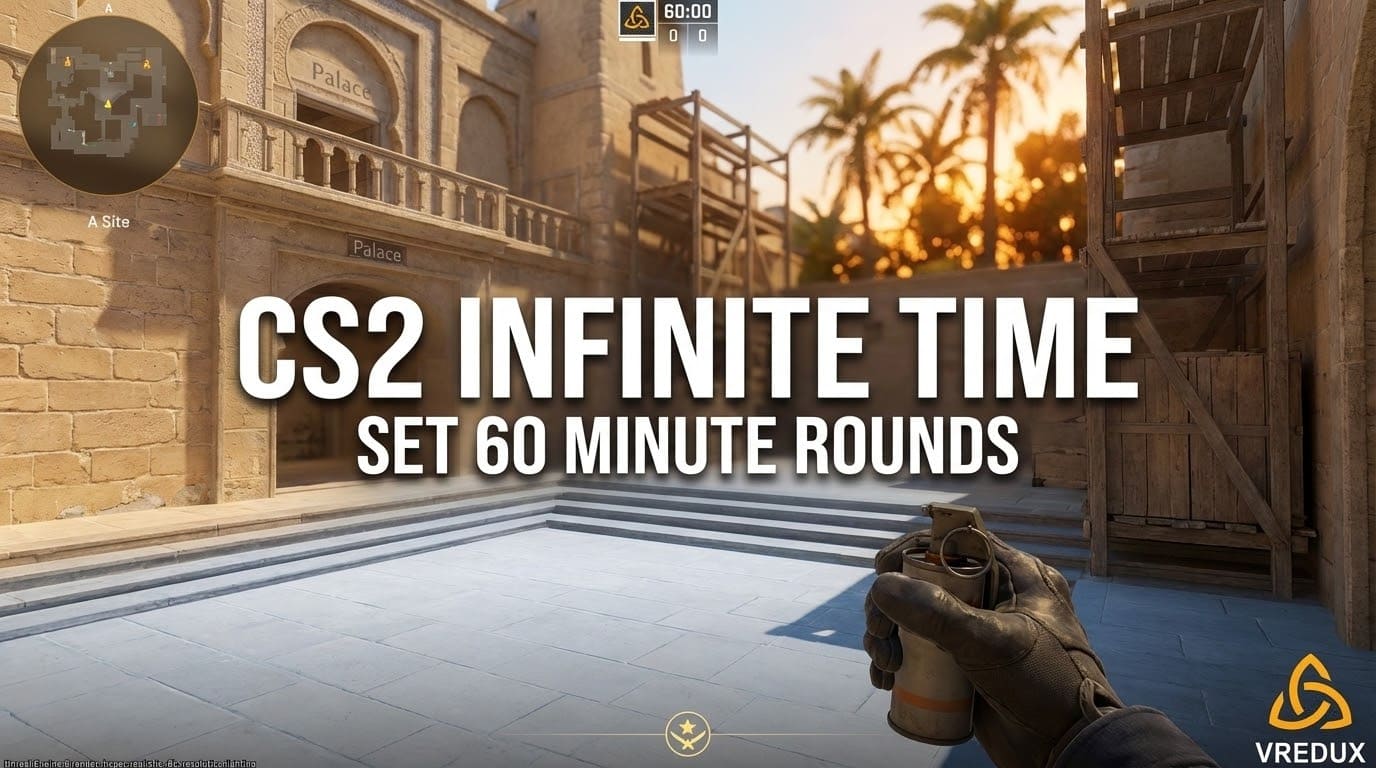
I’ve been there, smashing my keyboard because the round time ran out right when I found a new molotov lineup. The good news? You can fix this in seconds. Whether you need a CS2 infinite time command for a local server or just want to extend the warmup, the developer console is your best friend. In this guide, I’ll show you exactly how to make the clock stop ticking so you can train in peace.
Contents:
Why You Need Unlimited Time in CS2?
Before we jump into the code, let’s be real. Why bother? In a standard CS2 game, time constraints are part of the pressure. But in a practice mode or offline server, the timer is just an enemy. By using an infinite time command in CS2, you turn your server into a sandbox.
You can practice spray patterns, search for pixel-perfect nades, or explore the map without the round ends screen interrupting you every two minutes. Plus, if you combine this with other console commands, you get a truly unlimited time environment where you are the god of the server.
.jpg)
How to Enable Developer Console
First things first. You can't enter the command if you don't have the console active. If you are new to this, don't worry, it's easy. Go to Settings -> Game -> set "Enable Developer Console (~)" to YES. Then, just hit the tilde key (~) to open the in-game console.
Once that's open, you need to enable cheats. Don't worry, you won't get banned for using this in a private lobby. It just unlocks the developer console features we need.
sv_cheats 1
The Ultimate CS2 Infinite Time Command List
Here is the tricky part. There isn't just one "make time infinite" button. Valve's Source 2 engine requires you to specify what kind of time you are changing. Are you playing Defuse? Hostage? Or do you just want an infinite warmup?
Most guides will tell you to just type mp_roundtime. That's a rookie mistake. In Counter-Strike 2, you need to be specific.
For Defuse Maps (Mirage, Dust 2, Ancient)
If you are on a standard map with a bomb, this is the CS2 round time command you need. By default, the max is usually restricted, but we can force it to 60 minutes.
mp_roundtime_defuse 60; mp_roundtime 60; mp_restartgame 1
Note that you must restart the game (the command is included above) for the changes to take effect. Once the server reloads, you will see the timer sitting at a beautiful 60:00.
For Hostage Maps (Office, Italy)
If you are saving hostages, the defuse command won't do anything. You need to use the specific hostage variable. This console command does the exact same thing but for the hostage game mode.
mp_roundtime_hostage 60; mp_restartgame 1
The Secret Weapon: Ignoring Win Conditions
Here is what most people miss. Even if you set the round time to an hour, the round might still end if a bot dies or the bomb explodes. To make it truly infinite, or as close as possible, you need to tell the server to ignore game rules.
Use this combination of commands to prevent the round from ending prematurely:
mp_ignore_round_win_conditions 1
This is a game-changer for practice sessions. You can kill all bots, explode the bomb, and the server will just keep going.
Read also: CS2 system requirements and optimization guide
.jpg)
Infinite Warmup Command: The Alternative Way
Sometimes you don't want to mess with round timers. You just want a lobby where nothing counts. That's where warmup comes in. It is arguably better for Deathmatch-style practice because you respawn instantly.
To enable endless warmup, enter these CS2 console commands:
mp_warmup_start; mp_warmup_pausetimer 1
With mp_warmup_pausetimer 1, the countdown freezes. You can practice forever. If you want to end it, just type mp_warmup_end. It’s simple, effective, and works on any server.
.jpg)
Unlimited Buy Time and Money
What good is infinite round time if you can't buy weapons? The standard buy time is very short. If you are practicing recoil patterns, you need to buy guns constantly. This CS GO buy time command logic has transferred perfectly to CS2.
I recommend using these commands together to make your economy practically unlimited:
- mp_buytime 60000 – Allows you to buy items for 60,000 seconds (basically forever).
- mp_buy_anywhere 1 – Open the shop anywhere on the map, not just in spawn.
- mp_maxmoney 60000 – Increases your wallet limit.
- mp_startmoney 60000 – Gives you cash on restart.
Read also: How to switch hands bind in CS2
.jpg)
Summary of Useful Commands
To make things easier, I've compiled the essential time commands into a table. You can copy these directly into your developer console.
| Action | Console Command | Description |
|---|---|---|
| Enable Cheats | sv_cheats 1 | Required for all other commands to work. |
| Defuse Time | mp_roundtime_defuse 60 | Sets round time to 60 mins on bomb maps. |
| Hostage Time | mp_roundtime_hostage 60 | Sets 60 mins for Hostage mode. |
| Restart | mp_restartgame 1 | Applies changes immediately. |
| Infinite Warmup | mp_warmup_pausetimer 1 | Freezes the warmup clock. |
| Infinite Ammo | sv_infinite_ammo 1 | Never run out of bullets or nades. |
FAQ: Common Issues with Time Commands
Why doesn't mp_roundtime work?
In Counter-Strike 2, mp_roundtime is often overridden by map-specific commands. You must use mp_roundtime_defuse or mp_roundtime_hostage depending on the map. Also, don't forget to restart the game after entering it.
How do I extend round time in CSGO?
If you are still playing legacy versions, the CSGO time command logic is identical. The commands like mp_roundtime 60 and mp_restartgame 1 work exactly the same way in GO as they do in CS2.
What is the command for infinite rounds?
To play unlimited rounds without the match ending after 13 wins, use mp_maxrounds 100 or mp_match_can_clinch 0. This prevents the scoreboard from locking the game when one team hits the win limit.
Can I use these commands in competitive?
No. These console commands require sv_cheats 1, which is disabled in Matchmaking, Premier, and official server modes. These are strictly for practice and private lobbies.
Conclusion: Practice Makes Perfect
Setting up a proper training environment is what separates the casuals from the pros. By using the CS2 infinite time command, you remove the stress of the clock and focus entirely on your mechanics. Whether you choose to extend the duration of a round to 60 minutes or just freeze the warmup, the result is the same: freedom to learn.
Now that you have unlimited time, go practice those lineups!
More useful guides can be found in the articles section on VRedux.