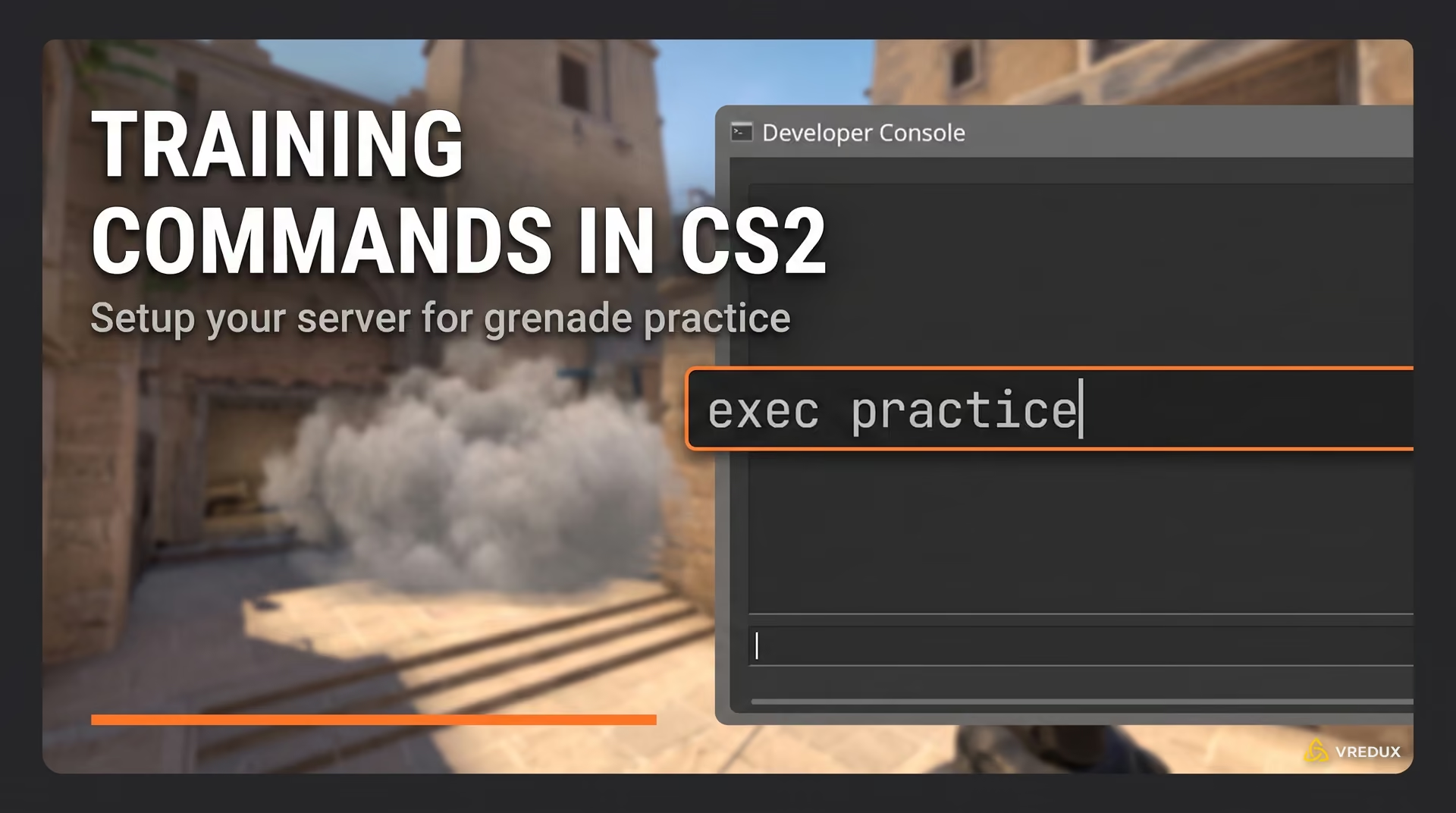
Honestly, playing Counter-Strike 2 without the console is like driving a sports car in first gear. You can do it, but you are missing out on the real power. Whether you want to fix your FPS, set up jump-throw binds, or just disconnect from a match faster than the UI allows, the developer console is your best friend.
.jpg)
When I first launched the limited test, I was lost because Valve, in their infinite wisdom, keeps this feature disabled by default. If you are stuck wondering how to open console in CS2 or why your tilde key isn't doing anything, don't worry.
Article Contents:
In this guide, I will show you exactly how to enable console in CS2, how to rebind it if your console key is broken, and what to do if the console won't open. Let’s dive in.
.jpg)
What is the Developer Console in CS2?
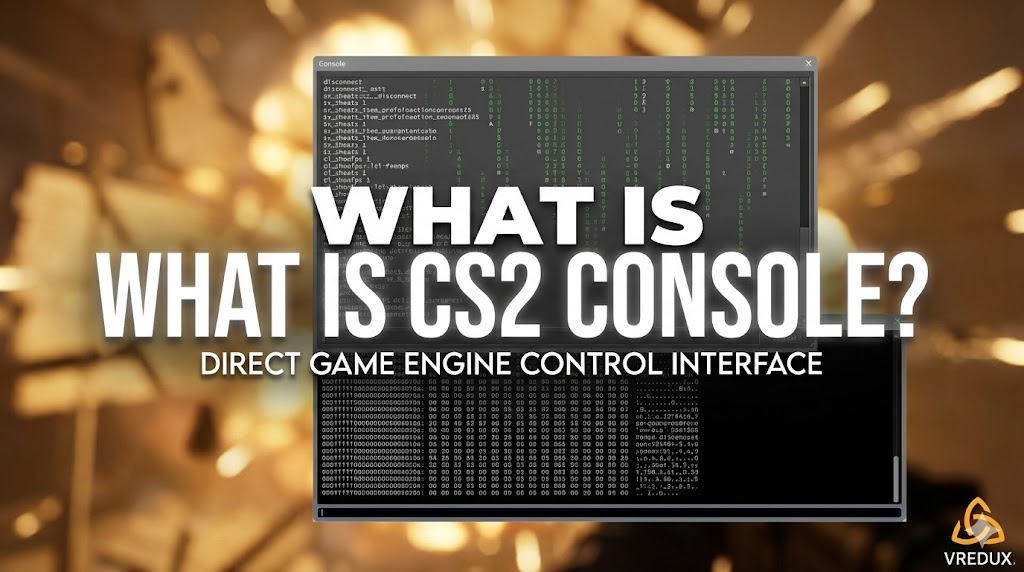
Before we get to the "how-to," let's briefly touch on the "what." The CS2 console is a text-based interface that lets you input console commands directly into the game engine.
Think of it as the backstage of the game. While the settings menu gives you sliders and checkboxes, the command console gives you raw control. You can customize your crosshair, view stats like fps, change the hud, or even use cheats (in private lobbies, of course).
For more tips, tricks, and software to improve performance, visit our main page at VRedux or browse our Article Section.
How to Enable Console in CS2 (The Standard Way)
The process to turn on console CS2 is slightly different from other games, but if you remember how to open console in CSGO, it’s pretty much the same vibe. Here is the step-by-step method that works for 99% of players.
Step 1: Access Game Settings
-
Launch CS2 and stay in the main menu.
-
Click on the Settings menu (the gear icon) in the top-left corner.
-
Go to the "Game" tab.
Step 2: Enable the Feature
-
Look for the "Game" sub-tab (it’s usually the first one open).
-
Find the option labeled "Enable Developer Console (~)".
-
Click the dropdown menu and change it from "No" to "Yes".
That’s it. Now, theoretically, when you press the tilde key (~ or `), the gray window should drop down. This key is usually located right below Esc and to the left of the "1" key on a standard keyboard.
.jpg)
How to Open Console in CS2 via Launch Options
Sometimes, the game just glitches, or you want the console to appear automatically every time you launch. I personally use this method because it ensures my autoexec file loads correctly.
Here is how to open CS2 console using Steam properties:
-
Open your Steam Library.
-
Right-click on Counter-Strike 2.
-
Select "Properties".
-
In the "General" tab, look for the "Launch Options" box at the bottom.
-
Type
-consoleinto the box.
Now, whenever you launch CS2, the window will pop up automatically. This is a surefire way to fix issues if the console not opening via the keyboard.
.jpg)
How to Change the Console Key (Rebind)
Here is where things get tricky for players with non-US keyboards. The default tilde bind can be a nightmare on European ISO layouts. If you are pressing ~ and nothing happens, you need to rebind the key.
-
Open Settings -> Keyboard / Mouse.
-
Scroll down to the "UI Keys" section.
-
Find "Toggle Console".
-
Click on the current binding and press the key you want to use.
My advice: Bind it to something you don't use often, like F1 or /. I’ve seen too many people accidentally open the console during a clutch because they panicked and mashed the tilde key.
Troubleshooting: Why Can't I Open Console in CS2?
So, you followed the steps, selected "Yes", and... silence. The console won't open. This is frustrating, but common. Here are the main fixes I've used to solve this.
1. Check Your Keyboard Layout
If you are asking "why can't open console CS2?", check your Windows language settings. If you are using a different keyboard layout, the game might not recognize the specific key code for tilde. Try switching your Windows keyboard to "English (US)" temporarily to test it.
2. Verify Integrity of Game Files
Sometimes a corrupted file breaks the UI.
-
Right-click CS2 in Steam -> Properties -> Installed Files -> "Verify integrity of game files".
-
This checks if any game files are missing and redownloads them.
3. The "Alt-Tab" Bug
There is a known bug where if you Alt-Tab out of the game, the console key in CS2 stops responding. Try clicking the mouse on the screen to regain focus, or restart the game.
4. Remove Conflicting Binds
If you have an autoexec file in CS2, check if there is a line saying unbind all or a conflicting bind for the console key. Open your cs2_user_keys.vcfg (if you know where to look) or just reset your keyboard settings to default in the menu.
.jpg)
Essential CS2 Console Commands to Know
Now that you know how to access console in CS2, what should you type? Console commands in counter-strike 2 are powerful tools. Here are the ones I use daily:
-
fps_max 0: Removes the FPS cap, letting your GPU run wild. -
cl_showfps 1: Shows your frames per second counter (basic version). -
disconnect: Instantly leaves the server (faster than the menu). -
quit: Closes the game entirely. -
clear: Clears all text from the console window. -
sv_cheats 1: Enables cheat commands (only works in private servers).
If you want to automate this, you can set up an autoexec file. This is a text file that runs these commands automatically when you start the game, so you don't have to manually enter them every time.
Comparison: CS:GO vs. CS2 Console
Veterans often search for how to open console on CSGO or how to open command prompt in CSGO thinking it’s different.
| Feature | CS:GO | CS2 |
|---|---|---|
| Activation | Game Settings -> Enable Developer Console | Game Settings -> Game -> Enable Developer Console |
| Default Key | Tilde (~) | Tilde (~) |
| Look & Feel | Simple text box | Modern UI, search suggestions, command history |
| Launch Option | -console |
-console |
As you can see, if you knew how to open developer console CSGO, you already know how to open developer console in CS2. The logic remains the same, but the interface in Counter-Strike 2 is much cleaner and actually suggests commands as you type, which is a huge upgrade.
FAQ
I enabled the console but it still doesn't open. Why?
Check your binds. Go to "Keyboard / Mouse" settings and ensure "Toggle Console" has an assigned key. Also, try adding -console to your launch options.
How to open command console CS2 without opening settings?
You can't initially. You must enable it in settings once. After that, just press the assigned key.
Is "command prompt CSGO" the same as the console?
Yes. Some players call it the command prompt, but it is officially the developer console. The queries how to open command prompt in CSGO and how to open CSGO command refer to the same thing.
Can I get banned for using console commands?
No. Console commands provided by Valve are safe. However, using third-party software is a different story. Speaking of which, for features that console commands can't do (like skin changers), I recommend checking out the private cheat VRedux.
How to open commands in CS GO (Legacy)?
If you are playing the legacy version, the process for how to open the console in CSGO is identical: Settings -> Game Settings -> Enable Developer Console.
Conclusion
Learning how to open console in CS2 is the first step from being a casual player to an advanced user. It gives you control over gameplay, network settings, and ui customization that the basic main menu just doesn't offer.
Whether you used the settings menu or the launch options, you now have access to the engine's brain. Use this power wisely!
Want to learn more? Check out these guides:
Good luck and have fun experimenting with those commands!