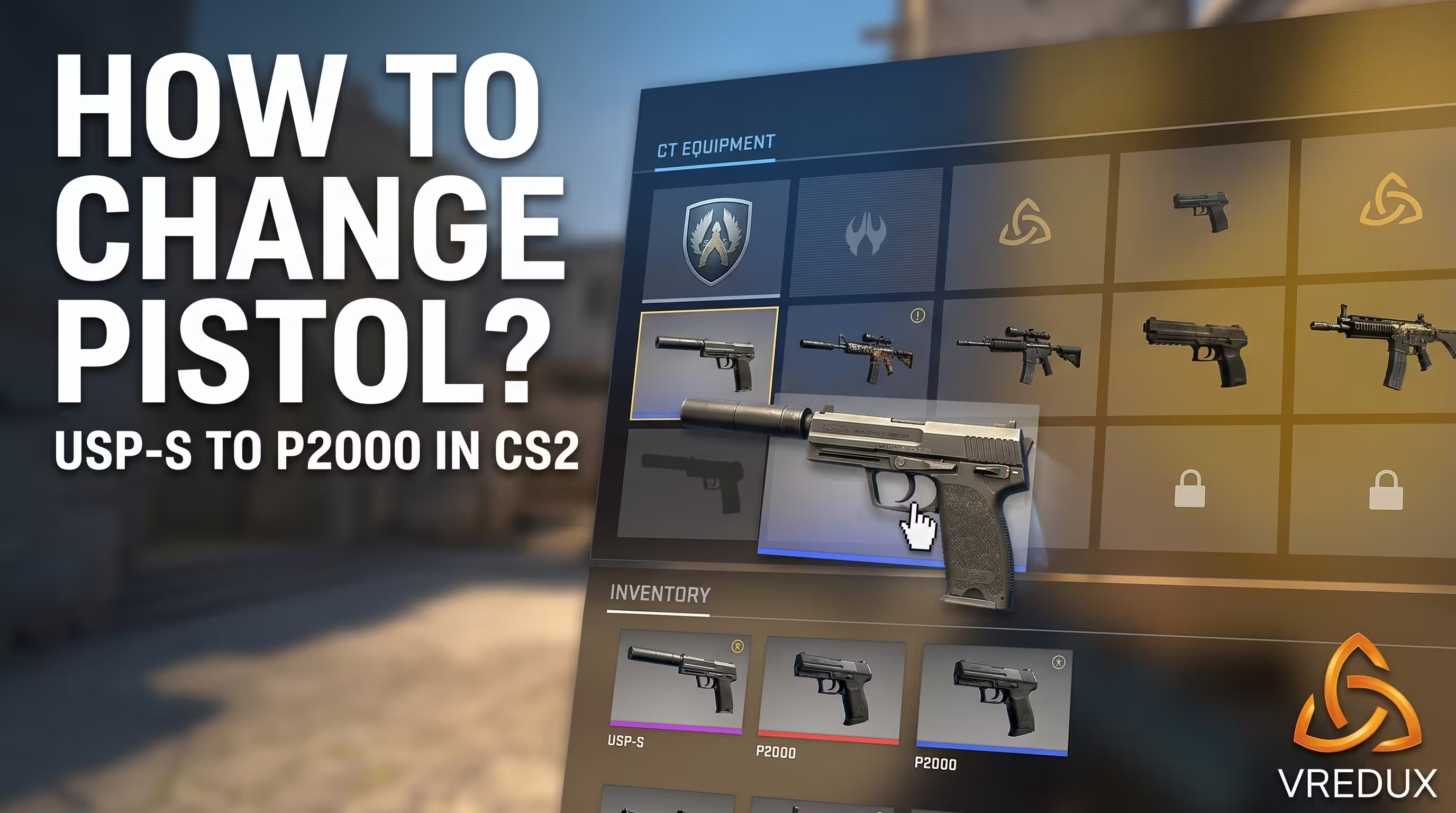
The new 15-slot loadout grid system in CS2 drastically changed the familiar purchasing process from CS:GO. Many beginners join a server, hit the B key (buy menu) in spawn, and freeze up: where is my favorite USP-S, and why did it give me the default P2000?
In CS2, the loadout logic has changed: you now configure your slots before the match starts. In this guide, I will explain step-by-step how to change your starting pistol in CS2, why you cannot drop the Glock-18 on the Terrorist side, and what to do if the game bugs out. If you are looking for more useful technical tricks, the massive VRedux information portal is a reliable knowledge base for gamers of any skill level.
Guide Contents:
How to Choose the USP-S Instead of the P2000 for the CT Side in CS2
Step-by-Step Guide: How to Change the Starting Pistol in CS2
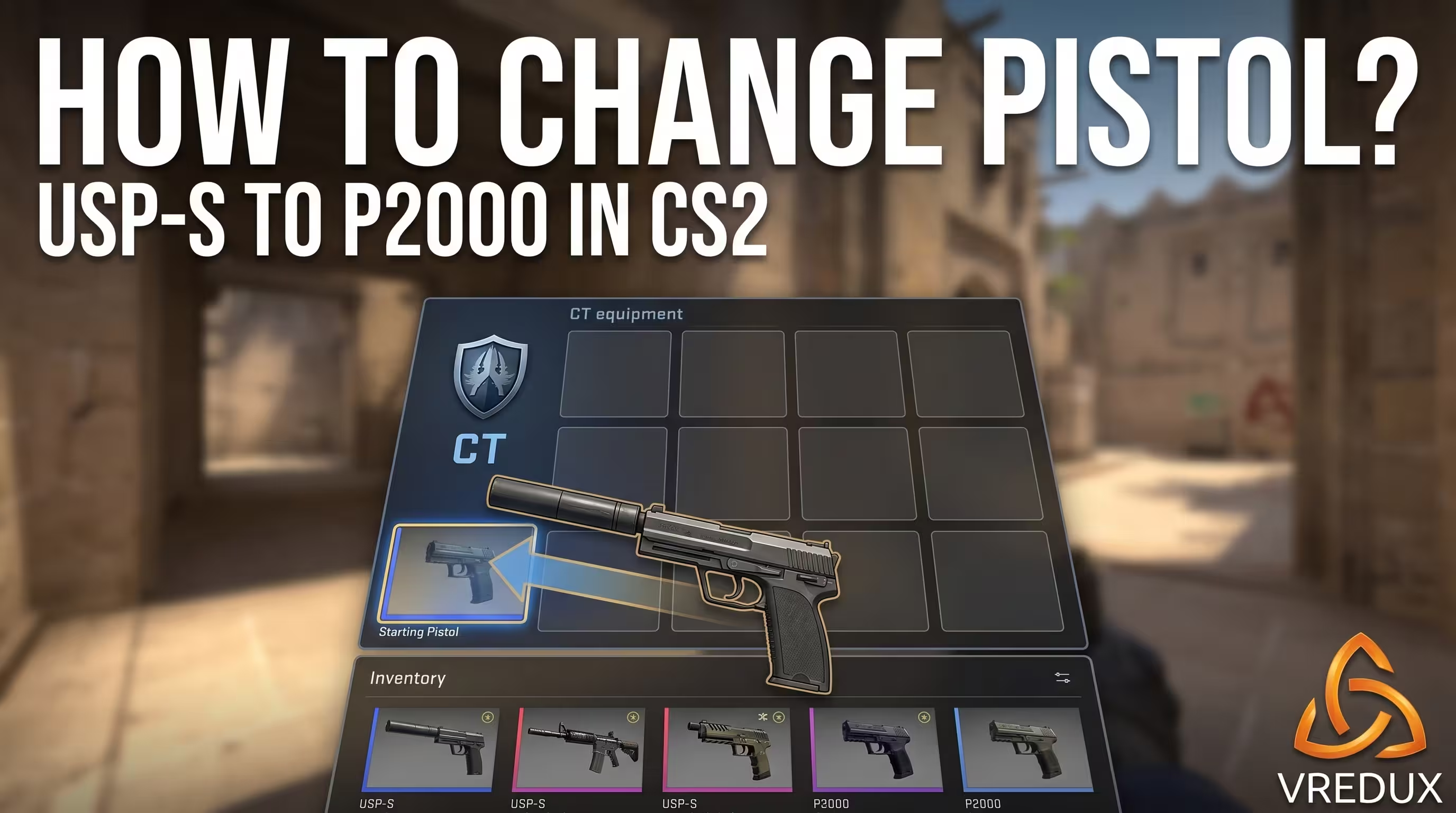
Unlike CS:GO, where the starting pistol was selected within the in-game inventory and you could just buy the alternative for $200 in the buy menu, the CS2 Loadout system works differently. You must configure your slots before queueing for a match. Here is how to swap the P2000 for the USP-S in CS2 without the headache:
- Launch Counter-Strike 2 and stay in the main menu.
- Navigate to the "Loadout" tab in the top navigation menu.
- In the upper third of the screen, switch to the defense side (CT).
- Find your USP-S in the bottom row of available weapons.
- Using drag-and-drop, place the icon into the far-left slot to set the USP-S as your starting pistol.
- Done. If you want to apply a specific skin, find it in the bottom inventory panel and drag it into the starting pistol slot (or right-click the skin, click "Equip," and choose the CT slot).
This is basic inventory mechanics. But to consistently carry your matches, having a USP-S in CS2 is not enough—I highly recommend checking out our autoexec.cfg guide beforehand. This ensures your perfect binds will never wipe after Valve's micro-patches.
Limitations: Why Can't You Change the T-Side Pistol?
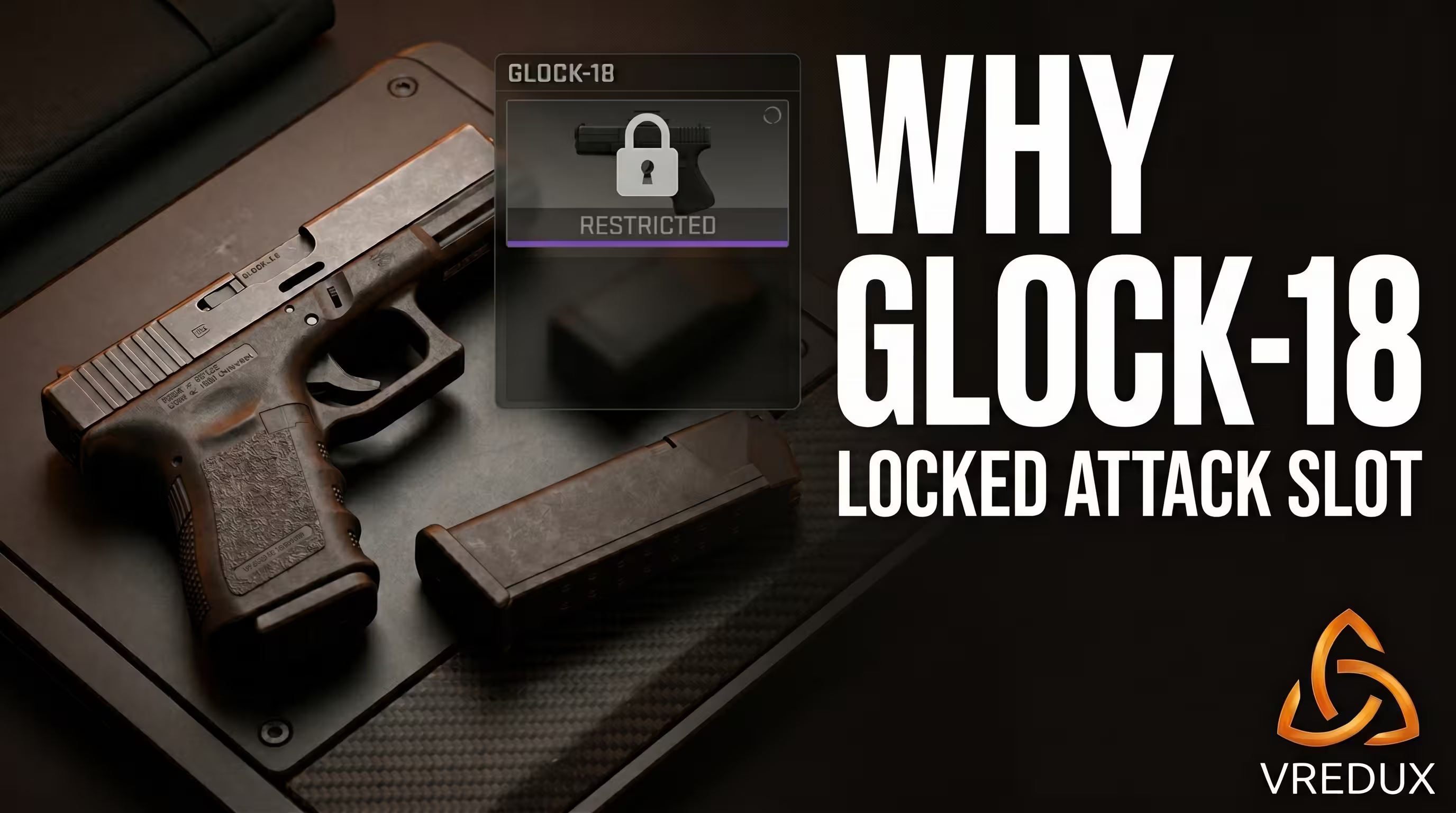
Choosing your starting weapon is an exclusive CT-side mechanic. For the attack side (T), the slot is permanently locked to the Glock-18. There are zero alternatives in the game files. The engine architecture and game balance dictate that the attackers overwhelm with volume (a 20-round magazine) during mass rushes, while the defense holds them off with precise taps.
Which is Better: USP-S or P2000 in CS2? Stat Comparison
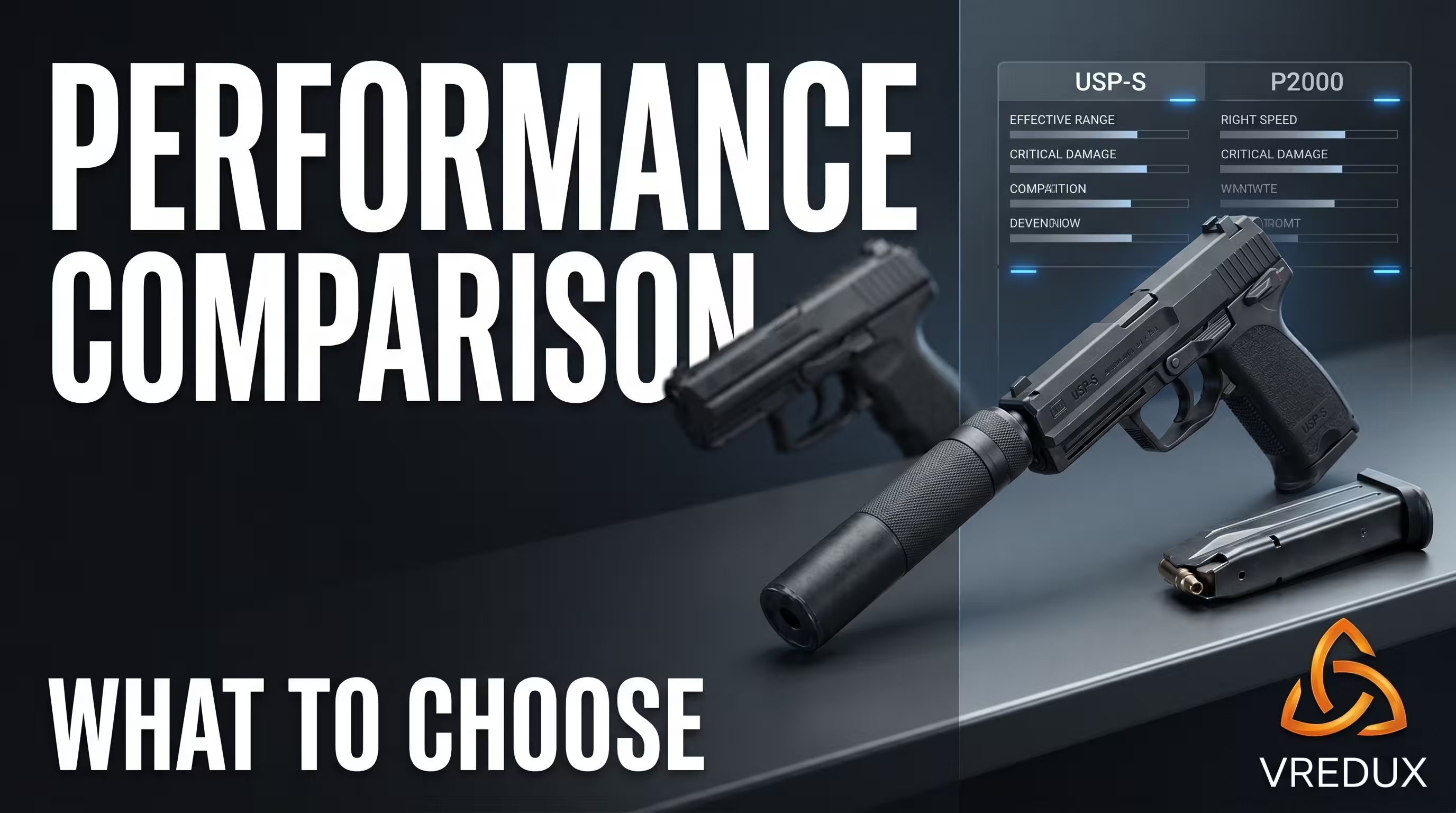
The debate over whether to pick the P2000 or USP-S at the start has raged for years. From my testing experience on current patches, the choice depends entirely on your role on the map (anchor or rotator). Let's look at the raw numbers.
With equal base damage, your choice depends on your role. The USP-S provides stealth but limits you with just 24 reserve rounds. The P2000 offers 52 reserve rounds, making it far more forgiving of missed shots, but it falls short of the USP-S in long-range accuracy and recoil control.
I have personally tested both options in Premier mode. If you prefer taking aggressive angles and jiggle-peeking, the P2000 will suit you better. The key is configuring your interface properly. For example, it helps to know how to bind hand switching in Counter-Strike 2, ensuring that a bulky weapon model with a silencer doesn't block your vision when swinging out of a corner.
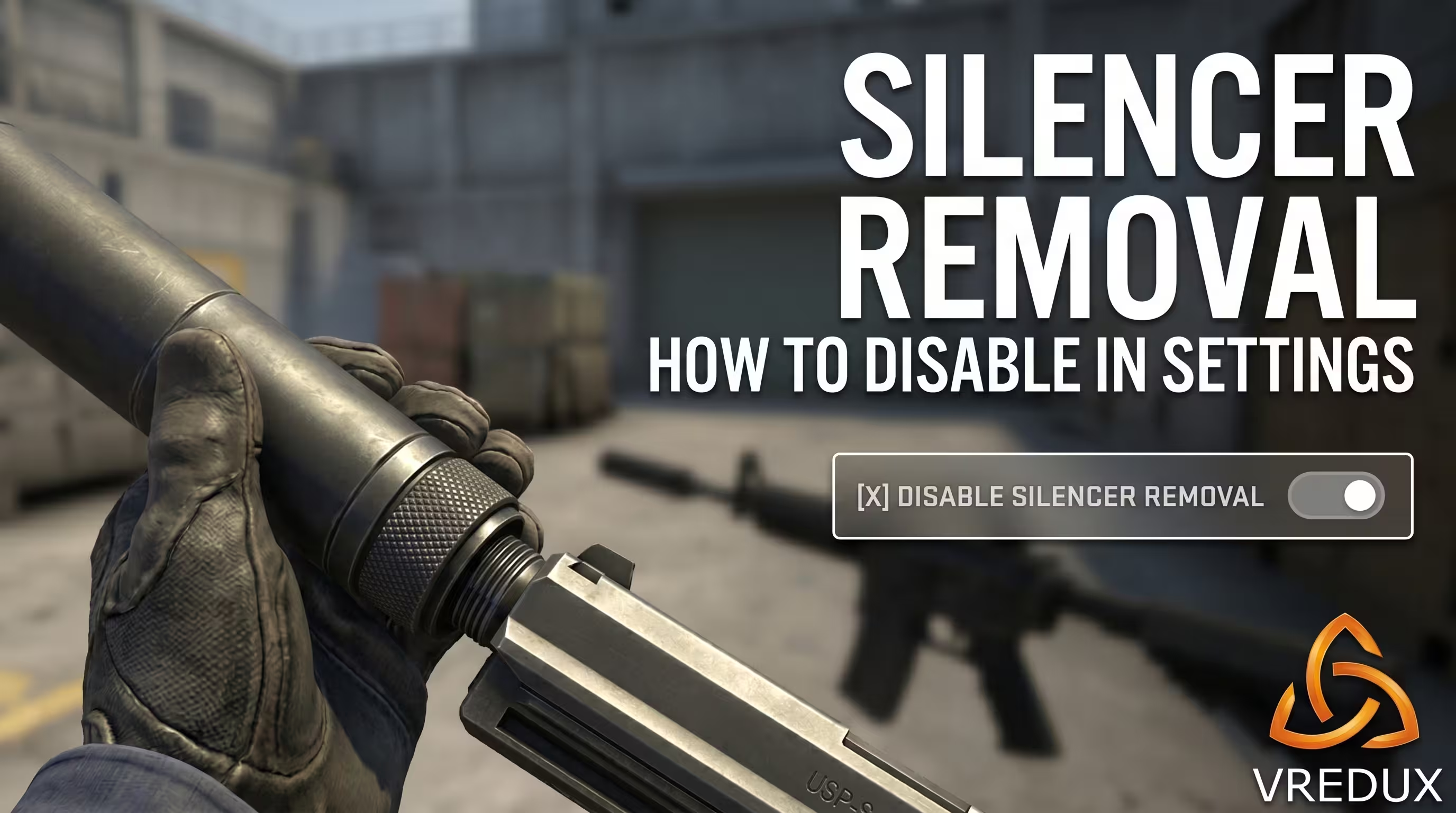
How to Configure Silencer Removal in CS2
We all know the scenario: it's a sweaty clutch, you accidentally hit the right mouse button, your character starts unscrewing the silencer, and you get killed. In CS2, they finally fixed this issue at the engine level.
- Open the developer console (tilde ~).
- Enter the following command:
- Now, the right mouse button is completely ignored when playing with the USP-S or M4A1-S. The
cl_silencer_mode 0command disables silencer removal in the current version of CS2. However, check its validity after the latest patch before using it, as console command behavior can change over time. - To revert this, use
cl_silencer_mode 1.
You can also change this via the GUI: go to "Settings" -> "Game" -> "Item" and set the "Detach Silencer" option to "Disabled". This literally saves rounds.
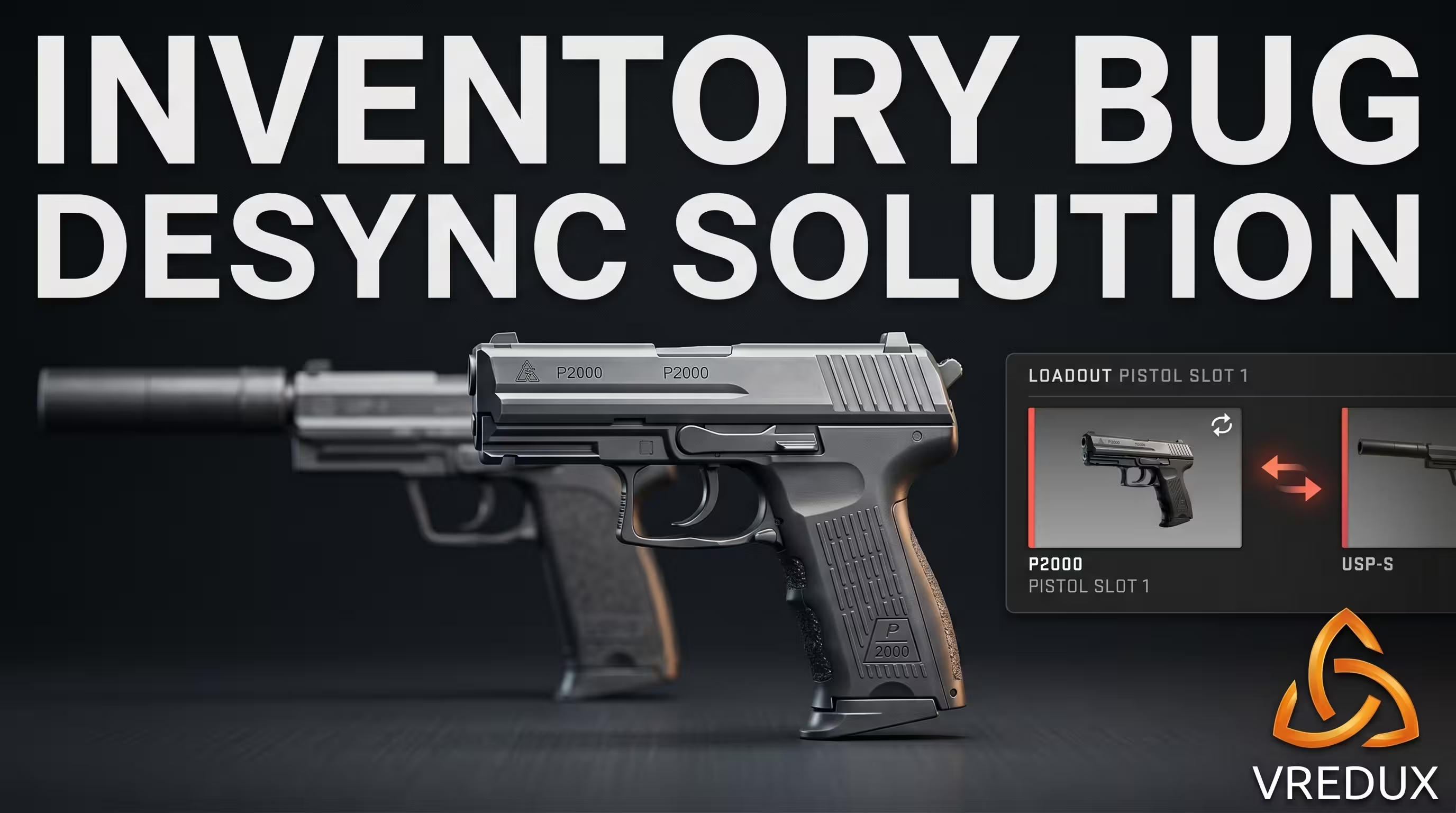
Loadout Bug: Why Do You Spawn With a P2000 Instead of Your Equipped USP-S?
In recent CS2 updates, matchmaking occasionally throws a nasty surprise: you configure your loadout, but in the first round, a default pistol drops into your hands. This is a classic client-server desync bug with Valve's servers.
If your loadout breaks and you don't know how to put the USP-S back instead of the P2000 in CS2, do this: open your "Loadout," unequip the USP-S (equip the P2000), and immediately drag the USP-S right back. This forces an inventory database update. If that doesn't work, completely restart the game and ensure the USP-S is placed specifically in the first 'Starting Pistol' slot before queueing for a new match.
By the way, these glitches are sometimes accompanied by networking issues. If your models are stuttering and hits aren't registering, check out our guide on how to enable Net_Graph in CS2 to monitor packet loss and high ping in real-time.
FAQ: Frequently Asked Questions About the CS2 Starting Pistol
To wrap up, a properly configured interface and a pre-selected starting pistol are the foundation for a confident pistol round. While others bleed Premier ELO because they forgot about loadout desync or accidentally removed their silencer, you join the server with the right gun and secure the win. Learn the game mechanics, test both pistols on DM servers, and find your playstyle. You can always find more cool tricks, binds, and expert optimization tips in the VRedux article knowledge base. Happy fragging!