Mastering movement and strafing has been a Counter-Strike staple since the early days. In CS2, movement is even more critical due to the sub-tick architecture, which completely overhauled air physics, acceleration, and stopping timings. Honestly, right after the Source 2 release, when I first tried a standard counter-strafe on Mirage and my model slid an extra foot and a half, I was ready to smash my magnetic keyboard. Most players blame servers or high ping, but the real issue lies directly in client-side game settings.

If you're still practicing on standard Deathmatch servers with a default config, you're bleeding precious milliseconds on every single peek. Proper CS2 movement training isn't just mindlessly jumping around a map. It's a structured competitive system built on dedicated workshop maps, essential server commands, and dialed-in client settings tailored to the new engine.
In this guide, I'll break down the entire process step-by-step: how to eliminate sub-tick input delay, which Steam Workshop hubs you need to download, and how to build a rock-solid warmup routine that translates directly to Premier and competitive matchmaking.
Key Takeaways
Effective CS2 movement training starts with bypassing sub-tick input delays using alias binds and downloading Movement Hub (ID: 3355497176) from the Steam Workshop. Use Surf servers to build smooth mouse control and Bhop maps to master jump timings. Our Counter-Strike 2 DLC proves it: without proper config optimization, raw practice won't yield consistent results.
- Core Map: Movement Hub (Steam Workshop ID: 3355497176) featuring Time Trial mode for dedicated skill jumps.
- CS2 Issue: Sub-tick input delay (reliably fixed with alias binds in your autoexec.cfg).
- Top Community Servers: Cybershoke and xplay.gg (featuring
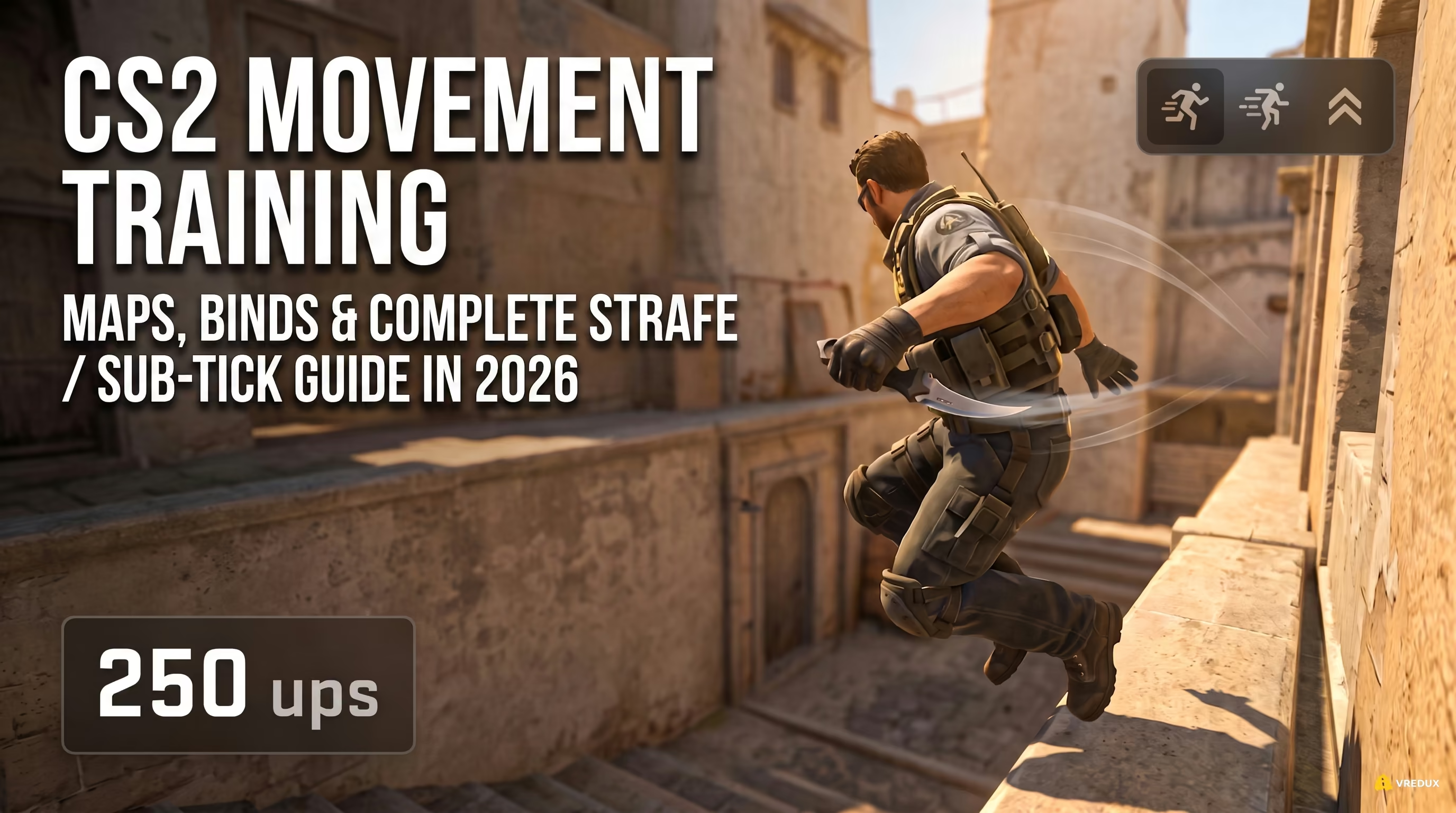
!replaysand!stylecommands for error analysis). - Movement Speeds (ups): Timing is everything. Knife gives 250 ups, AK-47 gives 215 ups, and AWP gives 200 ups—directly affecting your counter-strafes.
- Daily Routine: An optimal 30-minute warmup protocol before queuing FACEIT or Premier (Bhop, Movement Hub, DM).
Below, I'll break down the exact config setup to make your counter-strafes register instantly, followed by an in-depth breakdown of how different parkour disciplines improve your competitive gameplay.
The Foundation: Sub-Tick and Alias Binds for Instant Response
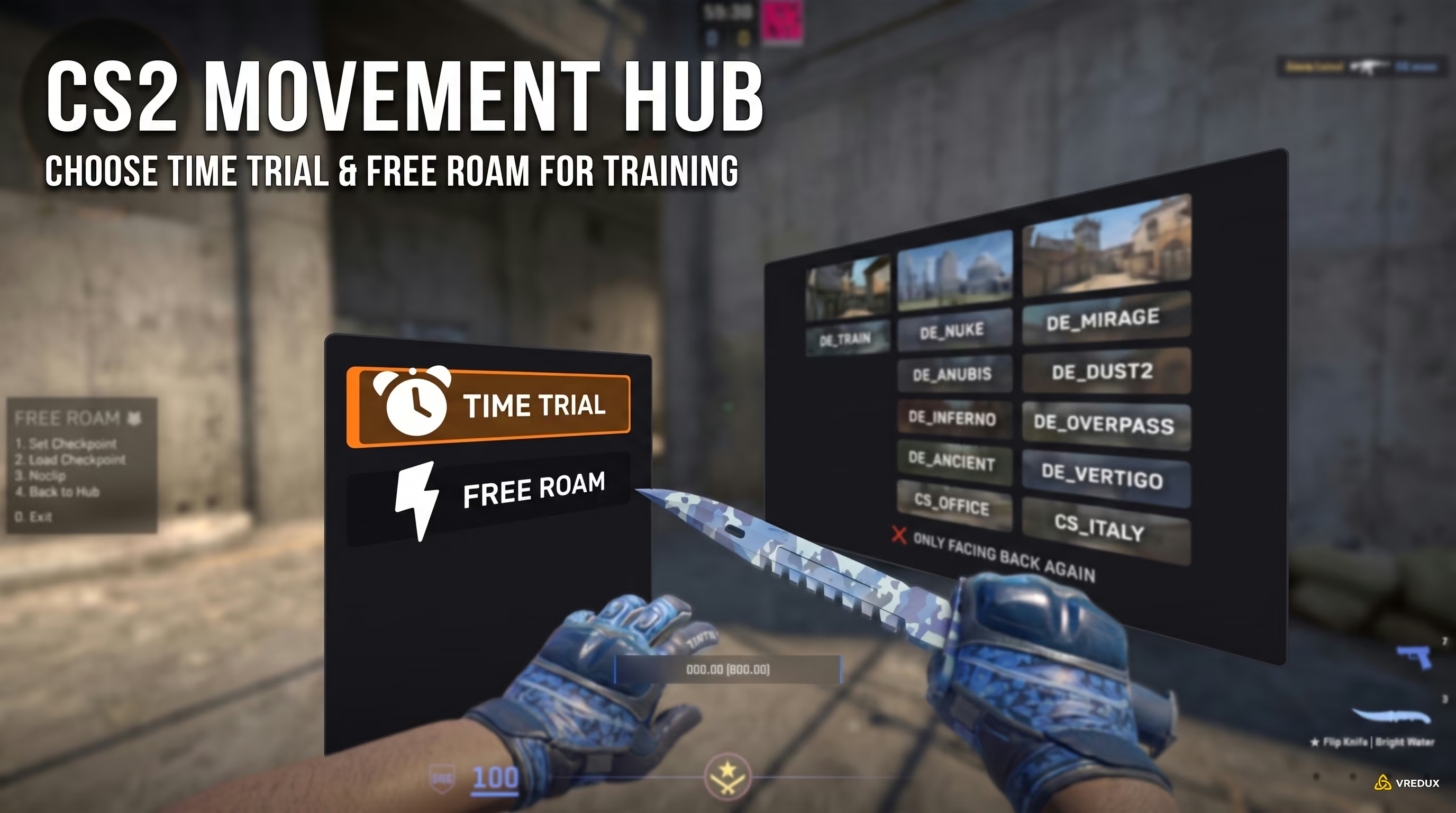
In CS2, the sub-tick system introduces subtle input delays when releasing movement keys. Using alias binds (such as alias +forward_ "+forward;+forward") strips redundant packet arguments, making counter-strafing crisp and instant. You configure these binds inside your custom autoexec.cfg file in the CS2 game directory.
This is where CS2 differs fundamentally from CS:GO. Source 2 doesn't just register key presses; it timestamps input down to the exact sub-tick interval between server ticks. When you release a movement key normally, the engine bundles extra packet data. The result? Your player model takes slightly longer to decelerate to a complete stop. In my testing, the difference in stopping distance during a standard AK-47 peek was several units—often the deciding factor against an enemy AWPer holding an angle.
To bypass this delay, I use custom movement aliases. The technique works by chaining the movement command with a semicolon. Adding the ; delimiter prevents Valve's sub-tick parser from appending timestamps to the input packet. The server processes a clean command immediately on the tick, restoring the crisp responsiveness of native 128-tick servers. Package these binds into a dedicated CS2 Autoexec CFG so they load automatically every time you launch the game.
Ready-to-Use autoexec.cfg Config (Updated 2026)
Create an autoexec.cfg file in \Steam\steamapps\common\Counter-Strike Global Offensive\game\csgo\cfg and paste the following code block:
// Sub-tick delay bypass aliases
alias +forward_ "+forward;+forward"
alias -forward_ "-forward;-forward;-forward"
alias +back_ "+back;+back"
alias -back_ "-back;-back;-back"
alias +left_ "+left;+left"
alias -left_ "-left;-left;-left"
alias +right_ "+right;+right"
alias -right_ "-right;-right;-right"

// WASD movement keybinds
bind "w" "+forward_"
bind "s" "+back_"
bind "a" "+left_"
bind "d" "+right_"

// Scroll wheel jump binds for bunnyhopping
bind "mwheeldown" "+jump"
bind "mwheelup" "+jump"
bind "space" "+jump"
Keep in mind that setting up a proper CS2 scroll wheel jump bind is essential for bunnyhopping. With the new sub-tick jump registration, hitting the microscopic jump window with the spacebar alone is virtually impossible.
Training Hubs: Movement Hub and Yprac
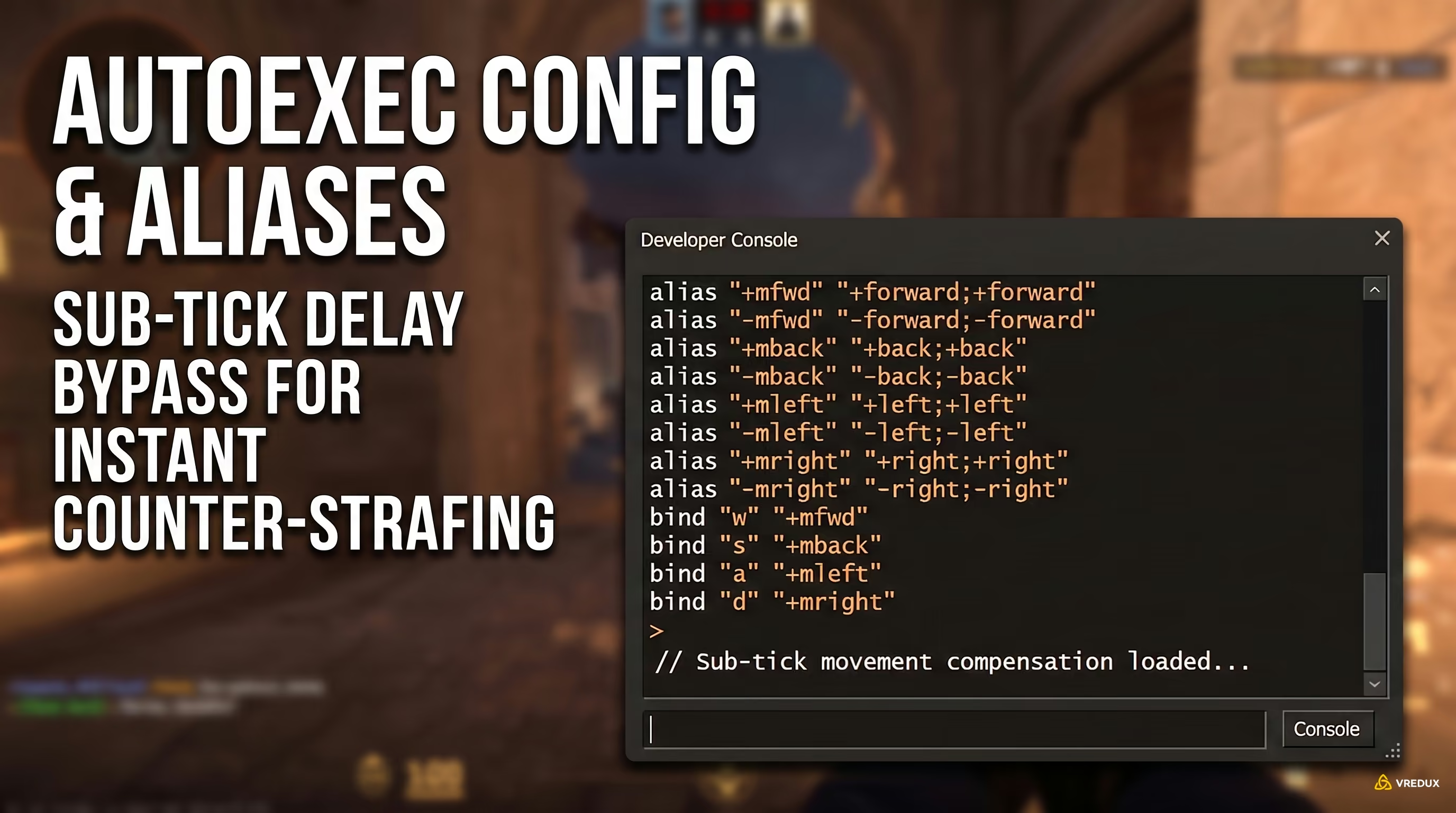
Movement Hub (Steam ID: 3355497176) is the premier hub for CS2 movement training. Its Time Trial mode features dedicated courses replicating competitive skill jumps across Mirage, Inferno, Ancient, and Nuke—jumps you simply cannot safely practice during live matches.
In the past, players had to load empty custom servers, fly across maps, and spend hours repeatedly trying to jump onto a single crate. Today, map creators have consolidated all essential practice spots into unified training hubs. If your CS2 movement is still limited to standard runs from spawn to bombsite, these workshop maps will transform your mechanics.
Movement Hub: Time Trial vs. Free Roam Mode Breakdown
Movement Hub features two core modes that make it an essential download. Free Roam lets you explore the geometry of competitive maps freely, locating pixel walks, clipping exploits, and ledge alignments. Time Trial serves as a full-fledged competitive obstacle course. You step onto the starting pad, the timer starts, and you complete a sequence of skill jumps (such as the classic Inferno porch-to-boiler leap). Miss a jump or mess up your timing, and the script instantly teleports you back to the checkpoint. This builds solid muscle memory significantly faster than years of standard ranked play.
Movement Disciplines: Surf, Bhop, and KZ
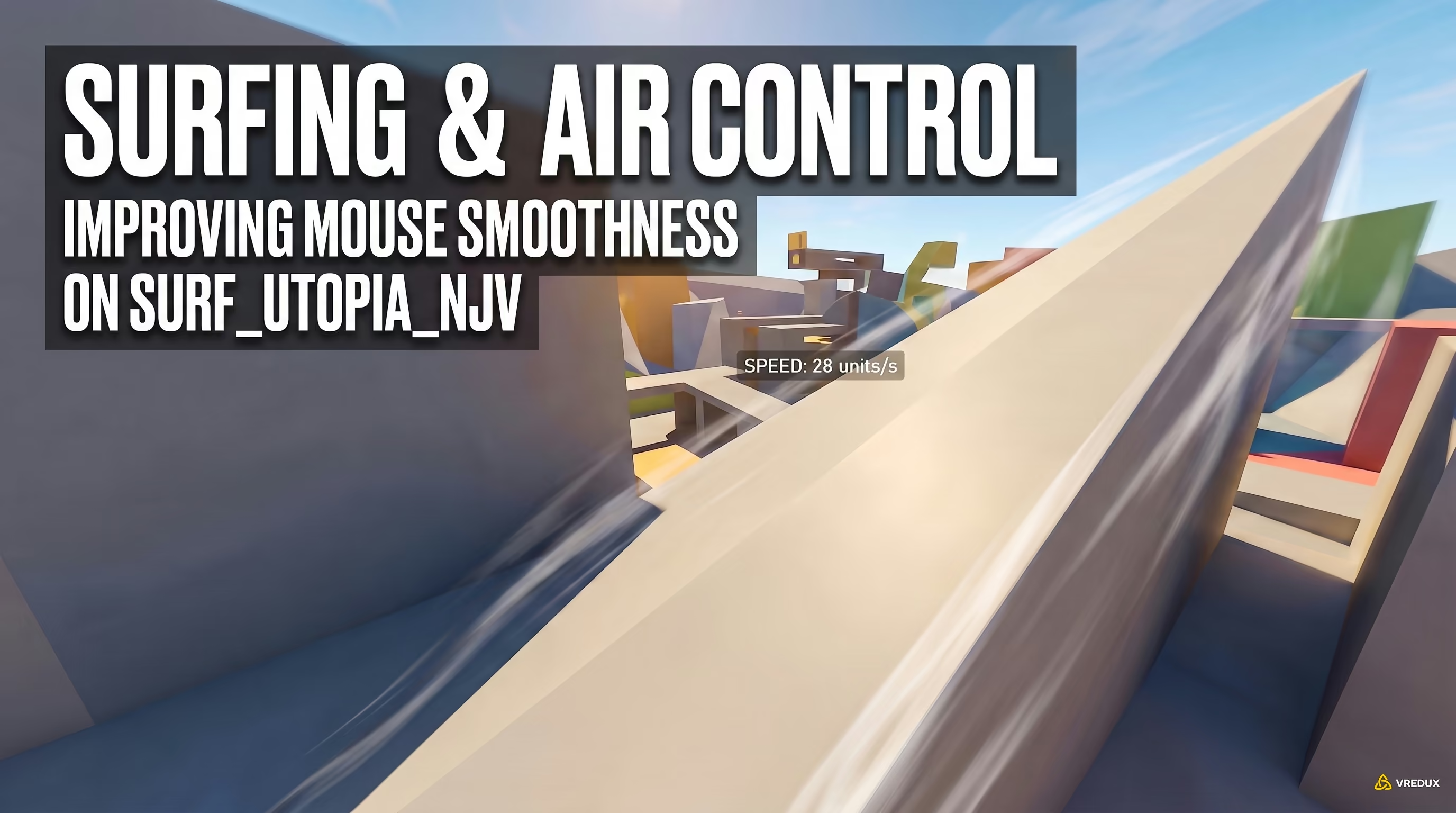
Surf builds smooth mouse tracking and air control, Bhop trains jump rhythm and momentum preservation, while KZ hones micro-adjustments and long jumps. For a quick start in 2026, load up surf_utopia_njv and kz_checkmate from the Steam Workshop.
Many beginners assume that surfing or hopping across floating platforms is just casual fun for streamers or a waste of time. In reality, each movement discipline isolates and develops specific mechanics that you instinctively rely on when clearing sites with a rifle in hand.
Take Surfing (Surf), for example. Many players don't see why sliding along ramps matters for competitive CS. However, Surf forces your wrist to make exceptionally smooth, consistent tracking motions. That skill translates directly into air strafing. When you jump from Heaven to Yard on Nuke or slide down the Vertigo ramp, muscle memory from Surf keeps your trajectory smooth and your crosshair steady without losing control upon landing.
Bunnyhopping (Bhop) is its own art form under the sub-tick system. Bhop maps teach you to feel the exact rhythm of touching the ground rather than randomly spamming the scroll wheel. In a competitive match, stringing together just 2 to 3 consecutive hops lets you cross Mid Doors on Dust II safely or dodge an AWP shot by maintaining momentum above base running speed.
KZ (Kreedz) is an intense test of patience, precise inputs, and map geometry. KZ maps demand pixel-perfect landings on narrow ledges. This is where you learn mechanics like the edge bug—silently sliding off high drops (such as dropping from Mirage Short to Mid) without taking fall damage or making landing noise. That alone gives you a massive tactical edge during silent rotations.
Top 5 Steam Workshop Movement Maps
To save you hours searching for reliable options, here is an updated list of tested CS2 movement maps that run flawlessly on the new engine without breaking sub-tick physics:
- surf_utopia_njv — Tier 1 entry map for learning ramp sliding physics. Perfect for calibrating sensitivity and smooth mouse turns.
- bhop_khufu — Classic bunnyhop layout with wide platforms, great for practicing A/D air strafing.
- kz_checkmate — Precision-focused parkour map. The best testing ground for perfecting long jumps.
- kz_grotto — Advanced KZ course emphasizing long-distance jumps and complex obstacle geometry.
- bhop_dunedash — Fast-paced map designed to lock down consistent scroll wheel jump timings.
Movement Speed Table (ups) and Weapon Timings
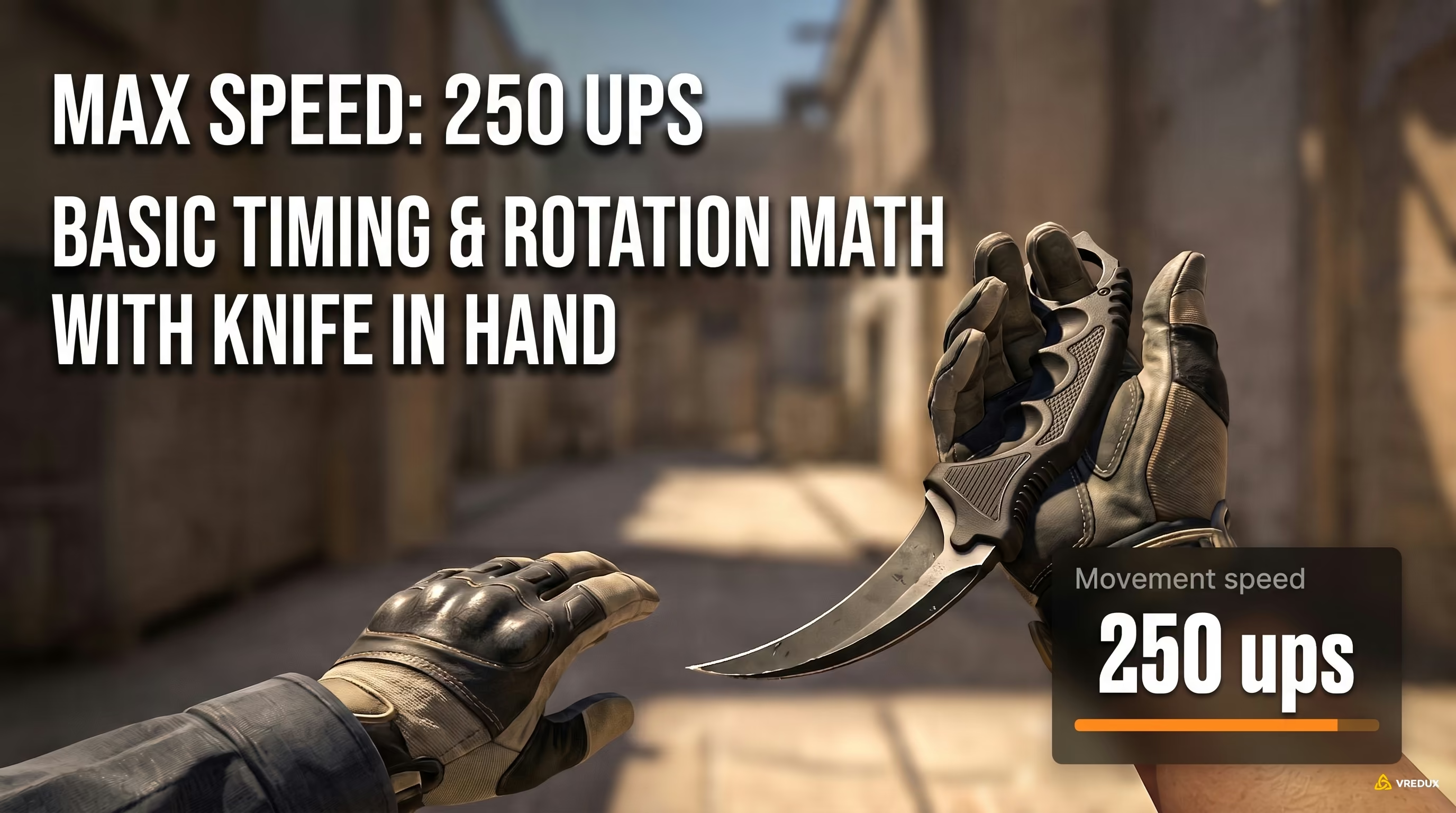
Movement speed in CS2 runs at 250 ups with a knife, 215 ups with an AK-47, 225 ups with an M4, and 200 ups with an AWP. These values directly dictate rotation timings—wielding heavy weapons slows your map traversal by up to 20%.
Understanding the core math of movement speed—measured in units per second (ups)—is vital for high-level play. Strafe-peeking with an AWP starts at a much lower velocity than peeking with a pistol, meaning deceleration and counter-strafe timing feel noticeably different. Mastering these exact numbers lets you beat enemy timings and plan faster routes.
The practical takeaway is simple: always rotate across the map and execute long skill jumps with your knife out. Consider a B-site retake on Mirage: running from CT spawn with an AWP out wastes 2 to 3 seconds compared to running with a knife. Attempting the Mirage Window self-boost jump with an AK-47 in hand leaves you stranded at 215 ups—falling short of the necessary velocity and dropping you straight into Mid.
Community Servers and Diagnostic Commands
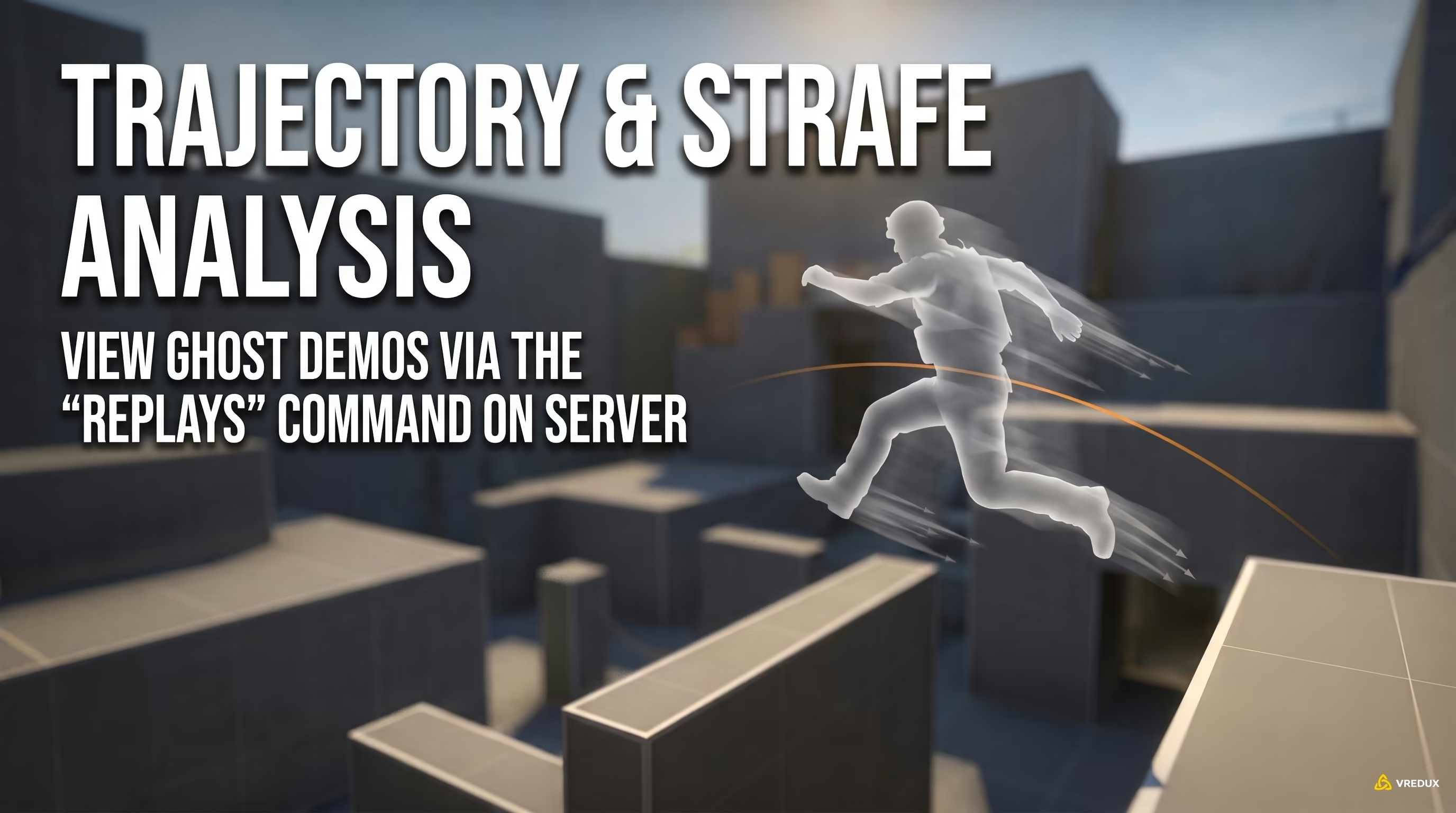
Community servers like Cybershoke and xplay.gg feature the !replays command, letting you watch runs from top-ranked players or review your own attempts frame-by-frame to analyze air strafing errors. The !style command switches jump physics between competitive Vanilla mode and relaxed CKZ training settings.
Solo workshop maps are a great starting point, but refined movement is forged on dedicated community servers. Before jumping in, make sure you know how to enable the CS2 developer console to manage connection commands and settings. Having tested dozens of server providers in 2026, platforms like xplay.gg and Cybershoke stand out for their low-latency routing and consistent server performance—vital for sub-tick accuracy.
The most valuable feature on these servers is the built-in analytics plugin suite. Here are the most useful chat commands to run:
!replays(or!play) — Opens the replay demo menu. You can spawn a ghost of a top-10 leaderboard runner and fly alongside them to study optimal takeoff angles, strafe arcs, and jump timings.!style— Selects physics styles. Vanilla replicates strict Valve matchmaking physics (realistic air acceleration), while CKZ (Custom KZ) provides increased air control to help practice complex movement chains.!noclip— Activates free flight to quickly inspect map geometry, practice paths, and spot shortcuts.!cpsound— Customizes or mutes audio cues when triggering checkpoints so you can focus entirely on timing.
30-Minute Movement Warmup Routine for FACEIT & Premier
An optimal pre-match warmup routine takes 20 to 30 minutes: 5 minutes of Bhop to loosen up wrist rhythm, 10 minutes in Movement Hub (Time Trial) for competitive skill jumps, and 15 minutes on a Deathmatch server strictly practicing counter-strafes and peek timings.
Spending five hours a day on surf maps won't help your rank if those mechanics don't translate into gunfights. A competitive warmup should be concise and high-intensity. If you want measurable progress, follow this structured routine before queuing your next Premier or FACEIT match:
- 0:00 - 0:05 (Wrist Warmup & Jump Rhythm): Load into bhop_khufu. Your sole objective is waking up your wrist, getting a feel for your mousepad friction, and locking down scroll-wheel jump timing. Don't worry about course records—focus on fluid movement.
- 0:05 - 0:15 (Skill Jumps & Self-Boosts): Open Movement Hub in Time Trial mode. Load Mirage or Inferno. Complete at least 10 consecutive successful jumps into Mirage Window or onto Inferno Short without falling. If you fail a jump, reset your streak.
- 0:15 - 0:30 (Live Weapon Strafing on DM): Join an FFA Deathmatch server. Strictly ban yourself from spraying or crouching. Move exclusively with counter-strafes: step left (A) → tap right (D) to stop instantly → hit the headshot. Practice slicing the pie around Mirage A-site boxes or Inferno Banana, relying on immediate stopping power from your alias binds.
FAQ: Frequently Asked Questions About CS2 Movement
Conclusion
While casual players blame sub-tick and high ping for missed shots, running an optimized autoexec, drilling skill jumps in Movement Hub, and mastering counter-strafe stops will give you a decisive edge in 1v1 duels. Build your foundation, rotate through different movement disciplines, and make sure your CS2 mouse settings are dialed in so your sensitivity stays in sync with your keyboard inputs when the round is on the line.