Honestly, waiting to respawn during a local practice session is pure torture. When I train spray transfers or test nades on an empty map, dying and staring at the spectator screen makes me want to smash my keyboard. In my tests on the Source 2 engine, I noticed that simply turning on infinite health doesn't cut it. You need a proper CS2 respawn console command to keep the action going.
Many players waste time searching for a "back to life CS2" button, but the reality is much more technical. By manipulating server CVARs, you can force the game to instantly respawn any player or bot. If you are serious about improving, or if you just want to test features before using a premium VRedux subscription in matchmaking, setting up a flawless local server is critical. Here is the detailed help on how to use these settings.
Guide Contents:
Instant Respawn Command in CS2 in 3 Seconds
Skip the long tutorials. If you need command help right now, follow this strict algorithm to activate the respawn feature automatically.
- Open the console: Press the tilde key (~).
- Enable cheats: Type
sv_cheats 1. - For Counter-Terrorists: Type
mp_respawn_on_death_ct 1. - For Terrorists: Type
mp_respawn_on_death_t 1. - Remove delays: Type
mp_respawnwavetime_ct 0andmp_respawnwavetime_t 0.
This setup guarantees that every time you or a bot die, the server triggers an instant respawn. But there is a nuance: default settings still grant a few seconds of invulnerability, which ruins aim training. Let's fix that.
The Instant Respawn Triad: How to Remove Timers and Immunity
In my experience, a single command is never enough. The architecture of a local server in Counter-Strike 2 relies on a triad of CVARs. When users ask how to respawn player CS2, they usually just input mp_respawn_on_death_ct 1 and wonder why there is a massive delay. The engine uses a wave-based respawn system. To achieve a true deathmatch feel without a command generator, you must manually adjust the settings for wave timers and spawn protection. Before applying these tweaks, ensure your game runs smoothly by checking out the best CS2 launch options to maximize your FPS.
Enable Respawn for Each Side
The core variables divide the teams. To instantly respawn a Terrorist, set mp_respawn_on_death_t to 1. Do the same for CTs. Without sv_cheats 1, the server will reject these inputs.
Disable Wave Time and Spawn Protection
Here is the catch that most guides ignore. The mp_respawn_immunitytime command dictates how long a newly spawned entity remains invincible (Godmode). By default, it is set to a float value that gives players time to buy weapons. For aim practice, this immunity is garbage. Set mp_respawn_immunitytime 0 to disable the invulnerability entirely. Next, eliminate the wave delay by setting mp_respawnwavetime_ct 0 and mp_respawnwavetime_t 0. Now, when you drop a bot, it reappears instantly, ready to take another bullet. This trick saves hours of wasted time.
Setting Up a Local Deathmatch Server: Full Practice CFG Guide
Translating a private matches lobby into a relentless training ground requires extra information. I always combine the resp CS2 commands with economy and timer tweaks. Otherwise, the round ends after two minutes, wiping all your progress. Below is the argument information and the exact syntax to build your ultimate Total CS practice map:
Instead of running back to base, just use the buy anywhere command CS2 to swap weapons on the fly. Finish the setup by typing mp_restartgame 1 to apply all changes globally.
Bot Management (AI Targets) for Non-Stop Training
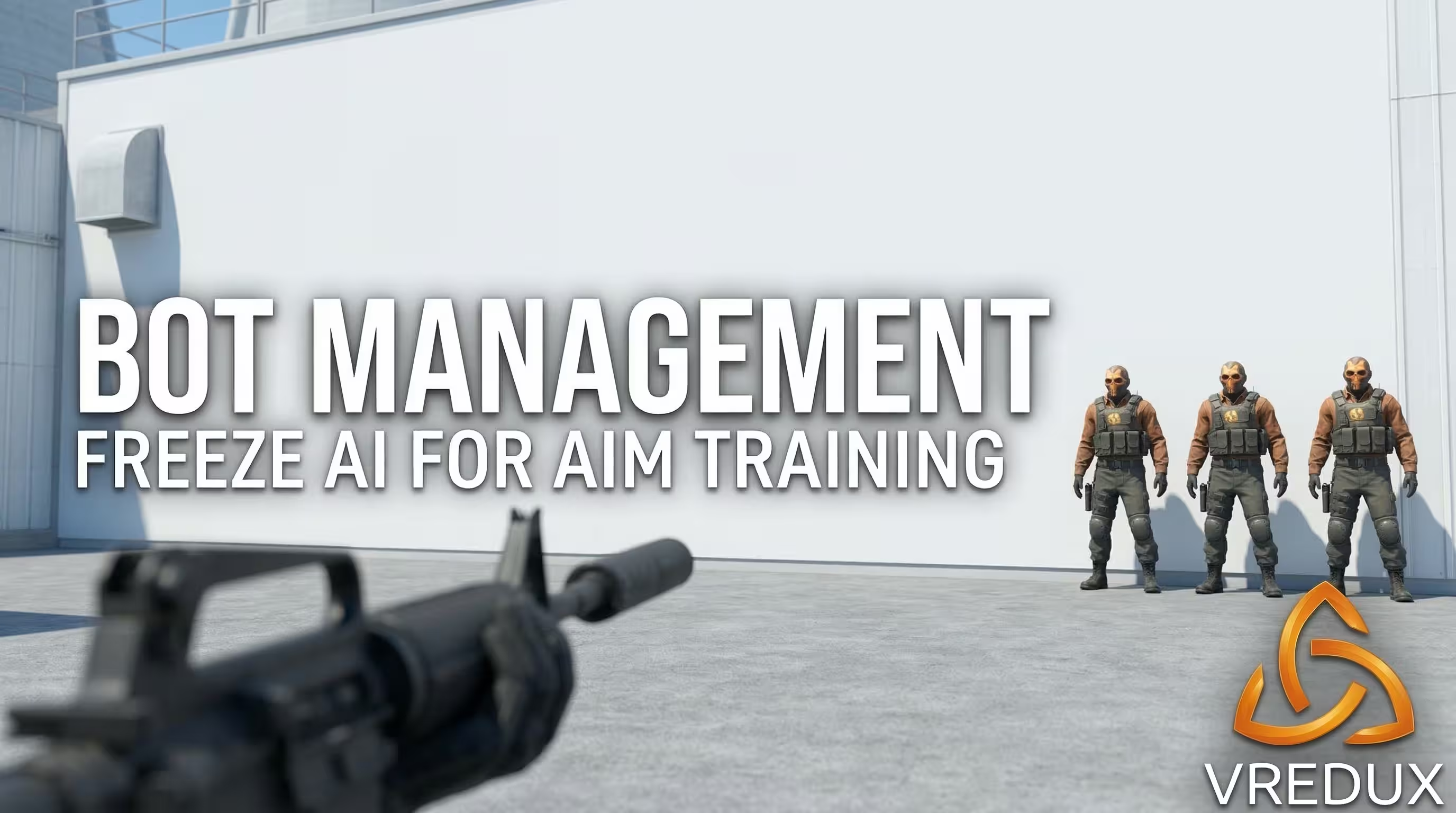
What good is a respawn CS2 command if your targets disappear? In my tests, standard bot_add commands cause issues when combined with instant respawn. The bots spawn randomly across the map, making prefiring impossible. To control the AI lobby, use bot_quota_mode fill. This forces the server to maintain a specific number of bots at all times. If a bot gets stuck, use a CS2 command respawn alias or simply kick it. For static aiming, aim at a corner and type bot_place. Then, input bot_stop 1 to freeze their movement. Now you have a permanent, instantly respawning target dummy. Honestly, if you are tired of setting up these bots manually, you can just use the built-in Humanized aimbot features in VRedux to train your crosshair placement dynamically.
Creating Autoexec.cfg: Automating the Practice Server
Typing these strings every time you launch Counter-Strike 2 is exhausting. To execute everything automatically, create an autoexec.cfg file. Many players fail here because they use the old CS:GO directory. The Source 2 engine requires a different path. Navigate to:
Create a new text document and name it practice.cfg. Paste all your commands (including mp_respawn_on_death_t 1 and mp_respawn_immunitytime 0) into the file. Save the file and ensure the .txt extension is removed. In the game, open the developer console and type exec practice. If you prefer ready-made solutions, you can always use some autoexec configs that handle optimizations perfectly.
FAQ: Troubleshooting Server Settings
Conclusion
Mastering the CS 2 spawn mechanics transforms a frustrating local map into a highly efficient training facility. Once your CFG is set, you never have to worry about wasting time again. For more advanced tutorials, scripts, and optimization tricks, check out our massive CS2 guides section. Stop fighting the server and start dominating the match.