Honestly, nothing kills the flow of a good practice session faster than running out of grenades. You are trying to perfect that smoke lineup on Mirage, you throw your last one, and then... you have to run all the way back to T-Spawn to buy another. It’s annoying, it wastes time, and it breaks your focus. I’ve been there a thousand times. But here is the thing: you don’t have to do that. Valve included a specific console command that changes everything.
.jpg)
In this guide, I will show you exactly how to use the buy anywhere command CS2. We will look at how to enable the developer console, what settings you need to change in your config file, and the best CS2 console commands to pair with it so you never have to look at a spawn point again during training.
What is the CS2 Buy Anywhere Command?
Before we start typing codes, let's understand what we are actually changing. By default, Counter-Strike 2 restricts purchasing items to specific "buy zones" at the spawn points. This is critical for competitive balance in gameplay.
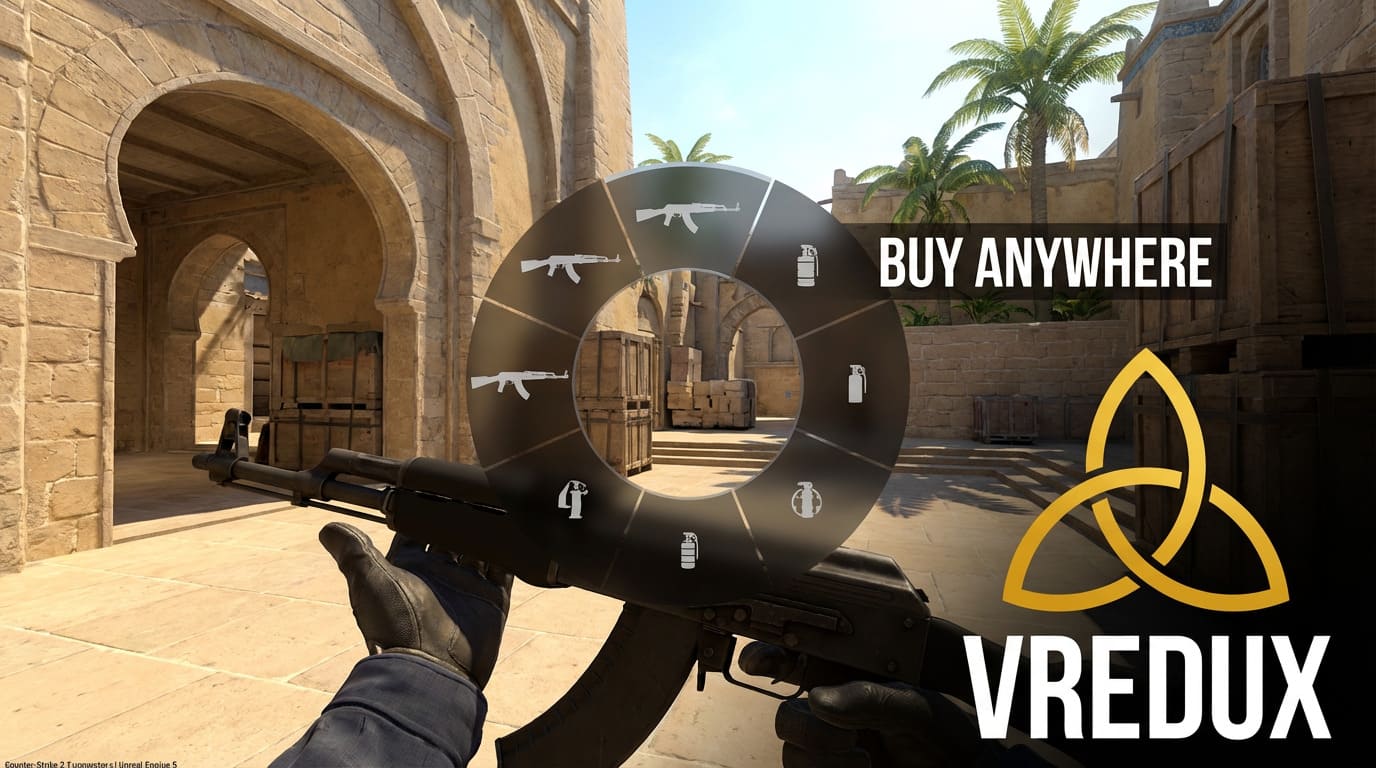
However, the mp_buy_anywhere command overrides this rule. It tells the server that the entire map is a buy zone.
When you use this, you can open the buy menu standing in the middle of Mid, in the bomb site, or even in the enemy spawn. It is the ultimate tool for CS2 practice, allowing you to instantly replenish ammo or switch weapons without moving an inch.
.jpg)
How to Enable Buy Anywhere: Step-by-Step
Getting this to work is simple, but you need to follow the right order. If you just type the command without prepping the server, the console will just spit an error back at you.
1. Enable the Developer Console
First things first, you need to access the in-game console. If you haven't done this yet:
-
Go to CS2 settings (the gear icon).
-
Click on the "Game" tab.
-
Find "Enable Developer Console (~)" and set it to "Yes".
Now, you can open the console by pressing the tilde key (~), usually right under Esc.
2. Start a Private Server
You cannot use these CS2 commands in a public Matchmaking or Premier game (obviously, or everyone would be buying AWPs in mid-air). You need to be in a private lobby.
-
Click "Play".
-
Choose "Practice".
-
Select "Casual" or "Competitive".
-
Load into the map.
3. Activate Cheats
This is the step most people forget. The CS2 buy anywhere command is a "cheat" variable. To use it, you must tell the game that cheats are allowed.
Open the console and type:
sv_cheats 1
4. Enter the Buy Anywhere Command
Now you are ready. To enable purchasing from any location, type this into your developer console:
mp_buy_anywhere 1
Here is what the values mean:
-
0: Default (Buy zones only).
-
1: Buy anywhere enabled for both teams.
-
2: Enabled only for Terrorists.
-
3: Enabled only for CTs.
Once you enter mp_buy_anywhere 1, you can press your buy key (usually B) anywhere on the map and shop to your heart's content.
Now that you have your economy sorted, you might want to look at optimizing your game further. Check out our guide on how to remove high ping in CS2 to ensure your connection is as smooth as your buying experience. Or, if you want to customize your visuals, read up on CS2 skins and charms.
.jpg)
Essential Commands to Pair with Buy Anywhere
Here is the problem I see beginners make: they enable mp_buy_anywhere, but they run out of money or the buy time runs out.
To create the best CS2 practice environment, you need a combination of commands. I’ve tested these setups, and here is the "holy grail" list of CS2 console commands you should use alongside buying anywhere.
Unlimited Money
You can't buy an AK-47 if you are broke. Use these commands to ensure you have infinite cash.
mp_maxmoney 60000; mp_startmoney 60000; mp_afterroundmoney 60000
Unlimited Buy Time
By default, Counter-Strike only lets you buy for a few seconds at the start of the round. You need to extend this so you can buy 20 minutes into the practice session.
mp_buytime 60000
Infinite Ammo
If you are practicing grenade throws, you don't want to keep buying nades. Just make them infinite.
sv_infinite_ammo 1
Remove Freeze Time
Don't wait 15 seconds every time the round restarts.
mp_freezetime 0
Ignore Round End Conditions
This stops the round from ending if you kill all bots or the timer runs out.
mp_ignore_round_win_conditions 1
.jpg)
Creating a Practice Config (Autoexec)
Typing mp_maxmoney 60000 mp_startmoney 60000 and ten other lines every time you launch the game is tedious. Experienced players use a config file.
You can create a text file named practice.cfg inside your CS2 in your steam library folder path (\game\csgo\cfg). Paste all your favorite training commands in there.
Here is a perfect copy-paste template:
sv_cheats 1
mp_buy_anywhere 1
mp_buytime 60000
mp_startmoney 60000
mp_maxmoney 60000
sv_infinite_ammo 1
mp_roundtime_defuse 60
mp_freezetime 0
mp_restartgame 1
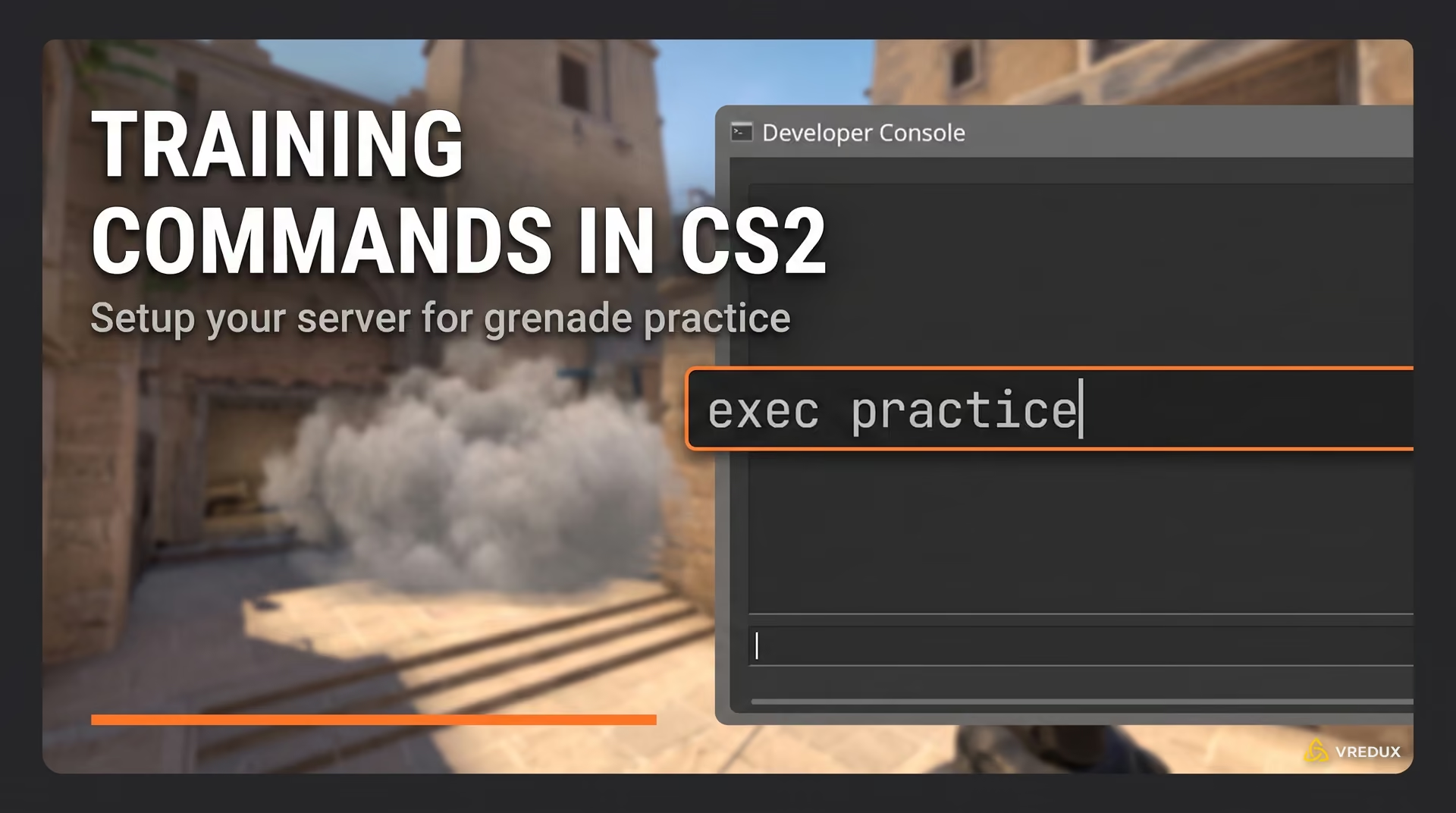
Now, when you load a map, just open the console and type exec practice. Boom, everything loads instantly. This is how the pros set up your practice environment.
Troubleshooting: Why Isn't It Working?
Sometimes, you type the command to buy anywhere cCSGO veterans are used to, and nothing happens. Here are the most common issues I’ve seen.
1. "Command Unknown"
If the console says the command doesn't exist, check your spelling. It is mp_buy_anywhere, not "buyanywhere". Also, ensure you are strictly in CS2 (Counter-Strike 2); some old CS2 server commands have changed slightly, though this one remains stable.
2. Buy Menu Won't Open
If you enabled the command but pressing 'B' does nothing, check the mp_buytime. If the round has been going on for 5 minutes and buy time is default (20 seconds), the shop is closed. Set mp_buytime 60000.
3. Cheats Aren't On
This is the classic mistake. You must have cheats enabled. If you didn't type sv_cheats 1 first, the server will ignore your request to change gameplay variables.
.jpg)
Comparison: Console Commands vs. VRedux
Look, console commands in CS2 are great for practice. But let's be honest about what they can and cannot do.
| Feature | Console Commands | VRedux Cheat |
| Buy Anywhere | ✅ Yes (Practice Only) | ✅ Yes (Skin Changer) |
| Wallhack | ❌ No (Only r_drawothermodels bots) |
✅ Yes (CS2 Wallhack) |
| Aimbot | ❌ No | ✅ Yes |
| Works in Premier | ❌ No | ✅ Yes |
| Bypass Anti-Cheat | N/A | ✅ Yes (VAC Live) |
If you are just throwing smokes alone, use the console. But if you want to dominate in actual matches, you might want to look at the private cheat VRedux. It offers features like CS2 wallhack and aim assistance that go way beyond what Valve allows you to do with standard variables.
FAQ
What is the exact command for money in CSGO and CS2?
To get maximum cash, use mp_maxmoney 60000 followed by mp_startmoney 60000. Then restart the game with mp_restartgame 1.
Is there a bind to buy anywhere?
You can bind a key to toggle it, but it's usually better to just leave it on. A useful bind for practice is bind "p" "noclip", which lets you fly around the map to check your nades.
Can I use this in Wingman?
Only if you are hosting a private server. You can use launch options or just the developer console in CS2 to set it up, but not in public matchmaking.
Does mp_buy_anywhere work with bots?
Yes. If you set it to 1, bots can also buy anywhere, though their AI usually restricts them to spawn logic.
Does using these commands lower FPS?
No. Enabling buy zones everywhere has zero impact on your fps.
Conclusion
Setting up the buy anywhere command CS2 is a game-changer for anyone serious about improving. It saves you time, keeps your rhythm going, and lets you focus on what matters: your aim and utility.
Here is the quick recap:
-
Enable the developer console.
-
Type
sv_cheats 1. -
Type
mp_buy_anywhere 1. -
Add mp_buytime 60000 so the shop stays open.
I recommend you create a practice config file so you don't have to type these available commands every single time. It makes hopping into a server and warming up effortless.
And if you are ready to take your skills beyond what standard practice allows, visit the VRedux main page to see how we can help you win more rounds.
Good luck, and happy shopping!