When your ping jumps to 2000 ms and enemies start teleporting across the map, it is not a competitive match anymore—it is pure torture. Honestly, I used to lose my mind when an enemy peeked the corner, my gun blocked half the screen, and my fully muted squad gave zero info.
But there is a nuance: you do not need a mic to coordinate winning plays. By leveraging built-in mechanics, you can force team cohesion out of thin air. In my ELO-grinding tests, I noticed that knowing how to use radio commands effectively instantly covers the gap left by silent teammates. This guide strips away the fluff to show you every single radio command, how to bind them to your mouse, and how to permanently mute toxic spam. Welcome to VRedux—your hub for dominating the game. Let's get your setup right.
.avif)
Guide Contents:
What is a Radio Command? Mastering CS2 Radio
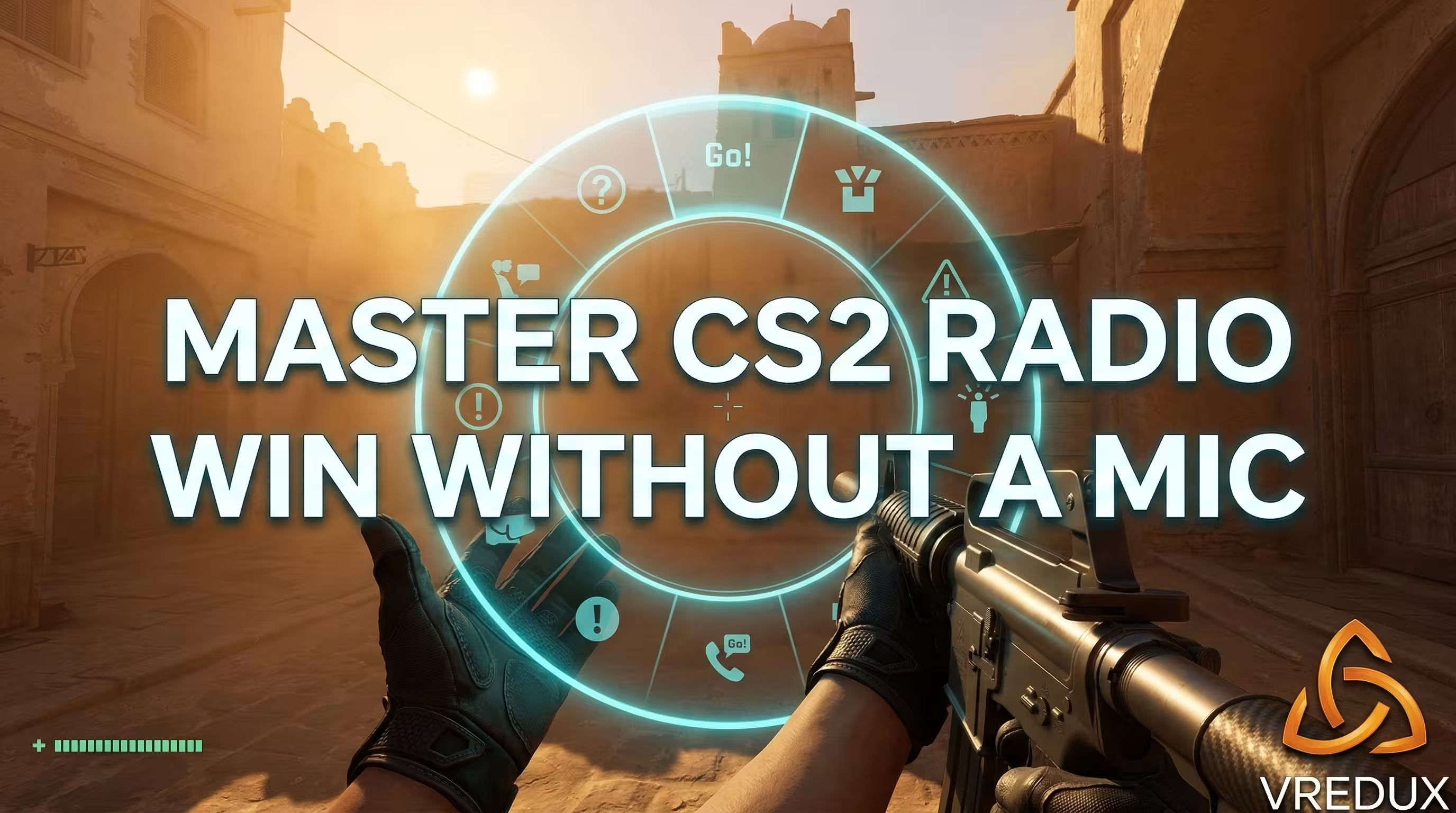
In Counter-Strike 2, a radio command is a pre-recorded voice line combined with a text message. Instead of typing or yelling into the voice chat, you trigger a quick callout. Your character shouts essential info like "Enemy spotted!" or "Need backup!", and the message appears in the chat box.
I remember using the old CS:GO radio for CSS mods. The mechanics haven't changed much, but the engine is smoother. The radio system provides quick communication for players who cannot or will not use their microphones. It is a vital tool for in-game survival and solid team communication.
.avif)
How to Use Radio Commands in CS2 via Menu and Console
Before executing anything, open your game settings and enable the developer console (the tilde ~ key). By default, players can use three built-in menus to communicate with your teammates.
- Press
Z(Command Menu): Tactical orders. Use this to say "Follow me" or "Hold this position". - Press
X(Standard Menu): General responses like "Affirmative" or "Taking fire". - Press
C(Report Menu): Critical map intel like "Sector clear" or "Enemy down".
While the radio command menu is great for beginners, taking your fingers off the movement keys during a firefight is a death sentence. That is why veterans map a specific command to a key using the console.
All Radio Commands CS2: Radio Messages & Voice Commands
Valve ported most of the classic CS radio sounds into Source 2. Below is the ultimate breakdown of all radio commands CS2 offers, including the legacy CS Source radio codes that still work perfectly in Premier and MM.
.avif)
Bind CS2 Radio Commands to Keys
Navigating a UI wheel wastes milliseconds. For quicker access, you must bind specific radio lines directly via the console. Here is the exact step-by-step to bind them like a pro: Open the console (~).
Type the following base structure:
For example, to set up the enemy spotted warning, type:
Now, clicking your side mouse button instantly warns your team. You can also configure the CS2 radial weapon menu and the radial radio command (+radialradio) for a more modern interface. Having a flawless bind setup is just step one.
Muting Radio: How to Mute Radio Commands CS2
We all know that one guy who spams "Get out of there, it's gonna blow!" fifty times a round. If the endless chatter is ruining your focus, you need to know about muting radio.
Method 1: The Instant Mute
To kill the noise, use the CS2 ignore radio command. Open the console and type:
This completely blocks radio messages from both players and bots.
Method 2: Bind the Mute Function
If you want to toggle it mid-round, bind this command:
Unfortunately, Valve did not add a dedicated CS2 radio volume slider. You either hear it at the master volume, or you mute it entirely. To handle toxic voice commands, use voice_modenable 0 to kill voice chat, or cl_mute_enemy_team 1 to block the enemy team's text.
.avif)
Secret, Music, and CS2 Funny Radio Commands
I often see players searching for the old CS radio music or CS2 funny radio commands. While Valve removed the ability to play custom .wav files directly through the radio menu without third-party software, you can still use custom text binds to troll your friends.
By using console, you can predefine a text message:
While these are not official hidden radio commands CS2, creating unique text strings injects some humor into a sweaty match. I tested several CS2 secret radio commands from old beta builds, but most have been patched out of the Global Offensive architecture to prevent server crashing.
Communication and Teamwork: Master CS2 Radio Commands
Let’s be honest. You can master CS2 radio commands and spam enemyspot perfectly, but if your teammates refuse to look at the radar, your communication with your team is a dead end. If the default mechanics fail, stop relying on randoms.
While beginners struggle with basic callouts, experienced players use the VRedux private cheat. Why beg for info when a secure ESP shows you exactly where the enemy is holding? Why ask for a weapon drop when the built-in skinchanger hands you every pattern and charm instantly? VRedux is designed to bypass the limitations of bad teamwork. It is safe for Premier, bypassing Trust Factor issues, and lets you carry the match solo.
.avif)
Frequently Asked Questions (FAQ)
Conclusion
Mastering CS2 radio is non-negotiable if you want to rank up without relying on voice comms. Configure your binds, memorize the vital codes, and instantly mute anyone spamming the channel.
If you are tired of losing because of bad teammates and want to explore pro-level mechanics, dive into our comprehensive Counter-Strike 2 guides. Set up your binds, fix your configs, and go get those frags!