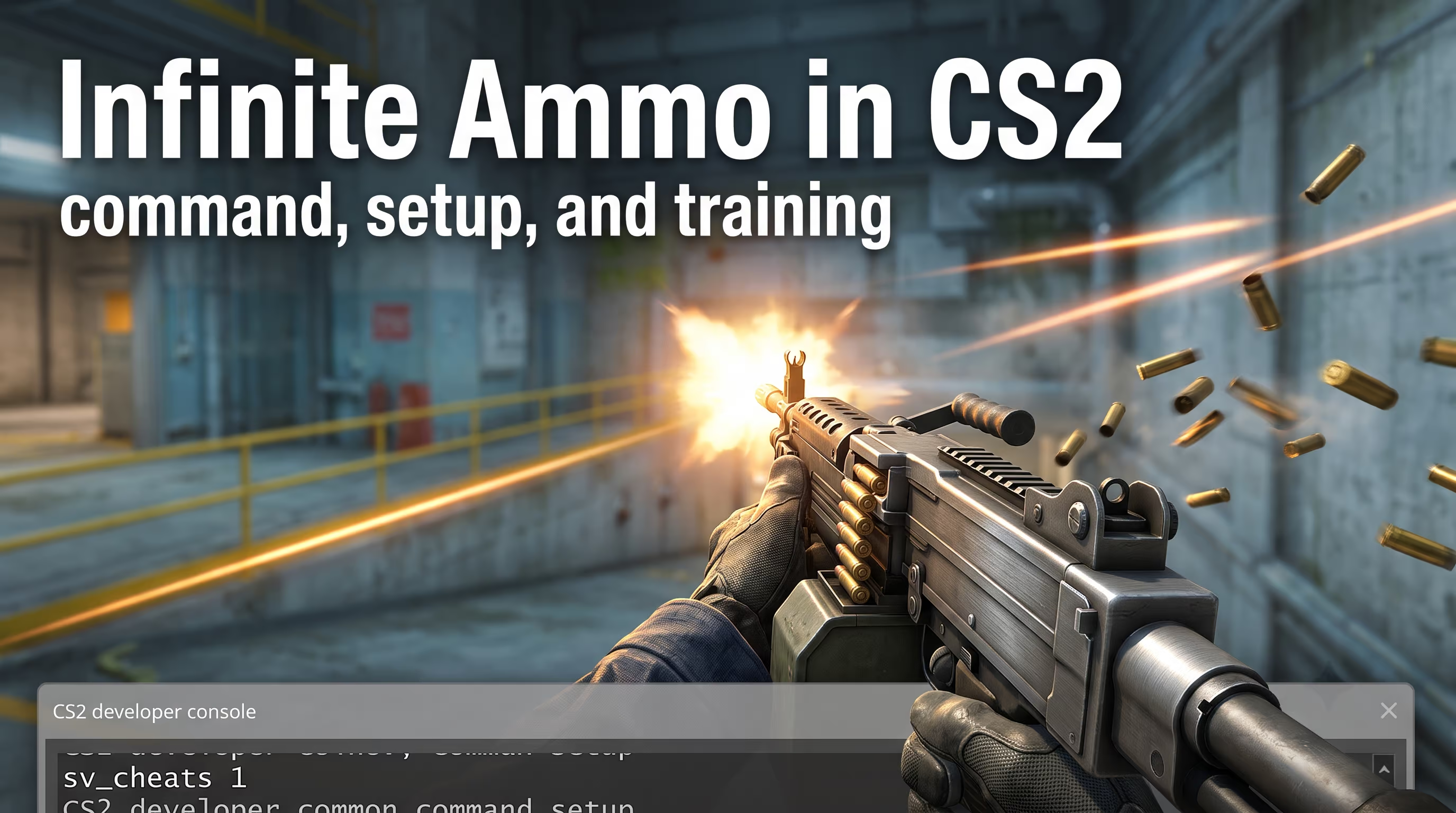
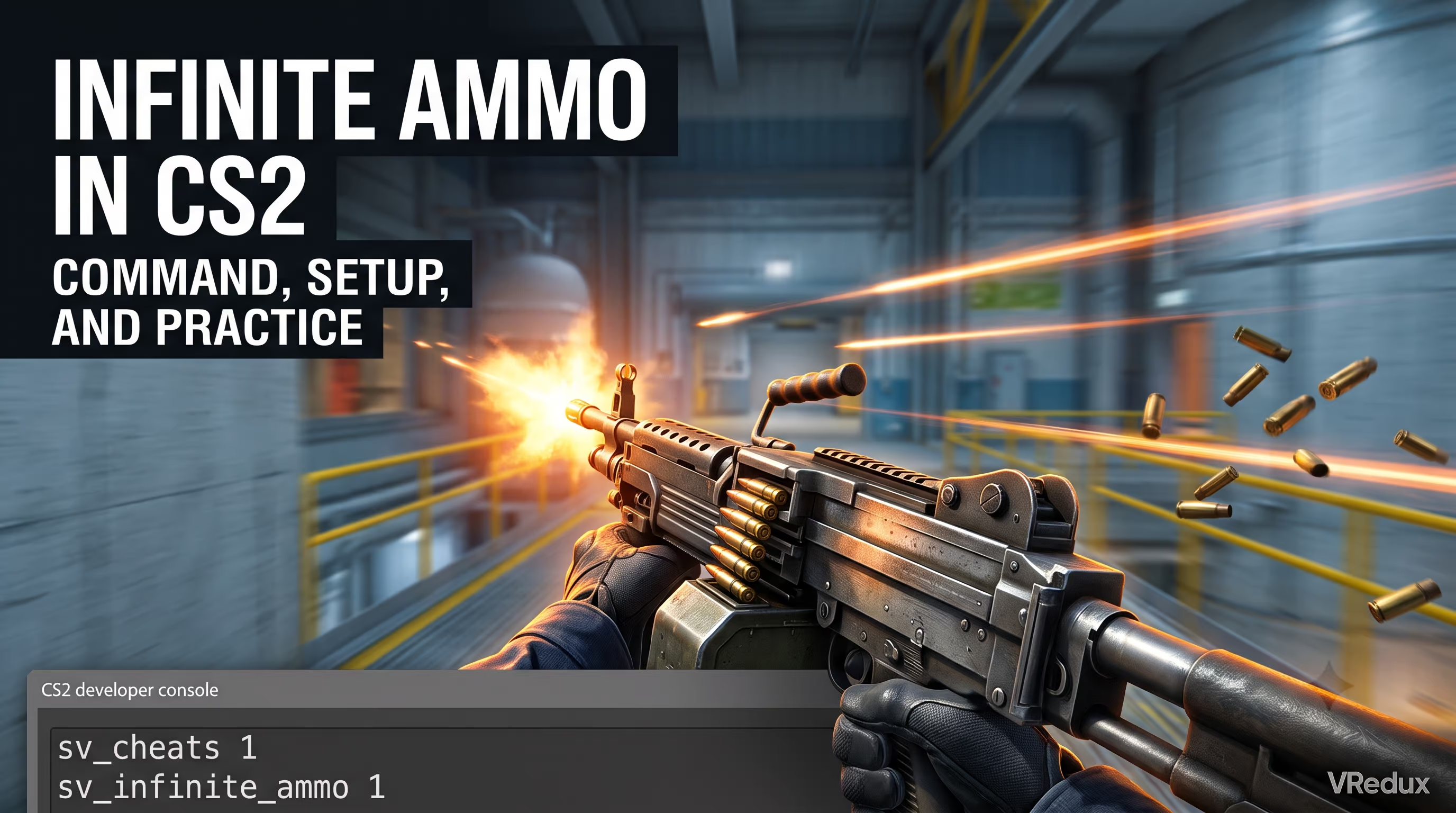
The tradition of using local servers goes all the way back to Counter-Strike 1.6, and the logic hasn't changed in Source 2. To get infinite ammo in CS2 (Counter-Strike 2), open the console with the ~ key, type sv_cheats 1, then enter sv_infinite_ammo 1. After that, your ammo never runs out and reloading is completely disabled. Setting the value to 2 keeps the reload animation but makes your total reserve infinite. These commands work exclusively on a local server, in a private lobby, and in Practice mode.
Expert Verdict
The infinite ammo console command solves the biggest technical headache during warmups — constantly running out of bullets while drilling spray control or grenade lineups. Without exception, enabling server-side settings is required for it to work, since the game classifies this parameter as a cheat variable that's locked out in matchmaking.
Quick Guide: Ammo Setup
- Enable cheat mode: Open the console and type
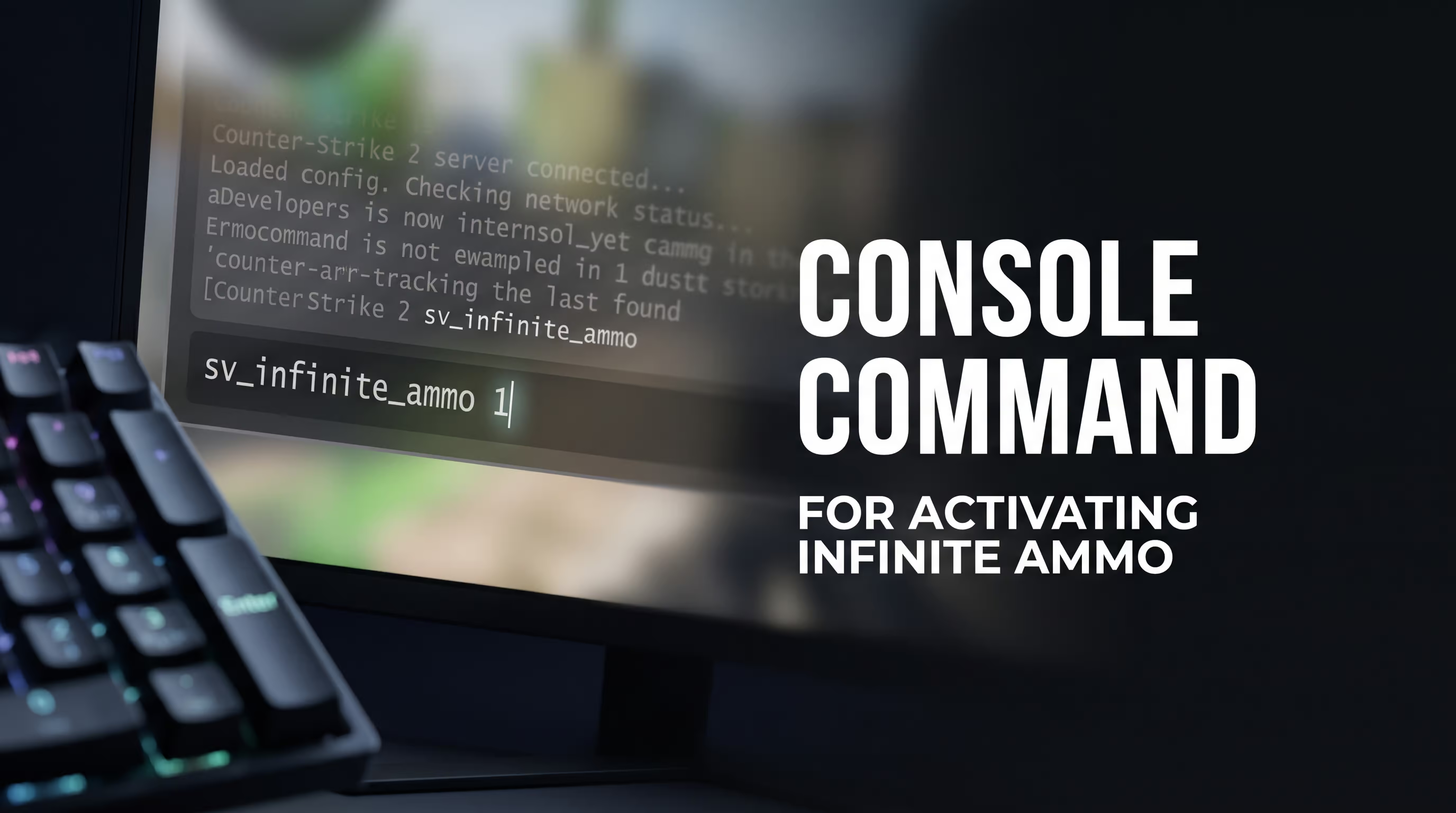
sv_cheats 1— this activates cheat mode (no server-side setting will work without it). - Non-stop firing: Enter
sv_infinite_ammo 1to completely disable the reload animation. Perfect for spray control practice. - Realistic practice: Use
sv_infinite_ammo 2so your magazine still empties but the reserve stays infinite. Great for timing drills. - Alternative method: Launch a local map through Play -> Practice, where you can simply tick the relevant checkbox.
Personally, I only use the console. The built-in GUI is too casual and constantly bugs out on Workshop maps. For those who want to configure their client at a pro level and truly understand how the Source 2 engine works under the hood, we've compiled all the insider knowledge on the VRedux homepage.
Quick Answer — How to Enable Infinite Ammo in CS2
If you're looking for how to get infinite ammo in CS2, the answer comes down to a single server variable. Let's break down exactly how it affects gameplay depending on the value you set:
How to Enable the Developer Console in CS2
Before you can type any cheats or binds, you need the developer console itself. A lot of newcomers skip this step. To avoid headaches, I recommend checking out how to properly open the console in CS2 using one of two proven methods.
Method 1: Through Game Settings (Recommended)
- Go to the CS2 main menu and click the gear icon (Settings).
- Navigate to the Game tab.
- Find the "Enable Developer Console (~)" option and toggle it to Yes.
- Now you can press the
~key at any point during a match to bring up the input line.
Method 2: Through Steam Launch Options
- Open your Steam library, right-click Counter-Strike 2, and select "Properties."
- Under the "General" tab, scroll down to the "Launch Options" field.
- Type
-console. The console window will now open automatically every time you launch the game.
Infinite Ammo Command: sv_infinite_ammo Nuances
Honestly, when I first switched to the Source 2 engine, I was worried Valve would break all the old scripts. But fortunately, the CS2 console commands for infinite ammo stayed exactly the same.
sv_infinite_ammo 1 — No-Reload Mode
In this mode, the numbers in the bottom-right corner of your HUD freeze. You can hold down left-click with the Negev and fire for five minutes straight. I personally used this mode while hunting for new wallbangs on Nuke — it saves a ton of time since you're never interrupted by a magazine swap animation. By the way, this exact infinite ammo command in CS2 is what players search for the most.
sv_infinite_ammo 2 — Realistic Training Mode
Here, the magazine empties, your character reloads, but the ammo reserve never hits zero. Why bother? To preserve muscle memory. If you're drilling a flash-pop entry onto a site, you need to feel the exact timing of your AK-47's reload animation. Any cheat or command that alters gameplay should sharpen your skill, not dull it.
How to Disable Infinite Ammo in CS2
To revert everything to default, type sv_infinite_ammo 0. If your ammo doesn't reset immediately, restart the round with mp_restartgame 1.
Infinite Ammo Through the Practice Menu
The devs at Valve added a built-in GUI for configuring a local server. If the infinite ammo code in CS2 intimidates you, just do the following:
- Click the Play button in the main menu.
- Switch to the Practice tab.
- A settings panel appears on the left. Check the boxes for: Infinite Ammo, Grenade Camera, Infinite Warmup, and Open Group.
- Pick your map and start the match.
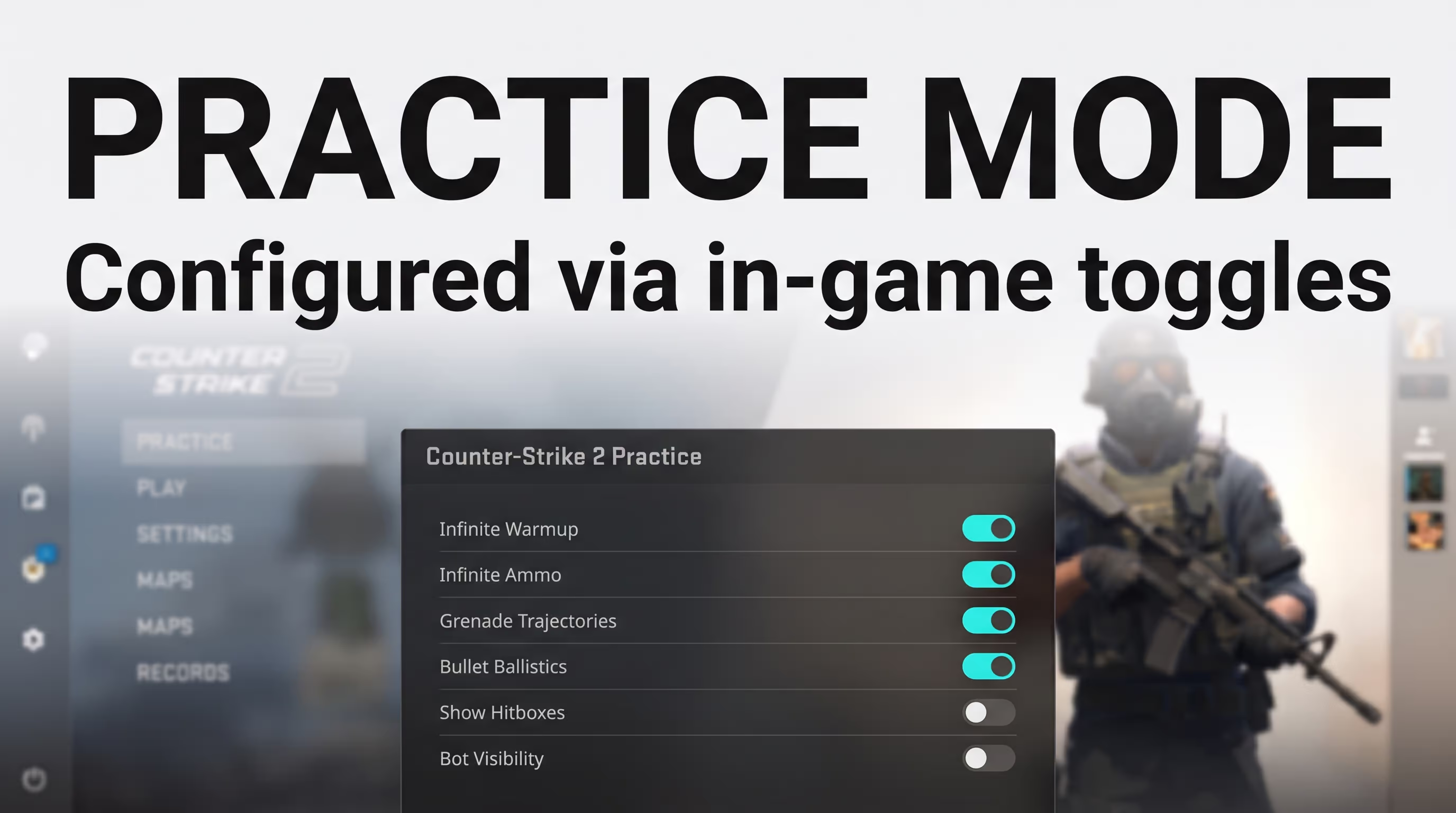
Here's a non-obvious catch: the UI settings only work on official Valve maps. If you downloaded a custom aim-training map like Aim Botz, the menu won't be available. You'll have to use the console.
Ready-Made Practice Config (practice.cfg)
Manually typing infinite ammo commands in CS2 every single time is torture. Experienced players use custom configs. I've put together the perfect template for you.
Create a text document, paste the code below, and save the file as practice.cfg (make sure to set the file type to "All Files").
// Enable cheats and infinite ammo
sv_cheats 1
sv_infinite_ammo 2

// Inventory and buy settings
ammo_grenade_limit_total 5
mp_buy_anywhere 1
mp_maxmoney 60000
mp_startmoney 60000
mp_buytime 9999

// Round settings
mp_freezetime 0
mp_roundtime 60
mp_roundtime_defuse 60
mp_warmup_end
mp_restartgame 1

// Impacts and bots
sv_showimpacts 1
bot_kick

echo "PRACTICE CONFIG LOADED SUCCESSFULLY!"
Move this file to the game's system directory. In CS2, the path has shifted slightly compared to Global Offensive, even though the folder kept its old name. Pay attention to your operating system:
Launch a local map, open the console, and type exec practice. The server will instantly reconfigure to ideal practice conditions. The main thing is to make sure your game doesn't crash mid-session — if you keep running into that, read up on why CS2 crashes to desktop and how to fix it.
Where Infinite Ammo Works and Where It Doesn't
The most common question in the community: "Will I get banned for using cheat commands?" Let's clear this up once and for all.
VAC (Valve Anti-Cheat) scans your PC's RAM. The sv_cheats 1 variable is a built-in, legitimate tool. Using it on a local server (where you're the host) makes it physically impossible to get banned.
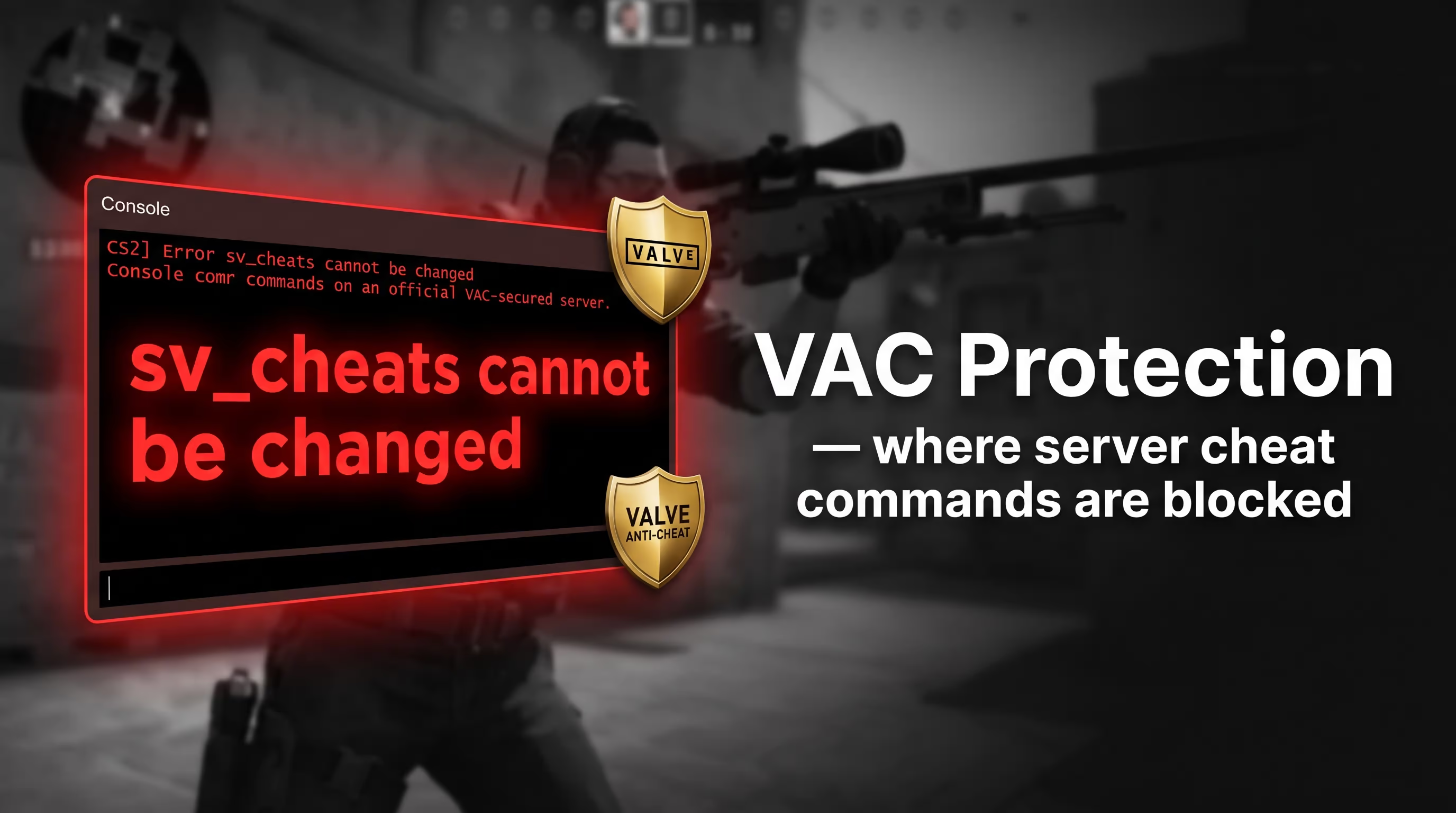
However, modifying server variables in competitive matches is strictly prohibited. You simply won't be able to do it — the server will reject the request.
Common Issues and Fixes
Sometimes you type everything correctly, but the game still refuses to give you infinite ammo. Here are the main reasons why the infinite ammo code in CS2 might fail:
- "Unknown command" error: Check your keyboard layout. Commands must be entered in English only. Make sure there are no extra spaces before
sv_. - Command is ignored: You forgot to type
sv_cheats 1before entering the main variable. Without developer mode enabled, the server will reject the request. - Only works for the host: If you're playing with friends on a custom map, make sure the lobby creator (host) is the one who entered these commands in their console.
FAQ: Frequently Asked Questions
Conclusion
A properly configured local server is half the battle when it comes to understanding Source 2 mechanics. Remember: sv_cheats 1 unlocks every server-side setting, and sv_infinite_ammo saves hours of grunt work when discovering new utility lineups and memorizing recoil patterns. Stop wasting time on pointless reload juggling — train smart.
While other players hemorrhage ELO because they never bothered to learn grenade timings, you can refine your skills to perfection. If you want to go even deeper into game mechanics, I highly recommend checking out the Counter-Strike 2 technical guides section, packed with articles on system optimization and advanced config tuning. Happy fragging!