Relying on bullet flight paths is a tradition that dates back to CS 1.6. In CS:GO, we blindly trusted those glowing lines, but after switching to the Source 2 engine, the sub-tick system broke our usual spray patterns. Are you also annoyed when your gun blocks half the screen and your spray goes completely off from where the game draws it? Honestly, when my ping spiked and my tracers lived a life of their own, I was ready to smash my monitor.
On my test PC (12400F + RTX 4060), I spent dozens of hours on local servers to realize: the tracer in CS2 is just a client-side illusion, not an actual bullet. At the VRedux portal, we always advocate for maximum control over the match. In this guide, I will give you the fluff-free breakdown on how to enable tracers in CS2, why pro players turn them off, and how proper visual settings can save your FPS.
Guide Contents:
Command to enable and disable bullet tracers [TL;DR]
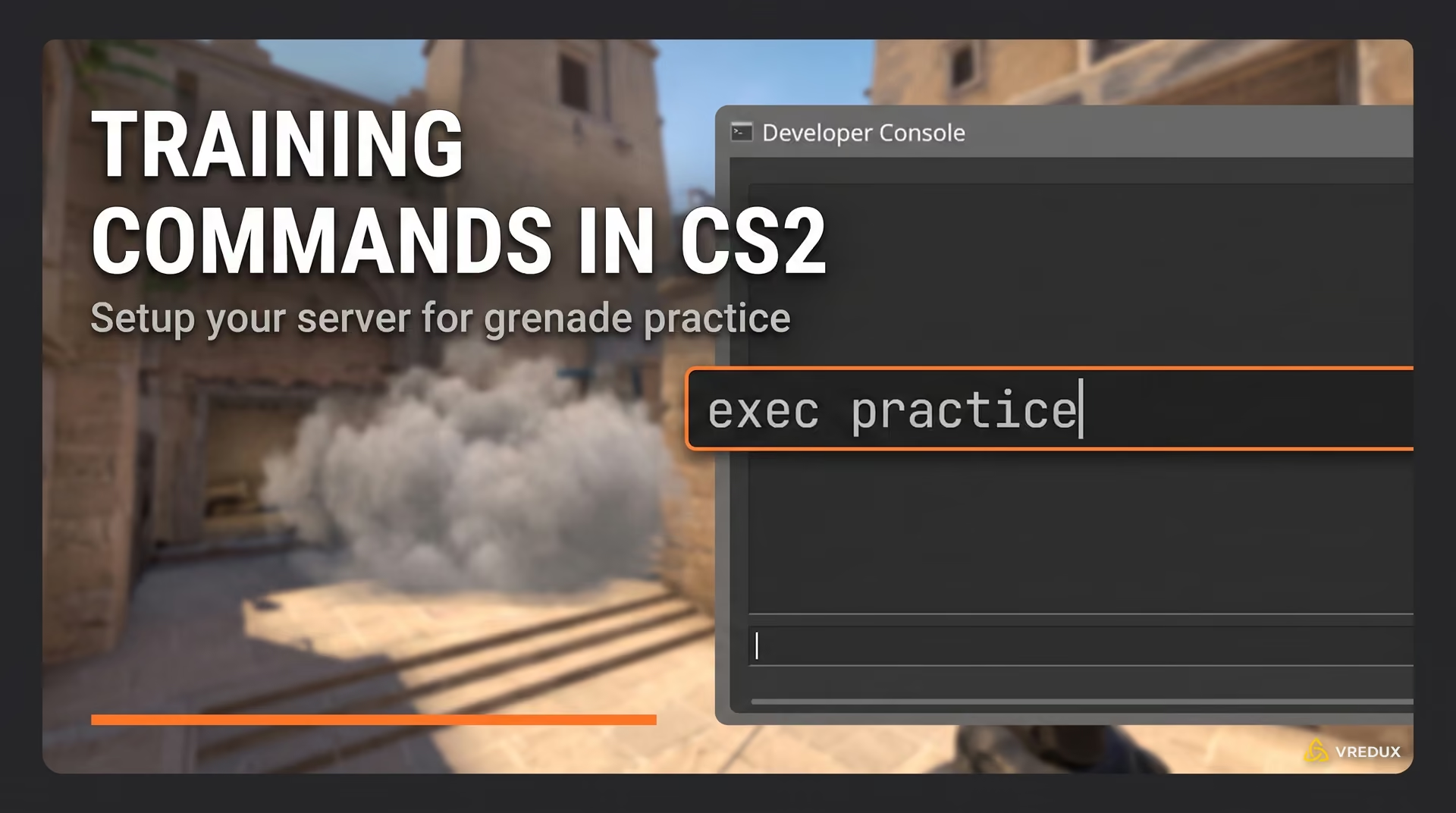
Let's get straight to the point. To enable CS2 tracers, you don't need any third-party software; everything is done via Valve's built-in tools. If your console isn't activated yet, I recommend checking out our manual on how to properly open the console in CS2, otherwise, nothing will work.
- Open the developer console (the
~or tilde key). - To activate them, enter the command:
r_drawtracers_firstperson 1and press Enter. - To remove tracers in CS2, type:
r_drawtracers_firstperson 0.
This command strictly controls the visual effect of your first-person shots. It works legally on official servers in Matchmaking and Premier. You will always continue to see enemy shots—this is critically important for reading the game through smokes.
Why disable tracers in CS2: Pros and Cons
You might wonder, why disable glowing trails if they help you aim? This is where it gets interesting. In Counter-Strike 2, rendering particles heavily taxes your system, and the sub-tick introduces desync. Let's break down the facts.
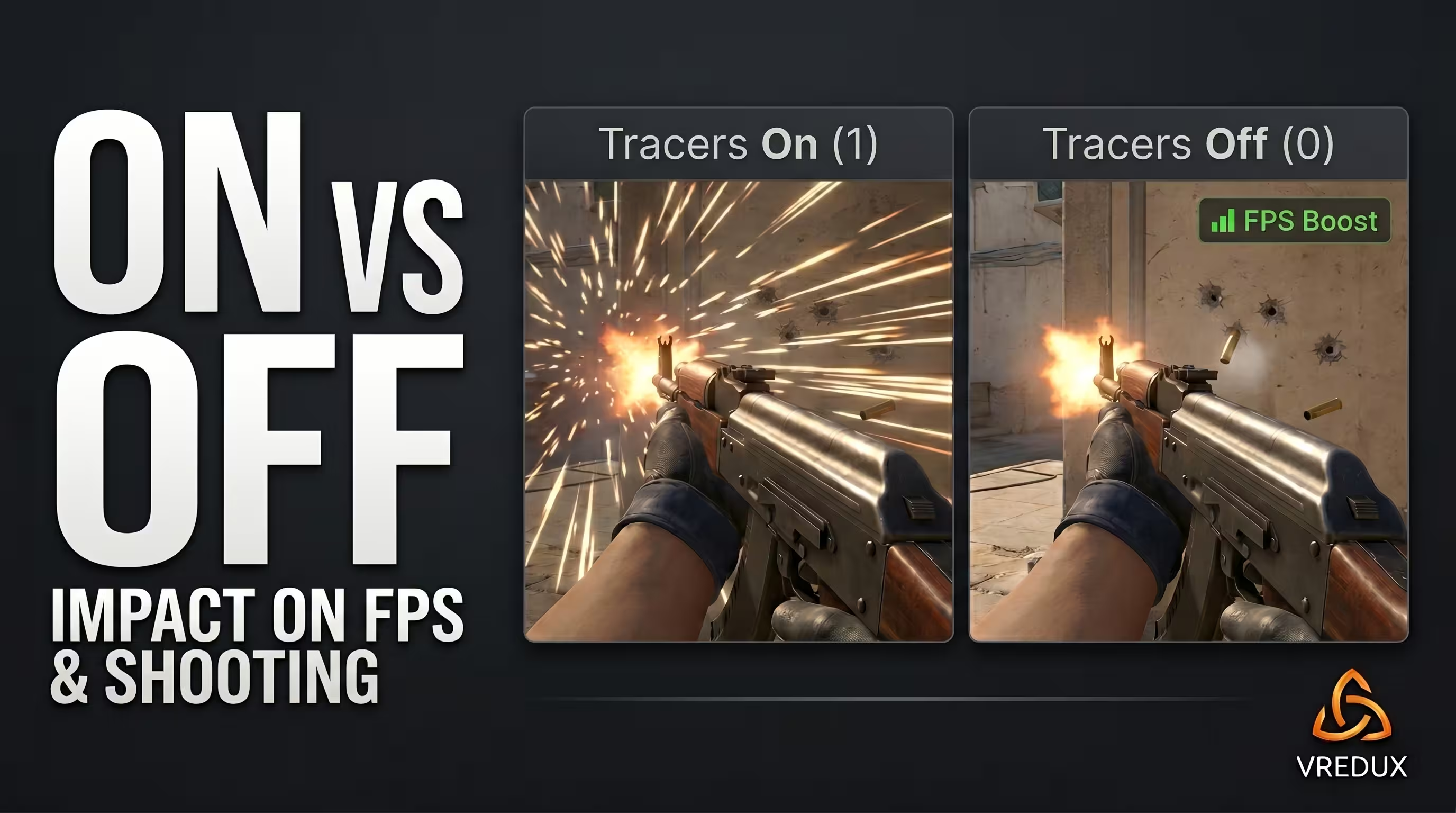
Personally, I recommend disabling this feature if you already have over 1,000 hours of gameplay. Rendering dynamic lighting drains GPU resources, so disabling tracers is a free framerate boost and a lifesaver against micro-stutters.
But let's be honest: if your aim is lacking, no console commands will turn you into s1mple. While a newbie struggles with console bunny hopping and tries to figure out how to disable CS2 tracers, a pro just uses reliable software. Losing an account with Prime, medals, and expensive skins costs tens of times more than a subscription to a high-quality internal hack. The VRedux private cheat features a top-tier Humanizer (smooth aimbot) and flexible visual settings—this is a real way to save your nerves and guarantee match domination, rather than just doing a rain dance around a single command.
Bullet Impacts
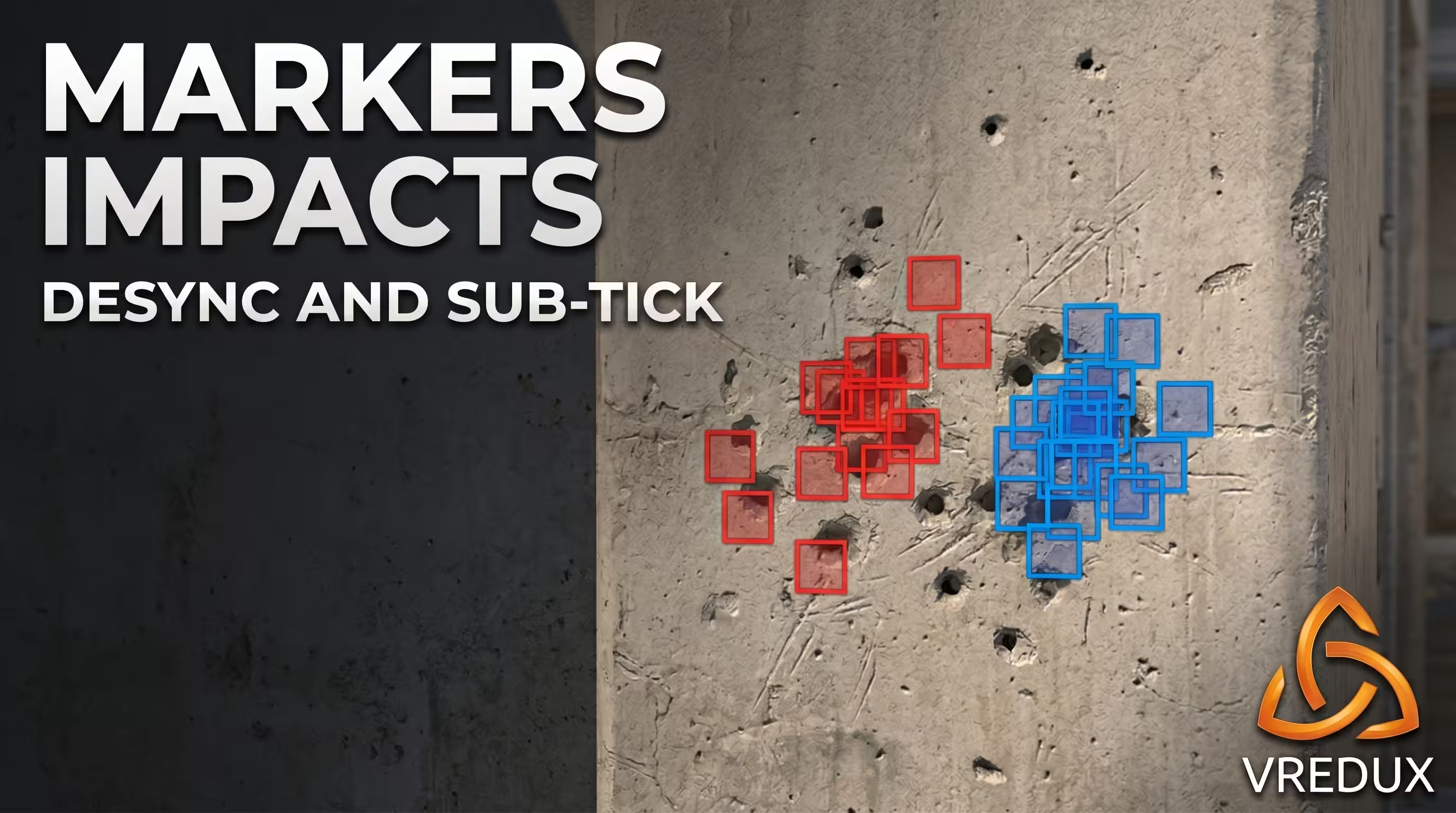
A tryhard's main tool is the sv_showimpacts 1 command. It replaces standard bullet tracers with colored square blocks. The red square shows where the bullet landed on your client, and the blue one shows where it actually registered on the server. This exact spread between the blue and red markers proves that default CS2 tracers cannot be trusted.
How to save your settings permanently (Autoexec.cfg)
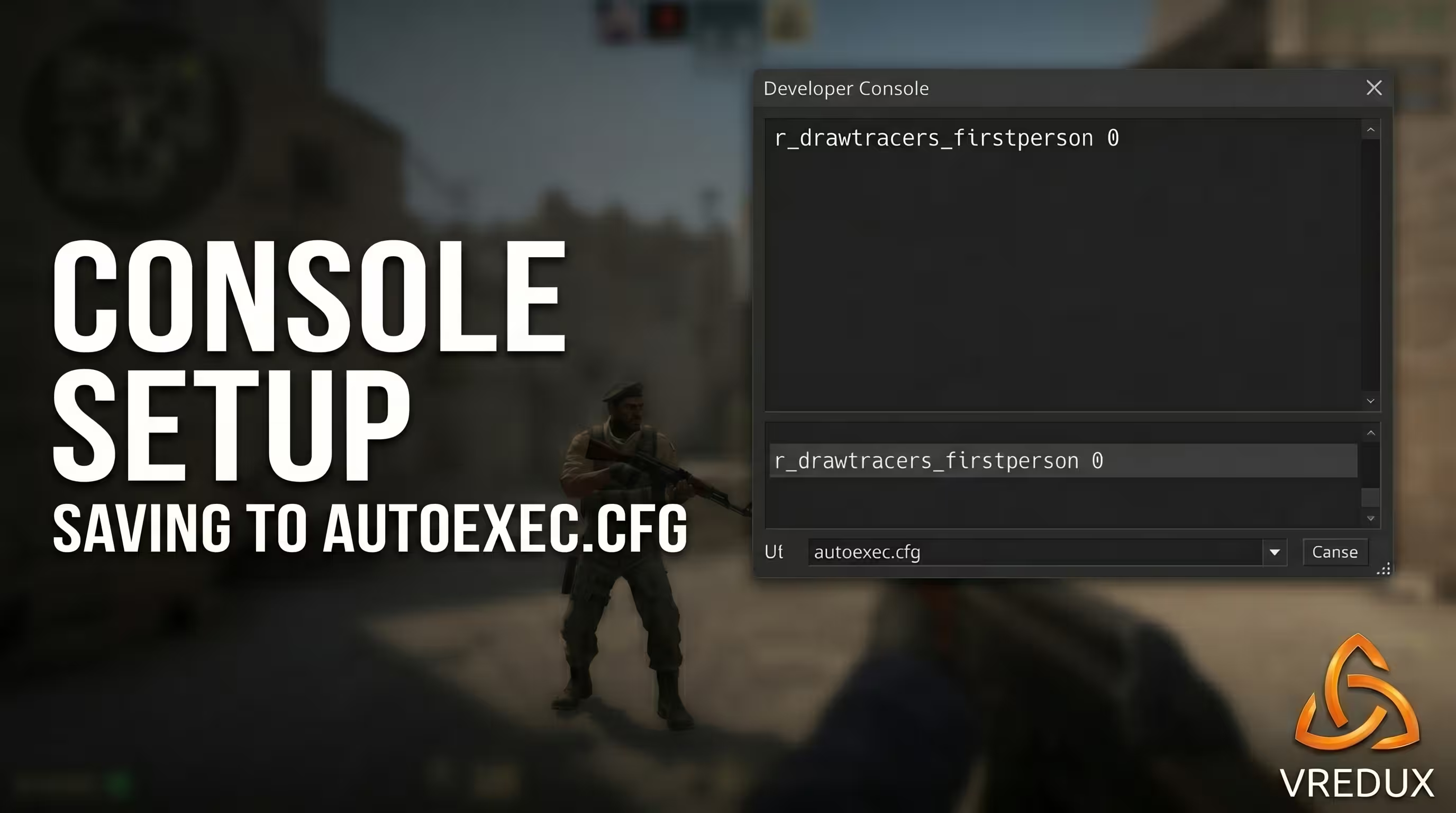
A common problem: you entered r_drawtracers_firstperson 0, played a match, restarted the game, and the bullet trails reappeared. Console variables tend to reset. To lock in the result, we need a config.
- Navigate to the path:
Steam\steamapps\common\Counter-Strike Global Offensive\game\csgo\cfg. Remember: the folder is exactlygame\csgo, not the old CS:GO directory! - Create a text file and name it autoexec.cfg.
- Open it with Notepad and add the line:
r_drawtracers_firstperson 0(or 1, if you want to enable bullet tracers). - Save the file. Then, in Steam, go to CS2 properties, and in the launch options, add:
+exec autoexec.cfg.
If you want to dive deeper into creating professional configs, check out our material on how to create, set up, and where to put your Autoexec CFG in CS2.
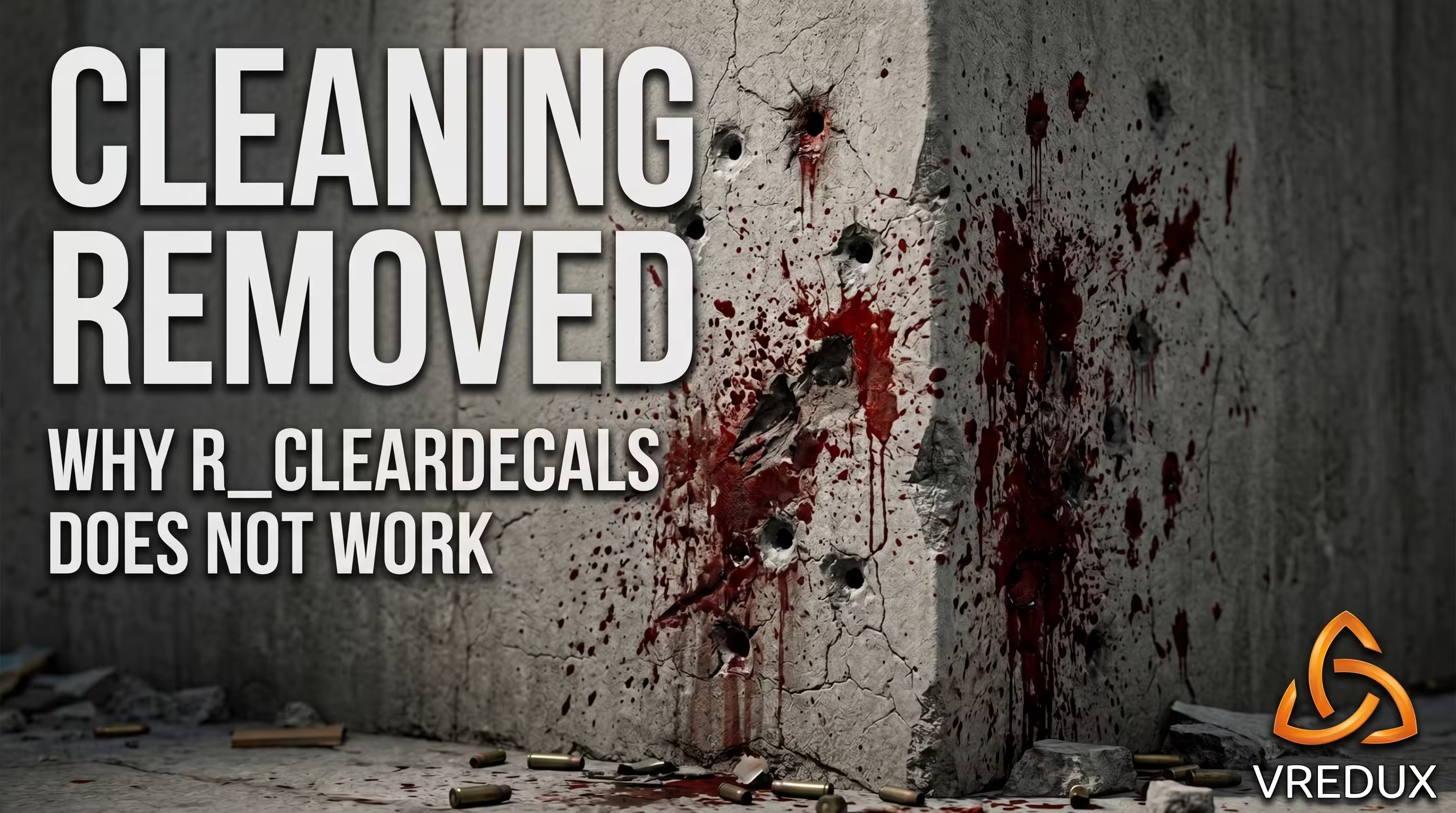
Does the clear blood bind (r_cleardecals) work in CS2?
Many people still spam old Global Offensive commands, not knowing they are just garbage in CS2. Previously, the r_cleardecals bind was mapped to Shift or Left Click to remove bullet holes and blood from walls. This gave a massive FPS boost and improved visibility.
FAQ: Common questions about bullet tracers in CS2
I've gathered the most popular community requests here. If something isn't working, the answers below will save you time.
Conclusion
The main takeaway is simple: disabling tracers isn't a cheat, but a smart optimization for the sub-tick system. While others are bleeding Premier Elo due to visual garbage on the screen and dealing with unregistered hits, you can comfortably control your spray using pure muscle memory and dominate the server.
A properly set up config is the foundation of victory. Look for more top-tier tricks, mechanic breakdowns, and working exploits in our guides section. Tweak the game to fit your style, test different values, and good luck getting those frags!