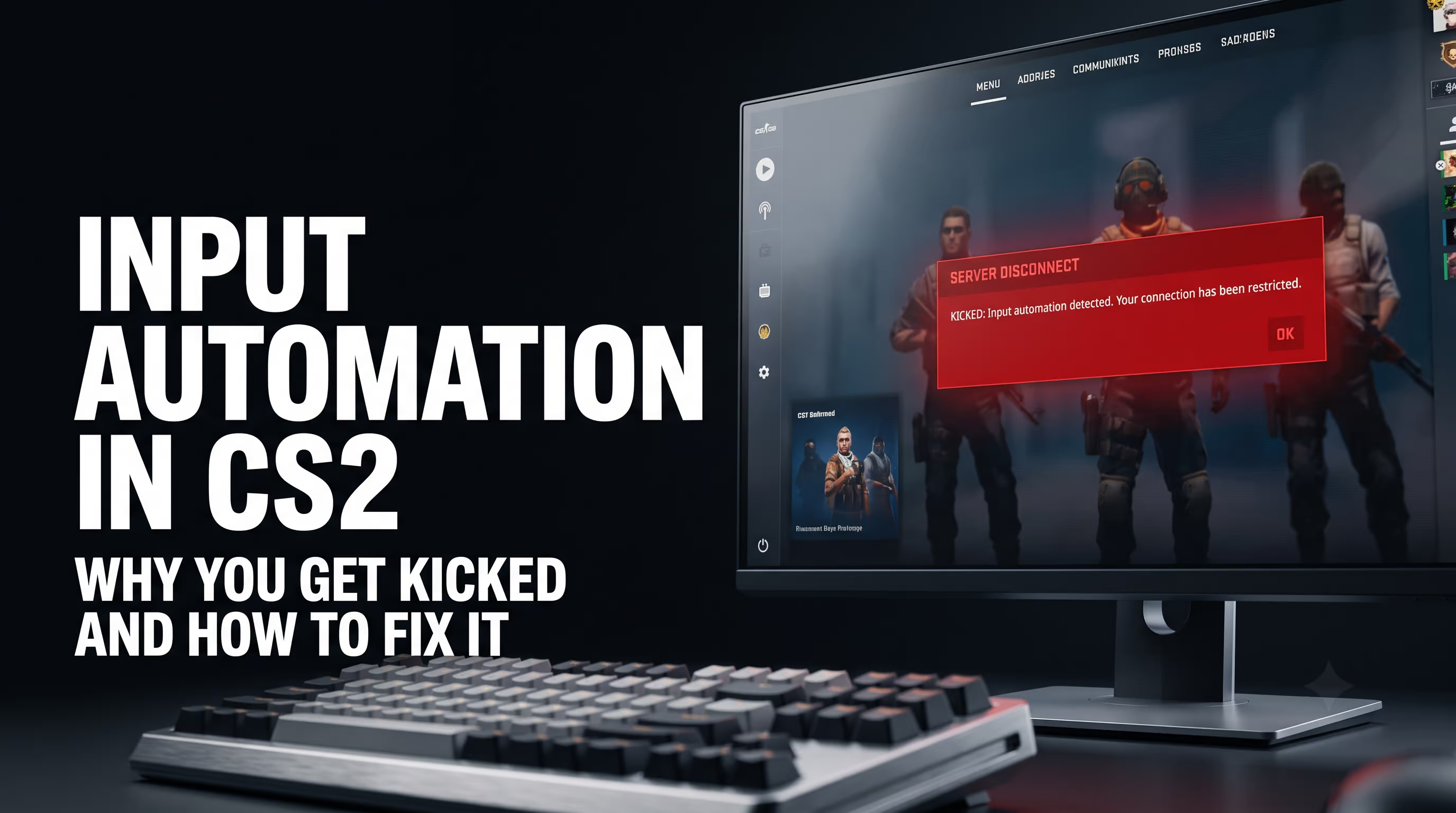
The tradition of writing hundreds of aliases and custom binds goes all the way back to 1.6 and CS:GO. We got used to bending the game engine however we wanted. But after the move to Source 2 and the latest updates, the rules changed completely. You also rage when you're mid-way through a sweaty ranked match and suddenly get thrown back to the main menu with a red error banner, right? Honestly, the first time I got kicked at 11:11 because of a simple strafe, I was about to put my fist through my monitor. If you've been hit by the input automation kick in CS2, I'll show you how to fix it in a couple of minutes. No fluff — just my hands-on experience testing across different setups and hardware.
On the technical VRedux portal, I constantly break down the inner workings of the game, and this issue has become one of the most widespread in 2026. Let's figure out why the server freaks out, how it affects gameplay, and how to get back to playing normally without risking a ban.
Expert Verdict
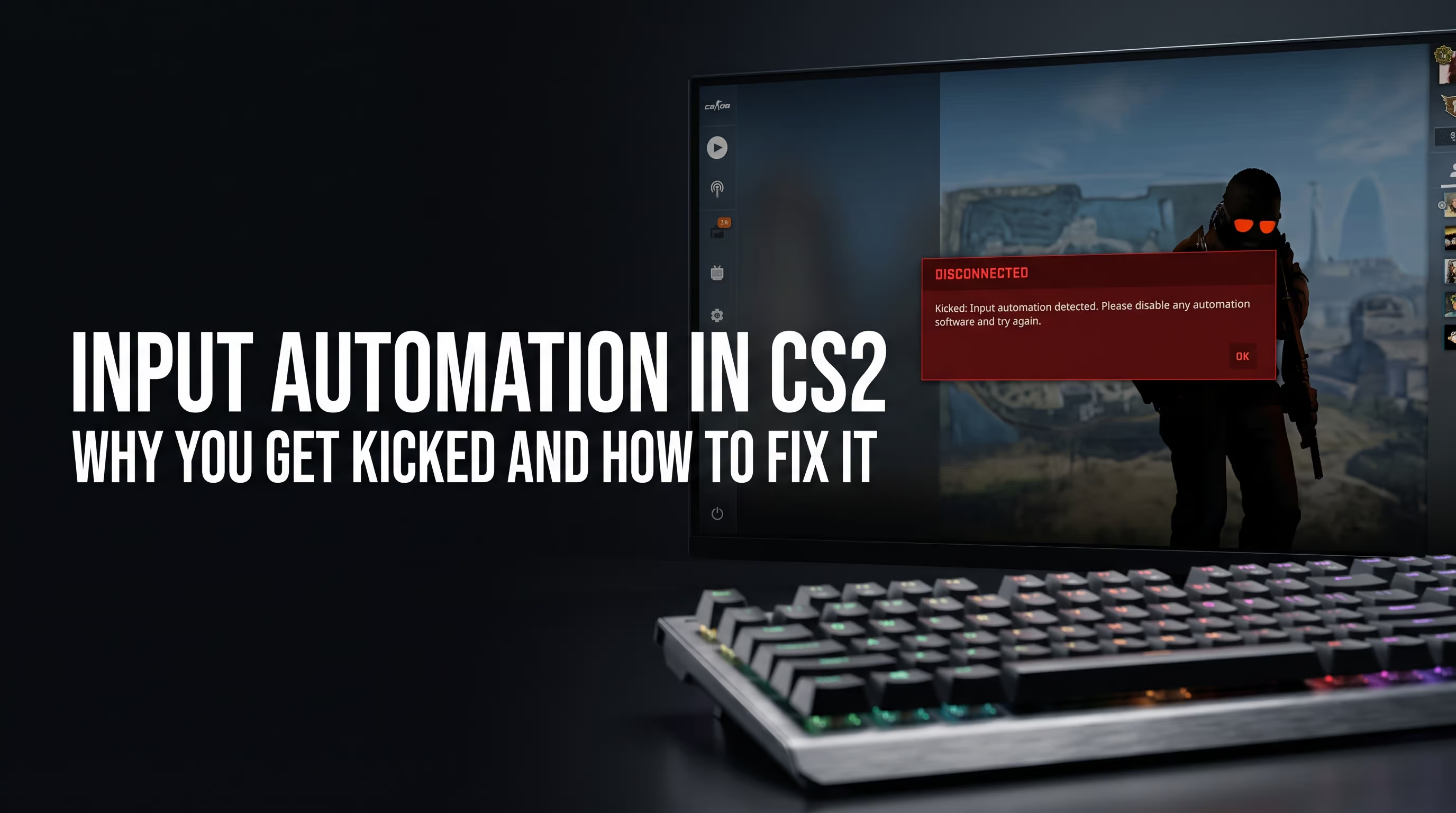
The "Player kicked for input automation" error appears when the CS2 server-side detection system identifies input patterns characteristic of SOCD resolution (Snap Tap, Rappy Snappy, Speed Tap), null binds, or third-party macros. Valve introduced this detection back in the August 19, 2024 patch. The punishment is a simple match kick, not a VAC ban. In 80% of cases, the cause is an enabled SOCD mode on your gaming keyboard, which can be disabled with a single key combination.
Key Causes and Fixes
- SOCD (Snap Tap) enabled: Disable the last-input-priority feature with a key combination (e.g.,
FN + Left Shiftfor Razer) or through your keyboard software. - Scripts and macros: Fully close AutoHotkey, mouse software (if you have recoil macros loaded), and any background programs before launching the game.
- Multi-binds in your config: Remove old jumpthrow aliases and perfect counter-strafe scripts from your
autoexec.cfg. - Keyboard layout auto-switchers: Disable any layout-switching utilities while playing — they can inject background keystrokes that trigger detection.
What "Player Kicked for Input Automation" Means — Quick Answer
When you see the "player kicked for input automation" message, it means the game's server-side detection system has flagged unnatural behavior in your keystrokes. In Counter-Strike 2, sending commands to the server that hardware or software cancels out without physically releasing the keys (for example, a perfectly simultaneous A and D press) is strictly prohibited. The server treats this as third-party software usage.
If you're searching for what input automation in CS2 actually is — it's a server-side algorithm (server-side input pattern analysis) that continuously measures the milliseconds between your inputs. The moment the system detects machine-like precision, it terminates the connection. And it doesn't matter whether you're pressing the keys yourself on an expensive magnetic-switch keyboard or whether a background script is doing it for you.
Plenty of players have been kicked for input automation right in the middle of a ranked match, and the first thought in that situation is panic. But don't stress. It's just a warning from the system that your input device is sending perfectly precise hardware timings that are physically impossible for a human to produce. Disable the feature, and you're back in the fight.
What's Actually Banned in CS2: SOCD, Null Binds, Jumpthrow, and Macros
Based on my experience configuring the client side, I can say with certainty: Valve has tightened the screws hard. We used to run null binds everywhere to nail perfect counter-strafes without losing momentum. In CS:GO, those scripts were considered standard and every other competitive player had them. Now the Source 2 engine shuts that down instantly. Let's look at exactly what gets you kicked and what you can still use safely.
A lot of players still paste old CS2 aliases into their config files, not realizing that in the current meta they're just software garbage that also causes kicks. A single command for radar or bomb drop is fine. But a script that simultaneously jumps, releases a grenade, and steps forward? That's a one-way ticket back to the lobby.
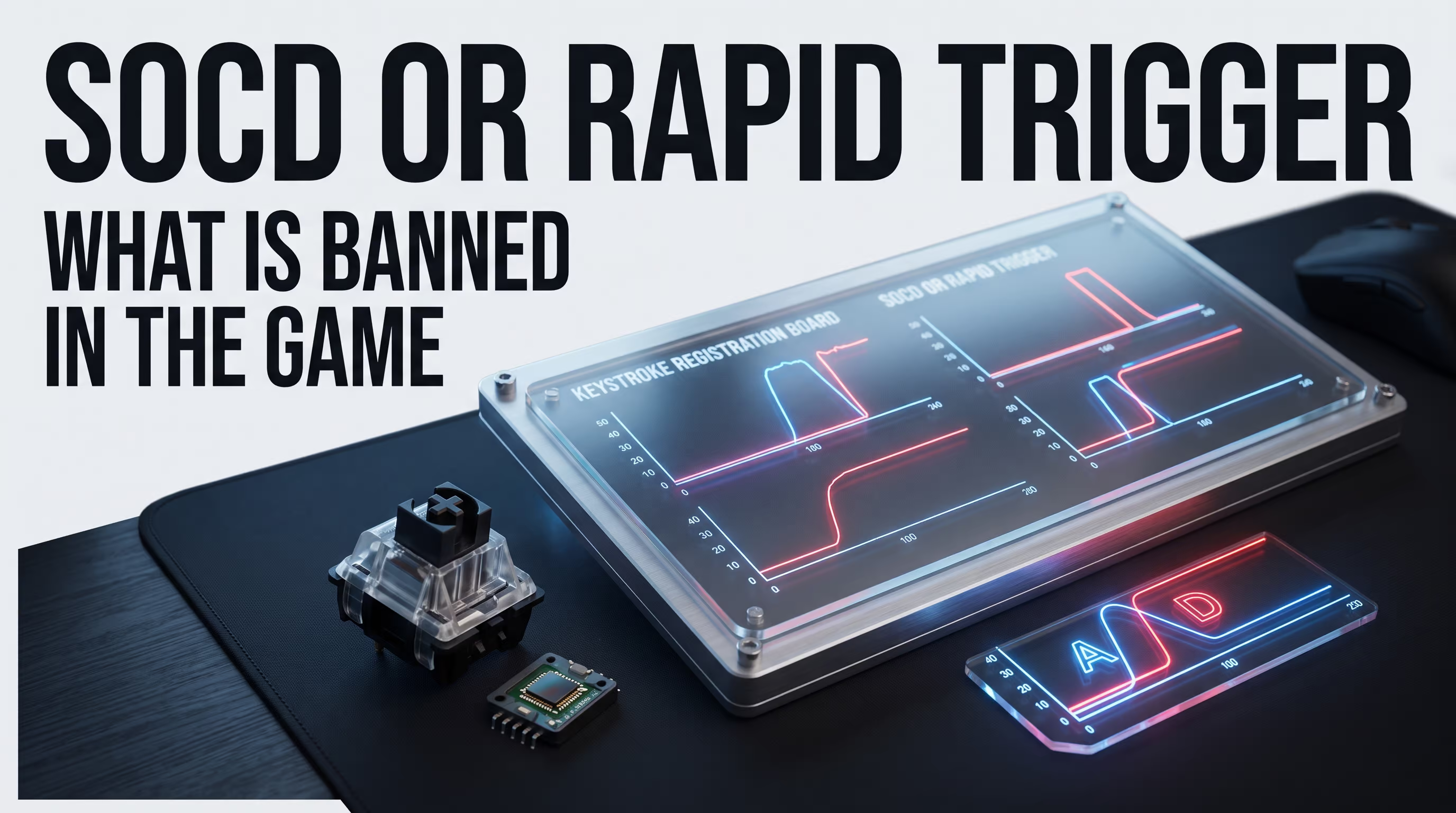
How SOCD Differs from Rapid Trigger and Why One Is Banned While the Other Isn't
Even experienced users get confused here. SOCD (Simultaneous Opposing Cardinal Direction) is an algorithm that decides what happens when you press "Left" and "Right" at the same time. On older keyboards, the character would simply stop. On newer ones (Snap Tap and its equivalents), the keyboard automatically cancels the first input in favor of the second. This gives you a perfect strafe. Valve considers this a cheat because the keyboard is making the decision for the player.
Rapid Trigger is a Hall-effect switch technology. It resets key registration the same millisecond you slightly lift your finger. You press and release the keys yourself — the device simply reads that release instantly. That's exactly why Rapid Trigger is allowed and won't get you kicked.
How to Disable Input Automation: Step-by-Step Guide by Brand
In my testing across various devices, I found that the issue is most often resolved by pressing a couple of buttons on the keyboard itself. Many people ask how to fix input automation in CS2 without buying new peripherals or reinstalling Windows. The answer is simple: disable SOCD. I've put together a complete reference table for 8 popular brands as of 2026.
Let's break down the most popular devices in more detail. If your keyboard isn't on the list, make sure to check the documentation on the manufacturer's website — look for the terms Snap Tap, SOCD, or Speed Tap in the manual.
Razer: Disabling Snap Tap via Synapse and Hotkey
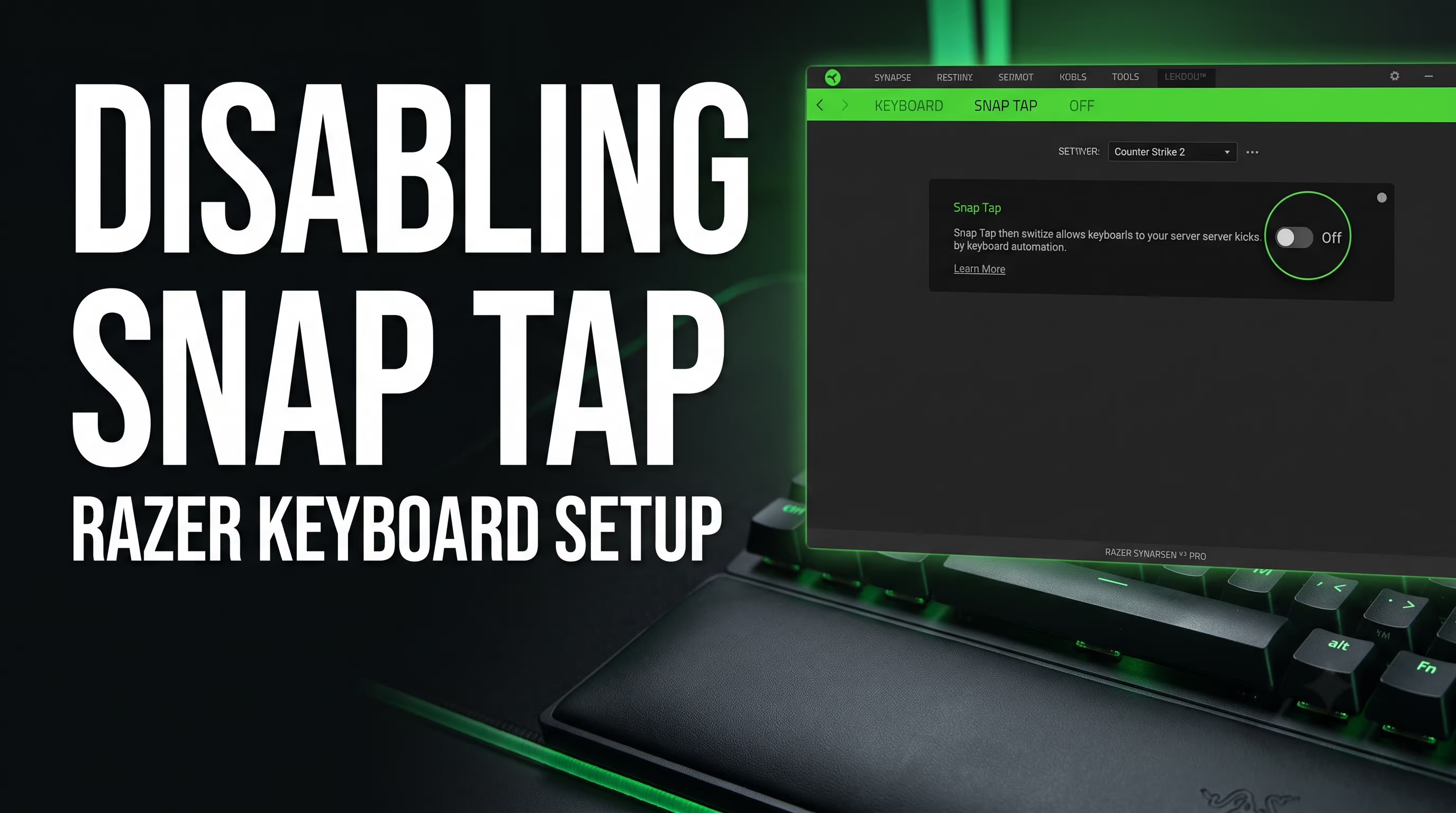
Razer calls this feature Snap Tap. To stop getting kicked, simply press FN + Left Shift on your Huntsman keyboard. That's a quick hardware toggle. If you want a more reliable setup, open Razer Synapse, select your profile, and flip the Snap Tap toggle to "Off." Keep in mind that this feature is disabled by default from the factory, so if you're getting kicked, you most likely enabled it yourself.
ASUS ROG: Disabling Speed Tap on Falchion and Strix
ASUS implemented their own version called Speed Tap. If you have the compact ROG Falchion RX Low Profile, hold FN + Tab. A white LED means the feature is active; red means it's off. For ROG Strix Scope II 96 Wireless owners, the combination is different — FN + Caps. There are known bugs where the indicator shows red but the feature is still running. In that case, simply update the firmware through Armoury Crate.
Red Square, Wooting, Corsair, Glorious, Dark Project
Wooting owners with their premium customs need to open the web version or the Wootility app and turn off SOCD. Reminder: you do NOT need to disable Rapid Trigger itself — it's fully legal. Based on user reports on Steam Community forums, on Red Square Alumix boards and Dark Project PCBs, the FN + Right Shift combo usually does the trick. For Corsair, the FlashTap feature can only be disabled through the rather heavyweight iCUE software. Make sure to save the profile to the device's onboard memory.
Non-Obvious Causes: Macros, Overlays, Layout Auto-Switchers
If you're running a standard membrane or no-frills mechanical keyboard and the server still complains, the culprit is software. Honestly, this approach saved me a ton of frustration when I was troubleshooting kicks on a friend's old laptop. Here's what you need to close before launching CS2:
- Shut down AutoHotkey (AHK). Server-side detection instantly picks up bhop or anti-recoil scripts.
- Stop any keyboard layout auto-switching utilities. They analyze your keystrokes in the background and can simulate simultaneous input.
- Check your overlays. Discord Overlay and GeForce Experience occasionally conflict with game input.
It's also worth setting up the correct CS2 launch options so the game properly captures mouse and keyboard input at the system level, ignoring background Windows processes.
False Kicks for Input Automation: Why You Get Kicked Without Cheats
Let's be honest: Valve's system is far from perfect. False positives are a genuine plague in the current meta. Even in July 2026, hundreds of people on Reddit are complaining about kicks without any Snap Tap enabled. The trigger can simply be playing very fast with your hands. If you're getting kicked for input automation while playing completely legit, it absolutely wrecks your nerves and your faith in the game.
As pro player ropz noted: "There's a certain hidden strafe threshold after which the system intervenes." If you're doing a very fast jiggle peek and start spamming A+D at machine-gun speed, the server AI may decide you're a bot and forcibly terminate the connection.
What to Do If You're Getting Kicked Without SOCD or Macros
If you're playing on a basic $10 membrane keyboard and still getting thrown out mid-game, follow this diagnostic algorithm:
- Switch USB ports. Move your keyboard from USB 3.0 to USB 2.0 (or vice versa). Sometimes the issue lies in the motherboard controller's polling rate, which merges signals together.
- Verify game file integrity. Go to Steam → CS2 Properties → Installed Files → Verify Integrity. Corrupted input libraries can throw system errors.
- Lower the polling rate. If your keyboard software is set to 8000 Hz, drop it to the standard 1000 Hz. Source 2 sometimes chokes on that data throughput.
- Contact the developers. If the kicks are systematic, send a bug report to
csgoteamfeedback@valvesoftware.com.
VacNet 3.0 and the 2026 Ban Wave: What Changed
A lot of players are worried about their accounts because of the news. It's important to separate the two issues. The new VacNet 3.0 anti-cheat neural network was fully activated on July 29, 2026. Yes, it's smarter. Yes, on March 26, 2026, there was a massive ban wave (over 28,000 bans in a single day). The community was in shock.
But here's the thing: that AI is trained to catch actual aimbots and the sloppy patterns of free cheat software, not to ban people for strafing. Those 28,000 accounts got hit for real injections, not for forgetting to turn off Snap Tap. The server-side input automation protection runs in parallel, and its punishment, as we've established, is far more lenient.
Jumpthrow in CS2 2026: Does It Still Work and How to Throw Grenades Without a Bind
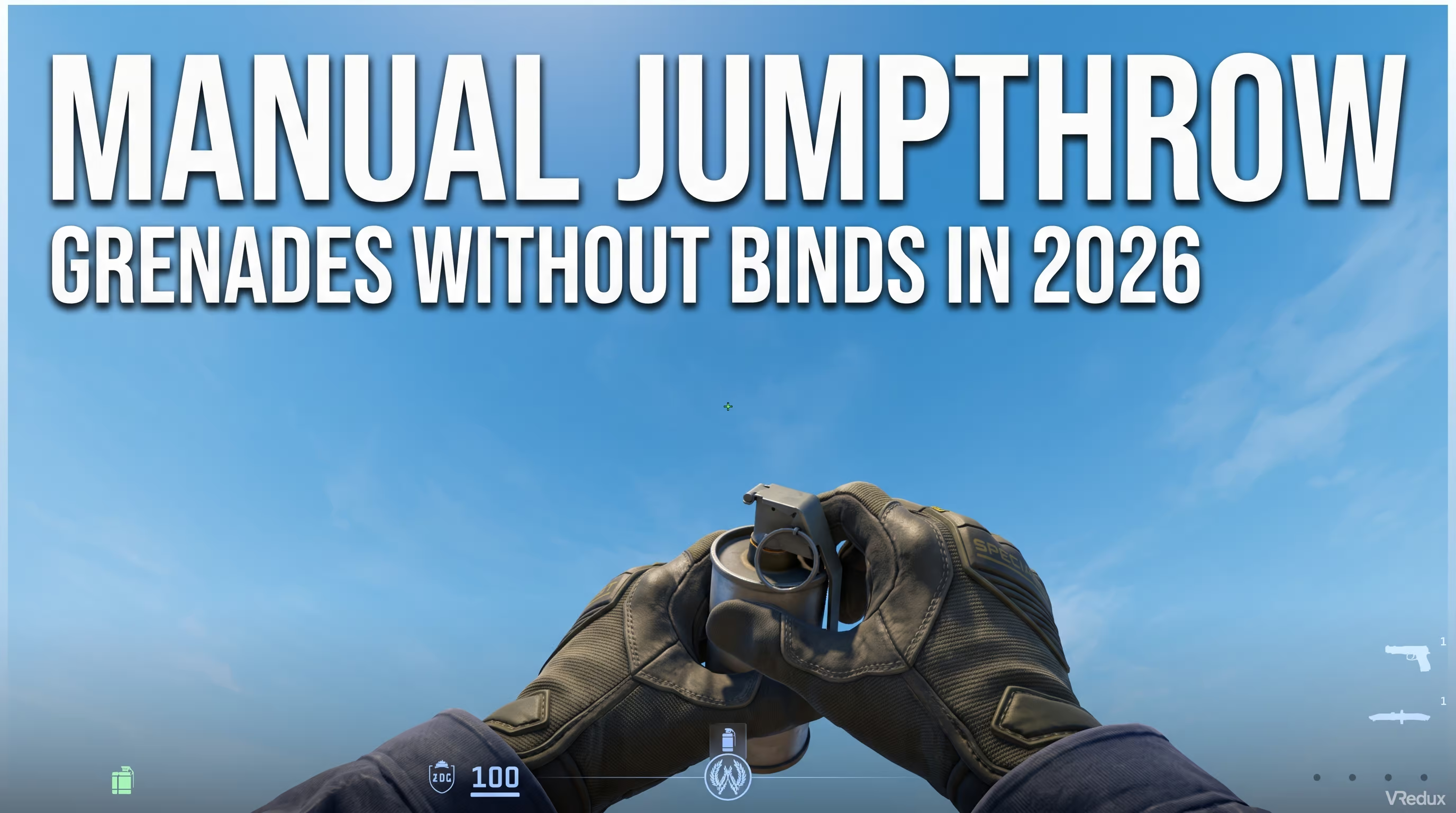
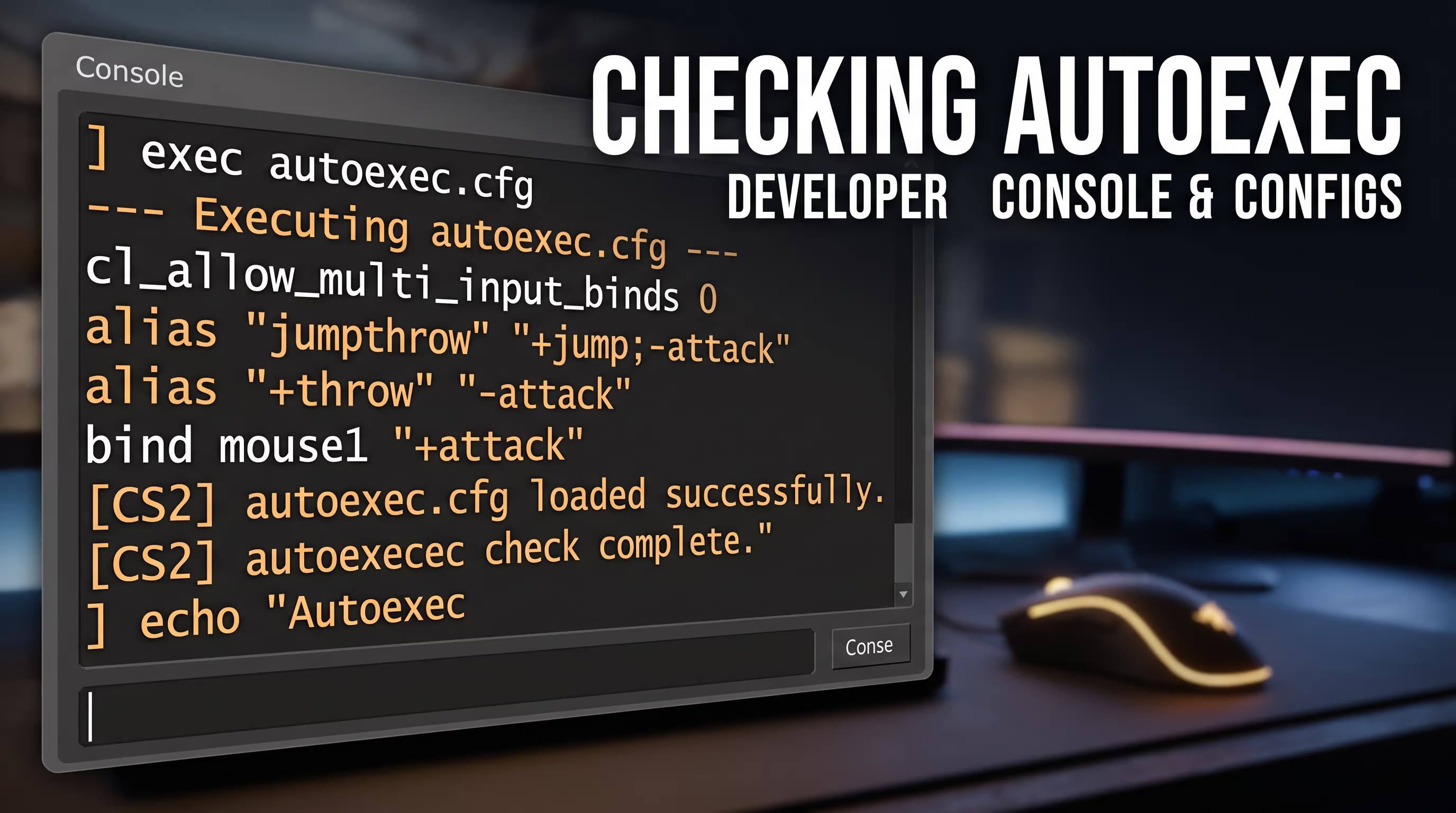
You'd think a basic jumpthrow is a fundamental mechanic you can't play without. But Valve killed it on official servers (MM and Premier). They blocked the ability to bind multiple actions to a single key. The console command cl_allow_multi_input_binds 0 is now set by default and is cheat-protected. Trying to bypass it with old CS2 binds will either result in the command being ignored or an instant kick.
So how do you execute smokes now? CS2's sub-tick system handles this beautifully. It was designed specifically so that a manual grenade throw mid-jump is always pixel-perfect. Here's the correct technique for 2026:
- Pull out your grenade and pin it.
- Hold left mouse button (LMB) and aim at your target spot on the map.
- Press spacebar (jump).
- The moment your character model starts moving upward, simply release LMB.
The Source 2 engine compensates the timing automatically, and the grenade flies exactly where you intended, as if you'd used a bind. It takes literally 10 minutes of practice, but you'll never get kicked for it.
Do You Get Banned for Input Automation: VAC, Kicks, and Cooldowns
The biggest fear for any player whose inventory is worth more than a used car is a VAC ban. Let's calm down. If you see the input automation error on screen, what does it mean for your account? Absolutely nothing critical — your Steam profile is perfectly safe.
- VAC ban: Not issued. The system simply detects an input script, not kernel-level memory interference with the game.
- Match kick: Yes, you get disconnected from the server. You can reconnect immediately if you hit Reconnect fast enough.
- Competitive cooldown: If you get kicked multiple times in a match or fail to reconnect in time, the game counts it as an abandonment. You'll receive a temporary matchmaking ban (from 30 minutes to 7 days) and lose rating.
It's also worth mentioning Trust Factor. Many players worry that this error will tank their trust score. As of now, Valve has not confirmed that server-side SOCD kicks directly reduce your Trust Factor. However, system-level abandonments (when you fail to reconnect after a kick) will definitely drag it down, sending you into lobbies full of toxic players.
Because of this error, you lose rating for no reason. So if you're experiencing these kicks, don't immediately queue another Premier match. Fix the issue locally first, test your strafes on casual DM servers, and make sure you're clean before going ranked — that way you avoid cooldowns and don't ruin the game for your teammates.
Checklist: How to Configure Your Keyboard and CS2 to Avoid Kicks
In the end, the picture is pretty straightforward. To forget about false kicks and consistently dominate on the server, you need to properly prepare your setup. Players who run into this error often just can't be bothered to check their background software.
I recommend running through this algorithm after every major CS2 patch, since Valve periodically adjusts the sensitivity of their server-side filters. Walk through my 10-step checklist:
- Open your keyboard software and locate the SOCD / Snap Tap / Speed Tap settings.
- Confirm they're disabled (or use the hotkey from the table above).
- Check whether your mouse software (e.g., G Hub) has a recoil compensation macro active. Delete it.
- Navigate to your game folder and open your
autoexec.cfgin a text editor. - Remove any lines starting with
alias "+jumpthrow"oralias "+forwardjump". - Close any keyboard layout auto-switching utilities before launching Steam.
- Disable the Discord in-game overlay by unchecking it in Discord's settings.
- If you use a controller for other games, physically unplug it from your PC. The game can pick up dead-zone conflicts from the analog sticks.
- Join an official Deathmatch (DM) server.
- Rapidly spam the A and D keys for a full minute. If you don't get kicked, you're all set — go queue ranked.
Following these simple steps guarantees that your input will be clean of any software junk. You'll control every strafe manually, relying solely on your own skill and reaction time.
Don't forget to periodically clean your motherboard's USB ports and update your drivers. Sometimes old or dusty USB hubs introduce hardware-level latency and signal merging that the anti-cheat mistakenly interprets as macro activity.
FAQ: Common Questions About Input Automation in CS2
A properly configured config and clean peripherals without unnecessary software are the foundation you simply can't win without. While other players throw away their precious Premier points because of silly errors, dirty binds, and stupid kicks, you'll be consistently taking round after round with full technical control over your hardware. If you want to level up your game even further and discover non-obvious tricks of the new engine, check out the technical articles section in our knowledge base. Good frags and stable framerates!