You fire up OBS to record your sickest clutch, you tab into the game, and... black screen. Sound familiar? Or maybe you are trying to use Nvidia filters to make the game look less washed out, but Counter-Strike 2 just refuses to cooperate. Honestly, when I first switched from CS:GO to CS2, I thought my graphics card was dying. But the problem wasn't my hardware—it was Valve's "Trusted Mode."
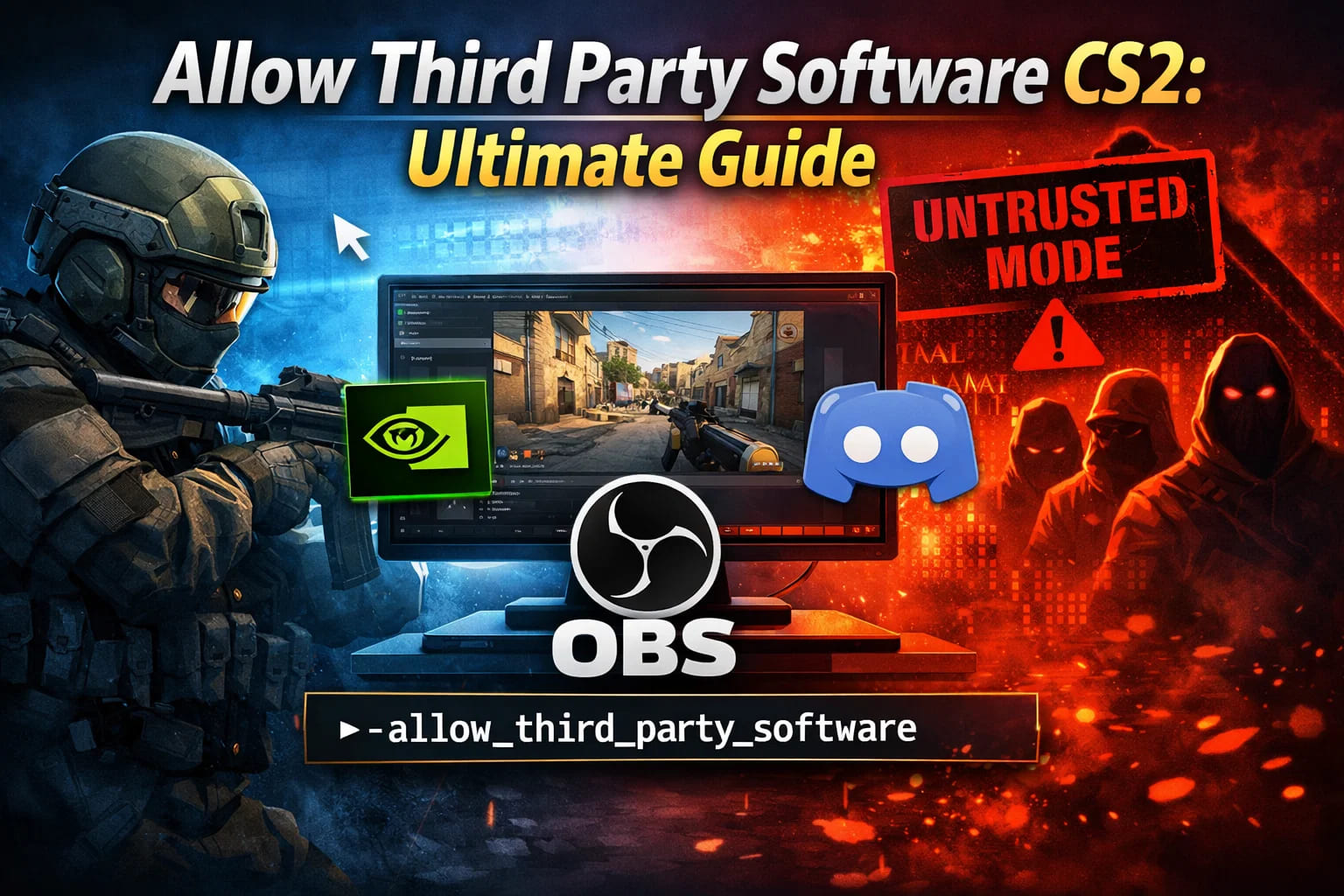
If you want to use overlays, capture game video properly, or use specific visual tweaks, you need to know how to allow third party software CS2. In this guide, I will show you exactly how to bypass these restrictions using the launch option, discuss the risks for your Trust Factor, and explain why sometimes the CS2 allow third party software command is your only friend.
What is Trusted Mode and Why Does It Hate You?
Before we dive into the console commands, let's look at what is actually happening. Valve introduced "Trusted Mode" back in Global Offensive and ported it straight into CS2. The idea is simple: the game blocks any files or software trying to interact with the cs2.exe process.
In theory, this stops cheaters. In reality? It mostly just annoys streamers and people who like using Discord overlays. If you are trying to use OBS Game Capture or Nvidia Freestyle, CS 2 blocks them by default. That is why you are here looking for the CS2 allow third party command.
How to Allow Third Party Software in CS2
Okay, let's get to the meat of the guide. Unlike changing your crosshair or viewmodel, you cannot just open the developer console and type a command while inside the match. To allow third party software CS2 command functionality, you need to edit the launch options in Steam before the game even starts.
Here is the step-by-step method I use:
-
Open your Steam Library.
-
Right-click on Counter-Strike 2.
-
Select Properties.
-
Go to the General tab.
-
Look for the Launch Options field at the bottom.
-
Type or paste this exact text:
-allow_third_party_software -
Close the window and launch the game.
Once you do this, the game will load in "Untrusted" mode. This doesn't mean you are cheating; it just means CS2 is now letting other apps "hook" into it. Now your OBS Game Capture should work instantly without needing to use the laggy "Display Capture" mode.
Is there a console command for this?
Many players keep asking me for a specific allow third party CS2 command to type directly into the in-game console (~). I have to be honest with you: it doesn't exist inside the running game.
Because Trusted Mode initializes when the game boots, you cannot change it on the fly. You must set the allow third party software CS2 command in the Steam properties as shown above. If anyone tries to sell you a sv_ script to do this while playing, they are scamming you..jpg)
When Should You Use This Command?
You shouldn't just turn this on for fun. I only recommend using the CS2 third party command parameter in specific scenarios. Here is a breakdown of when it is actually useful.
1. Streaming and Recording (OBS/Streamlabs)
If you are a content creator, you know that "Game Capture" is superior to "Window Capture." It reduces input lag and frames don't drop as much. To get OBS to hook into CS2, this launch option is mandatory.
2. Nvidia Freestyle and Filters
Some of us aren't satisfied with the gray, dull color palette of standard maps. If you want to use Nvidia Game Filters (Alt+F3) to boost saturation or sharpness, the CS2 allow third party software command is often required to let the overlay interact with the game depth buffers.
3. Custom HUDs and Overlays
Discord overlay, Spotify widgets, or specialized crosshair software (like Crosshair X) often get blocked by Trusted Mode. If you can't see who is talking in Discord while clutching a 1v3, enabling this mode fixes it.
| Feature | Trusted Mode (Default) | Untrusted Mode (Third Party Allowed) |
|---|---|---|
| OBS Game Capture | ❌ Blocked (Black Screen) | ✅ Works Perfectly |
| Nvidia Filters | ❌ Often Blocked | ✅ Works |
| Trust Factor | ✅ High (Green) | ⚠️ Potential Drop (Red/Yellow) |
| Matchmaking | ✅ Official Servers | ⚠️ Warning Message |
The Risks: Trust Factor and Shadow Bans
Here is the part where I have to be the bearer of bad news. While the allow third party CS2 command solves technical issues, it comes with a price.
When you launch with -allow_third_party_software, CS2 detects that you have deliberately lowered the security shield. When you try to queue for Premier or Competitive, the game might give you a warning: "Launch functionality is restricted."
Does this ban you? No. You will not get a VAC ban for this.
Does it hurt? Yes. Using the CS2 allow third party command can negatively impact your Trust Factor.
My Personal Experience
I tested this for a week. I played with the command active to record some footage. By day three, I noticed my teammates were... let's say, less "stable." I started seeing more rage-quitters and suspicious accounts. The game essentially buckets you with other people who are also running third-party software. Sometimes that's just other streamers, but often it's people running actual cheats.
If you care about your rank and want a clean matchmaking experience, use this command only when necessary. Or, if you want to dominate regardless of the lobby, you might want to look into the VRedux private cheat, which is designed to bypass detection without messing up your game files like standard public software does..jpg)
Alternative: How to Stream Without the Command
If you are scared of the Trust Factor penalty (and honestly, you should be careful), there is a workaround for streamers. You don't have to use the allow third party software CS2 command if you change how you capture the game.
-
Open OBS.
-
Delete your "Game Capture" source.
-
Add a "Display Capture" source.
-
Run CS2 in "Fullscreen Windowed" or "Windowed" mode.
This bypasses the need to hook into the .exe. The downside? Input lag. Windowed mode in CS2 adds a slight delay to your mouse movement compared to exclusive Fullscreen. But if you have a potato PC or just hate input lag, you are stuck choosing between lag or the CS2 third party command launch option.
FAQ: Allow Third Party Software
Will I get VAC banned for using -allow_third_party_software?
Absolutely not. This is an official developer launch option. However, your Trust Factor might decrease, making your matchmaking experience miserable.
The command allows third party software CS2 isn't working, what do I do?
Make sure you put a hyphen/dash (-) before the command. It must look like -allow_third_party_software. Also, ensure there are spaces between this and any other launch options like -novid or -high.
Can I turn it off easily?
Yes! Just go back to properties and delete the text. Your game will return to Trusted Mode immediately upon the next restart.
Does VRedux work without this command?
Yes. High-quality software like VRedux operates differently and doesn't rely on the standard "hooks" that Trusted Mode blocks, keeping your Trust Factor safe while giving you the advantage.
Why does my OBS still show a black screen?
If you entered the CS2 allow third party software command and it still fails, try running OBS as Administrator. This gives the recording software permission to overlay on top of the CS2 process..jpg)
Conclusion
Enabling external apps in Counter-Strike 2 is a double-edged sword. On one hand, the allow third party software CS2 launch option is a lifesaver for content creators and tweakers who need their overlays and filters. On the other hand, Valve really wants you to play in Trusted Mode, and they will punish your Trust Factor for disobeying.
Now that you know how to allow third party software CS2 command functions, go fix your OBS setup and stop staring at that black screen!
Want to learn more about optimizing your game? Check out our guides on FPS Optimization and custom binds on the articles page.