You know that feeling when you jump into a Premier match cold, miss an easy spray, and immediately get flamed by your teammates? Yeah, we’ve all been there. Aim in Counter-Strike is like a muscle—if you don’t warm it up, it’s stiff and useless. That’s where CS2 Deathmatch (or just DM) comes in.
.jpg)
In my 10+ years of grinding from CS 1.6 to CS2, I’ve realized one thing: you can know every grenade lineup on Mirage, but if you can’t click heads, you lose. DM in CS 2 is the gym where you build that mechanical skill. Whether you are looking for official Valve servers or the hardcore community FFA (Free For All) lobbies, this guide covers everything. We’ll look at the best deathmatch servers, console commands to set up your own lobby, and how to boost your FPS in this chaotic mode.
Article Contents:
What is Deathmatch in CS2?
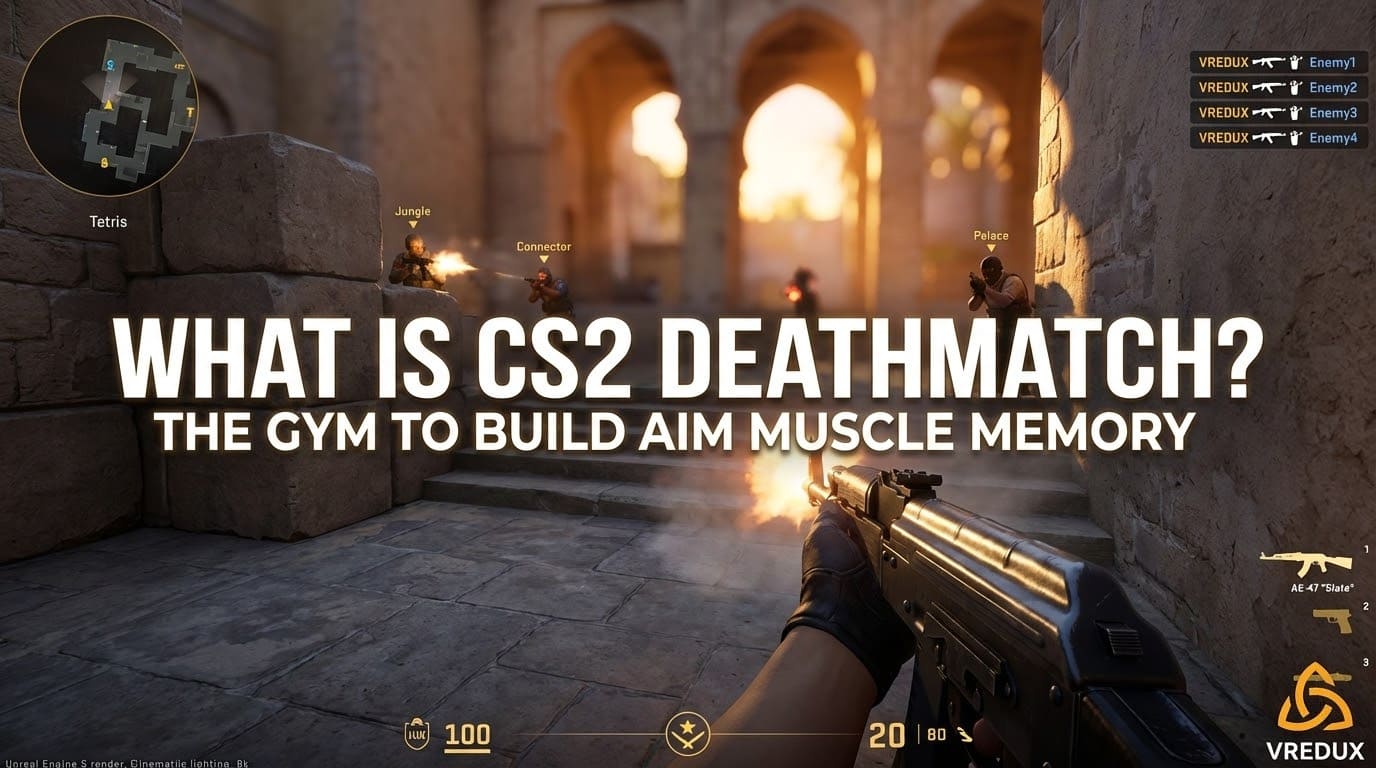
Simply put, Deathmatch is a game mode where the objective is to kill as many opponents as possible within a time limit. Unlike competitive mode, there is no bomb to plant, no hostages to rescue, and most importantly, no waiting for the next round when you die. You respawn instantly (or within a few seconds).
For players new to Counter Strike 2, this is the fastest way to learn gun mechanics. You take more duels in 10 minutes of DM than you would in five full matches of Premier. It’s pure chaos, but it trains your reflexes, crosshair placement, and recoil control. Honestly, if you aren't spending at least 15 minutes here before queuing ranked, you are sabotaging your own ELO.
If you are looking to get an edge not just in aim but in game knowledge, checking out tools like VRedux can help you understand game mechanics on a deeper level, offering insights that go beyond standard training.
.jpg)
Valve Official DM vs. Community Servers
Here is the harsh truth: Valve’s official CS2 deathmatch is... okay for beginners, but terrible for actual training. Why? Because it’s Team vs. Team (T vs CT), the tickrate feels sluggish, and the spawn protection lasts way too long. You spend half the time running around finding no one, and the other half getting shot in the back by a guy who just spawned with 10 seconds of invulnerability.
Community servers are where the real work happens. These are hosted by third-party platforms (like Cybershoke, Xplay, or WarmupServer) and usually run FFA (Free For All) modes. In FFA, everyone is an enemy. The tempo is insane.
| Feature | Valve Official DM | Community DM Server |
|---|---|---|
| Game Mode | Team vs. Team (mostly) | Free For All (FFA) |
| Reloading | Manual | Instant on Kill (usually) |
| Health | Use Medi-shot | +HP on Kill / Headshot |
| Performance | Standard 64-subtick | Optimized (feels like 128 tick) |
I personally stick to community dm servers because they offer "multicfg" (multi-config) options where you can choose your weapons without buying them, and the low ping optimization is usually better for hit registration.
How to Join DM Servers in CS2
There are three main ways to get into the action, depending on what kind of experience you want.
1. The Official Menu (The Easy Way)
Click "Play", select "Deathmatch", choose a map group (like Dust II or Mirage), and hit GO. This puts you in a Valve server. It’s good if you just want to farm XP for your weekly drop or service medal.
2. Community Server Browser
This is where the pro players live. To access this, you click on the "Globe" icon (Internet) in the play menu.
- Open the server browser.
- In the search bar, type keywords like
dm,ffa,pistol, ordeathmatch. - Look for servers with low ping and a decent number of players.
- Click "Connect".
Keep in mind that some servers might download custom textures or plugins. This is normal for a Counter-Strike 2 community server.
3. Console Connection
If you have the IP address of a specific server (maybe from a website monitoring list), you can join directly. Open your console (~ key) and type:
connect [IP_ADDRESS]
If you don't know how to open this menu, you should definitely read our guide on how to enable the developer console in CS2, as it's essential for advanced settings.
.jpg)
Popular DM Modes: Pistol, HS Only, and AWP
Not all deathmatch is the same. Community servers offer specialized modes to train specific aspects of your aim.
Pistol DM CS
In Pistol DM, you are restricted to USPs, Glocks, P250s, or Deagles. This is critical for winning pistol rounds in competitive matches. The movement speed is higher, and you have to focus on micro-adjustments.
HS Only (Headshot DM)
This is the most frustrating but rewarding mode. Body shots deal zero damage. You must hit the head. I recommend playing CS DM HS mode for 20 minutes a day. Your crosshair placement will improve drastically because you stop lazily aiming at the chest.
AWP DM CS
Servers dedicated to sniping. Everyone has an AWP. It’s a reflex test. Great for learning how to peek angles and counter-strafe with a scope.
.jpg)
Essential Console Commands for DM
If you want to host a local server to practice against bots or friends, you’ll need to know the right CS2 deathmatch commands. Valve changed a lot of things from CS:GO, so old configs might not work.
First, kick the bots if you want a private duel or add them if you want targets. Here is a quick list to set up a CS2 DM locally:
game_mode 2— Sets the game mode to Deathmatch.game_type 1— Sets the game type.mp_teammates_are_enemies 1— Enables FFA mode (everyone vs everyone).mp_respawn_on_death_ct 1/mp_respawn_on_death_t 1— Ensures instant respawn.mp_roundtime 60— Sets the round time to 60 minutes so the map doesn't change.mp_randomspawn 1— Enables random spawns across the map (essential for DM).sv_cheats 1— Required for some specific commands (like god mode or infinite ammo).sv_infinite_ammo 1— Never reload (good for spray control practice).
You can create a config file (dm.cfg) with these commands and just type exec dm in the console to load your warmup DM CS 2 settings instantly.
.jpg)
Why is DM Laggy? (FPS and Ping Fix)
You join a deathmatch server with 20 players, and suddenly your PC sounds like a jet engine, and your FPS drops to 60. This is a common issue. CS2 deathmatch is very CPU intensive because the game has to calculate inputs, spawns, and physics for way more players than a standard 5v5 match.
Also, blood decals and bullet holes accumulate quickly, eating up your RAM and GPU power. If you are experiencing stuttering, try using the command r_cleardecals (bind it to your movement keys) or check your video settings.
Low FPS in DM can mess up your muscle memory because the input lag changes. To get a smoother experience, you should check our detailed guide on CS2 system requirements and optimization to squeeze every frame out of your hardware.
Pro Tip: If you have high ping on official servers, it might be a routing issue. On community servers, always sort the browser list by "Latency" and favor servers in your region.
FAQ: Frequently Asked Questions
What is the best way to find a deathmatch server?
Use the community server browser or third-party sites like Cybershoke or WarmupServer. They offer monitoring of active players and map rotation.
How do I play DM with friends only?
Create a "Practice" lobby, invite your friends, select "Deathmatch", and start. Once in, use the console command bot_kick to remove AI players.
Does playing DM help with ranking up?
Absolutely. Better aim wins rounds. A strict routine of warmup DM CS 2 before matches is what separates Silvers from Global Elites.
Can I get banned for playing on community servers?
No, playing on community servers is safe. However, using cheats there will still get you banned if the server is VAC-secured. Always play fair or use secure tools on non-protected servers.
Why is my FPS lower in DM than in Premier?
DM handles 16-24 players simultaneously, plus constant respawns and sound effects. This puts a heavy load on the CPU compared to a 5v5 scenario.
Conclusion
DM in CS 2 is more than just a mindless shooting gallery; it is the foundation of your skill. Whether you prefer the structure of official servers or the hardcore speed of community CS deathmatch, the key is consistency. Don't just run around holding W—practice your strafing, your tapping, and your spray transfers.
Remember, everyone starts somewhere. Today you might be getting destroyed in an AWP DM CS server, but stick with it, and soon you'll be the one topping the scoreboard. Optimization, practice, and the right settings are your best friends here.
Ready to learn more about game mechanics and configs? Head over to our articles section for more in-depth guides.