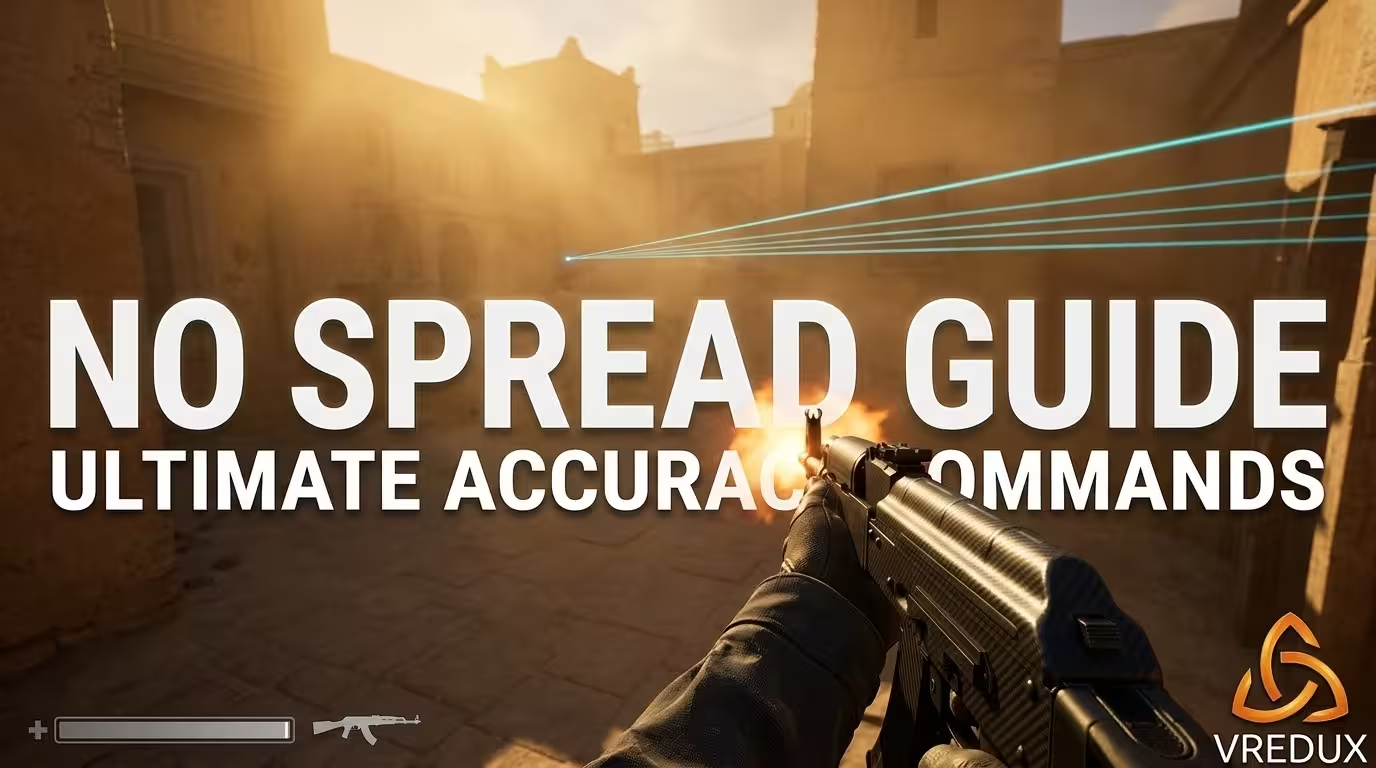
When your crosshair is glued to the enemy's head, you click, and the bullet decides to outline their skull like a cartoon knife thrower—that is when most players want to smash their monitor. RNG bullet deviation is infuriating. I have spent thousands of hours reverse-engineering Valve's engine mechanics, and honestly, the shift from Global Offensive to Source 2 completely rewired how weapon inaccuracy works.
.avif)
If you are actively searching for the classic CS GO no spread command or wondering how to disable weapon bloom entirely in modern Counter-Strike 2, you need a reality check. The rules changed. In my latest patch tests, I verified exactly how the server handles your inputs. This command guide provides the exact console parameters you need to create the ultimate offline practice environment. We will dive deep into the CS2 no spread command, break down why old-school memory cheats fail today, and look at actual, working methods to improve your tracking.
Table of Contents:
The Exact CS2 Commands to Disable Spread and Recoil
.avif)
Let us cut the fluff. If you want a laser-beam weapon in CS2 for offline practice, you need to input two specific variables. Most players looking for a recoil console CS GO 2 fix confuse recoil patterns with random spread. They are two different beasts.
- Type
sv_cheats 1and press Enter. This is mandatory. Without it, the game rejects advanced parameter changes. - Type
weapon_accuracy_nospread 1and hit Enter. This is your primary spread command. It eliminates the RNG bullet deviation mathematically. - Type
weapon_recoil_scale 0and hit Enter. This removes the physical screen punch and the predictable spray pattern.
Congratulations, you just turned your AK-47 into a hitscan railgun. When rookies ask me for a generic CS GO 2 spread command, I give them this exact combo. It is the absolute best CS2 method for raw aim isolation. If you want to revert these changes, simply input weapon_accuracy_nospread 0 and restore your weapon recoil scale to default.
How to Visualize Inaccuracy: weapon_debug_spread_show
Here is a trick I use when optimizing configs for our community. You do not just want to disable spread; you want to understand it. Type weapon_debug_spread_show 1 (or 3 for dynamic scaling) in the console. You must use a dynamic crosshair for this to render correctly.
The engine draws a yellow bounding box around your crosshair. This box represents the mathematical area where your bullet can land based on the current spread feature algorithm. Run, jump, and climb ladders—you will watch the box expand. This visual tool proves instantly why the nospread command CSGO veterans relied on is so crucial for muscle memory training.
Source 2 Engine Mechanics: Spread vs. Recoil
.avif)
To play CS2 effectively, you must separate spread from recoil. I see forum posts daily blending the two. Recoil is the physical upward pull of your gun—it is a fixed pattern. Spread is the randomized bullet deviation (RNG) applied on top of that pattern, heavily influenced by your movement velocity.
In the old days, a CS:GO no recoil command did exactly what you expected. But the Source 2 sub-tick system calculates movement inaccuracy down to the millisecond. If your counter-strafing is off by a single tick, the engine applies a massive inaccuracy multiplier. You might look stationary on your screen, but the server already registered movement. This is why spread in CS2 feels so punishing compared to the old engine.
Why Server-Side Seed Killed "No Spread" Hacks in Matchmaking
Let's talk about the elephant in the room. Many players testing the CS:GO 2 no recoil command offline immediately look for ways to force it into competitive matchmaking. Here is the catch: Valve fundamentally changed the architecture. They moved the random number generation (RNG) seed for bullet trajectories entirely server-side.
In simple terms? Client-side memory injection cannot predict where the bullet will land anymore. Traditional Ring0 "No Spread" cheats are mathematically dead in Premier. Any external software claiming to offer a perfect CS2 no spread bypass without exploiting the server directly is either a scam or highly detectable. The server holds the absolute truth now.
Bypassing Limitations: Matchmaking Alternatives (RCS & Native Features)
.avif)
Since sv_cheats 1 is strictly blocked in official lobbies, what are your options for top CS2 performance? If you cannot use the weapon_accuracy_nospread command in Premier, you adapt.
First, utilize the native UI toggle: Follow Recoil (cl_crosshair_recoil 1). This forces your crosshair to physically track the spray pattern. It does not fix random bullet spread, but it gives you a massive advantage in recoil control without risking a VAC Live ban.
Secondly, let's be honest about external Recoil Control Systems (RCS). Hardware macros (like Logitech scripts) are popular, but they lack dynamic adjustments. Instead of risking a ban with sketchy public scripts, I highly recommend exploring the private solutions available in our articles database. A properly coded, kernel-level RCS integrated into a premium suite like VRedux dynamically counters the weapon recoil while keeping your Trust Factor perfectly clean. It saves you thousands of hours of grinding aim-bots maps.
The Ultimate CS2 Accuracy Practice Autoexec (.cfg)
.avif)
Do not waste time typing out every CS:GO recoil commands variation manually every time you launch an offline map. I built this command generator block specifically for my own warm-up routine. Create a text file, paste this code, save it as practice.cfg in your game\CSGO\cfg folder, and type exec practice in your developer console.
This script disables all weapon inaccuracy, gives you infinite money and ammo, and sets up the perfect lab to test wallbangs and grenade line-ups. I use this exact setup to test new hardware latency and total cs optimizations.
Command Parameters Breakdown
FAQ: Advanced Troubleshooting and Mechanics
Conclusion
The bottom line is simple: understanding the game mechanics gives you a massive advantage. Practice with these commands offline, refine your counter-strafing, and if you are tired of the grind, leverage modern, secure tools. Keep pushing your CS2 online stats, and stop letting RNG dictate your rank.