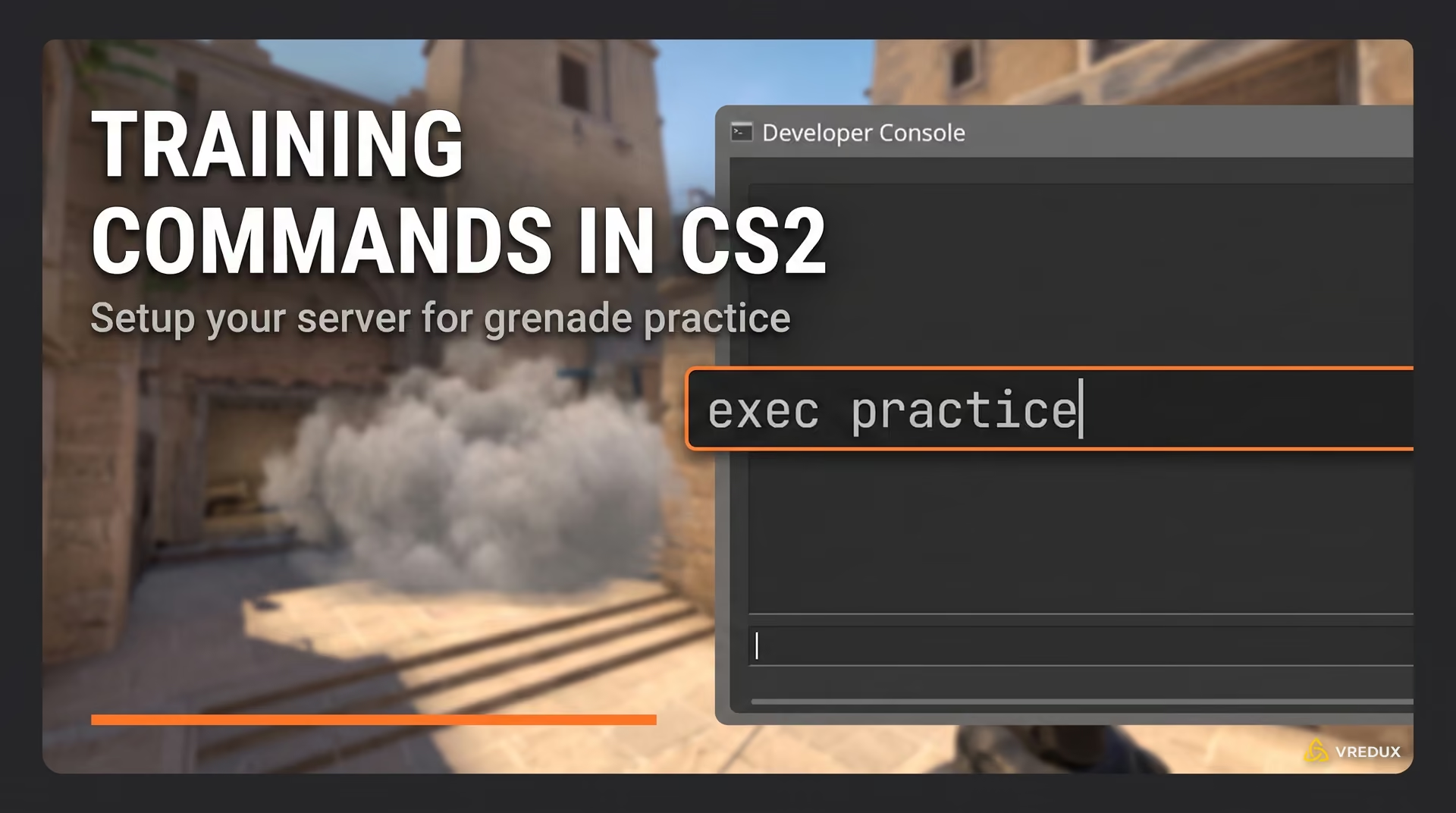
Honestly, when I first switched to Source 2, what pissed me off the most wasn't the subtick system or the weird hitboxes, but the lack of familiar shooting feedback. The tradition of customizing your hit sound goes all the way back to CS:GO, where you could just drop an MP3 into the root folder and select it in the menu. Today, setting up a custom hit sound in CS2 has become exponentially harder.
I killed a few evenings putting together a genuinely working algorithm. In this article, I'll explain how to make a custom hit sound in CS2, compile it without errors, and where to drop it for top-tier cheats. By the way, if you're looking for a reliable solution, sick sounds and visuals are already set up out of the box in the VRedux private software.
Guide Contents:
The Basics of CS2 Hitsounds
Let's clear up the main question right away: how do you install a hitsound in CS2 without third-party software? The answer is—you can't. The engine no longer supports direct loading of raw audio files. For the game to recognize a hit sound, the audio must be strictly compiled through official utilities. In matchmaking, only a cheat can hook the player_hurt event and play a sound, because Valve's servers enforce sv_pure. Meaning, any custom CS 2 hit sound today is exclusively the work of an injector.
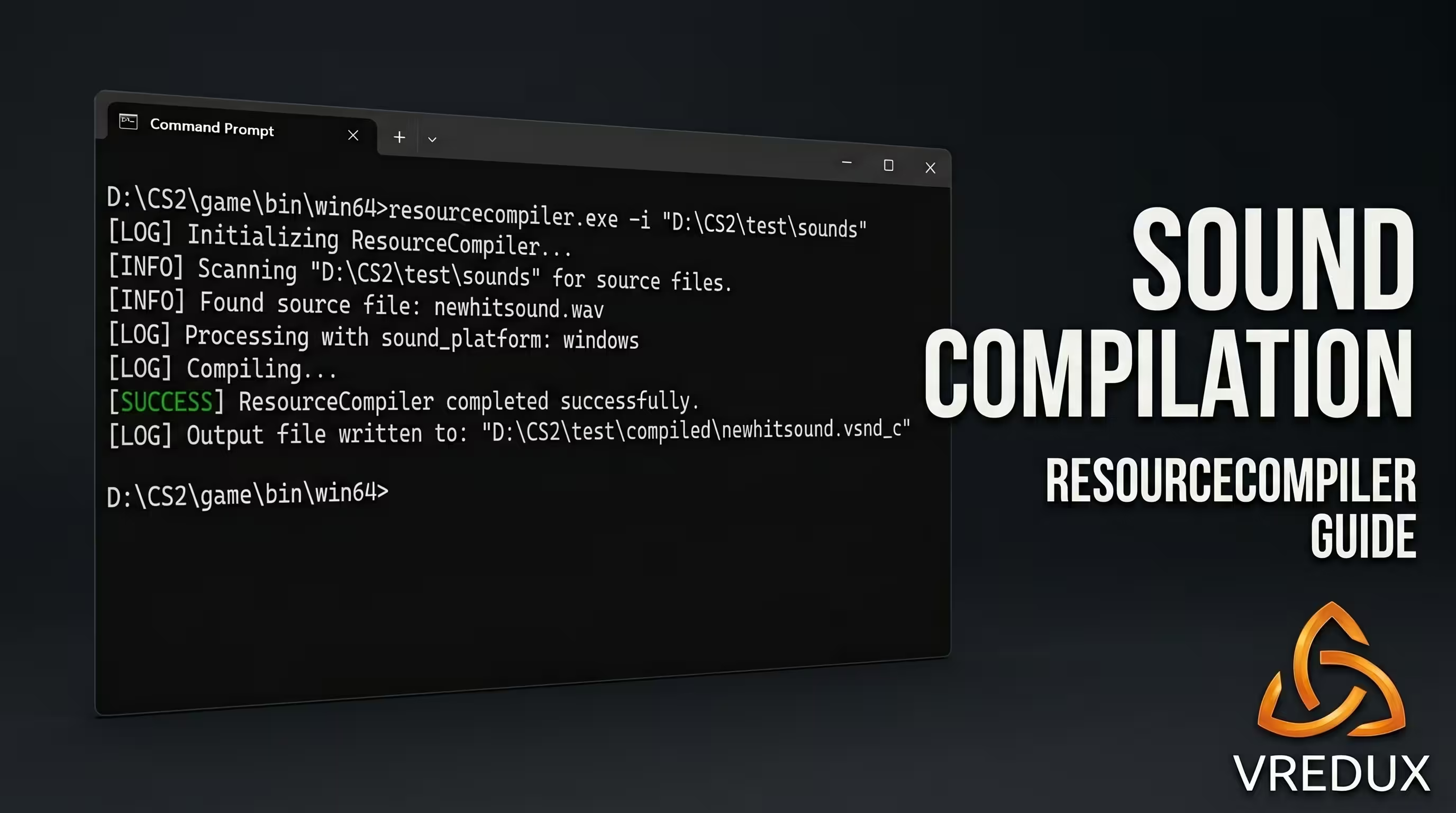
How to Convert Your WAV to VSND_C (Guide Using resourcecompiler)
People often post pure garbage on forums like: "Just download a ready-made CSGO hitsound pack and drop it in the sounds folder." That doesn't work. While you used to be able to just parse the CSGO hitsound ID and do a basic replace, you now desperately need the resourcecompiler.exe tool. I personally use this step-by-step method to convert every hit sound for the finicky new engine.
- Open Steam —> Counter-Strike 2 Properties —> DLC —> Check the box for Workshop Tools (wait for the ~1.5 GB package to download).
- Go to the game's root folder —>
content\csgo_addons). - Create a folder with any name strictly in Latin characters (e.g.,
test), and inside it, create asoundssubfolder. - Drop your source file into the
soundsfolder and copy its path. - Open the
game\bin\win64directory, and copy the full path from the Windows Explorer address bar. - Launch Command Prompt (cmd) as an administrator and type:
cd /d path_to_game\game\bin\win64
- Enter the compile command:
resourcecompiler.exe -i "path_to_game\game\csgo_addons\test\sounds\your_sound.wav"and press Enter.
- If done correctly, the ready-to-use CS2 hit sound in
.vsnd_cformat will appear in thegame\csgo_addons\test\sounds\folder. Cut it from there.
Requirements for the Source Audio File
.wav has these exact parameters: 16-bit PCM, 44100Hz sample rate, Mono. Otherwise, your CS2 hit sound is guaranteed not to work.If you love digging into configs and tweaking the game to perfection, be sure to read our guide on CS2 cheat commands; there's a lot of useful baseline info there. As for the audio—I highly recommend normalizing your CS hit sound in Audacity to -3dB before running it through the console.
Where to Drop the .vsnd_c File (Cheat Paths)
Different loaders use completely different directories for audio integration. This is the main reason why a purchased hitsound for Neverlose won't work in another cheat. I've compiled the verified paths below.
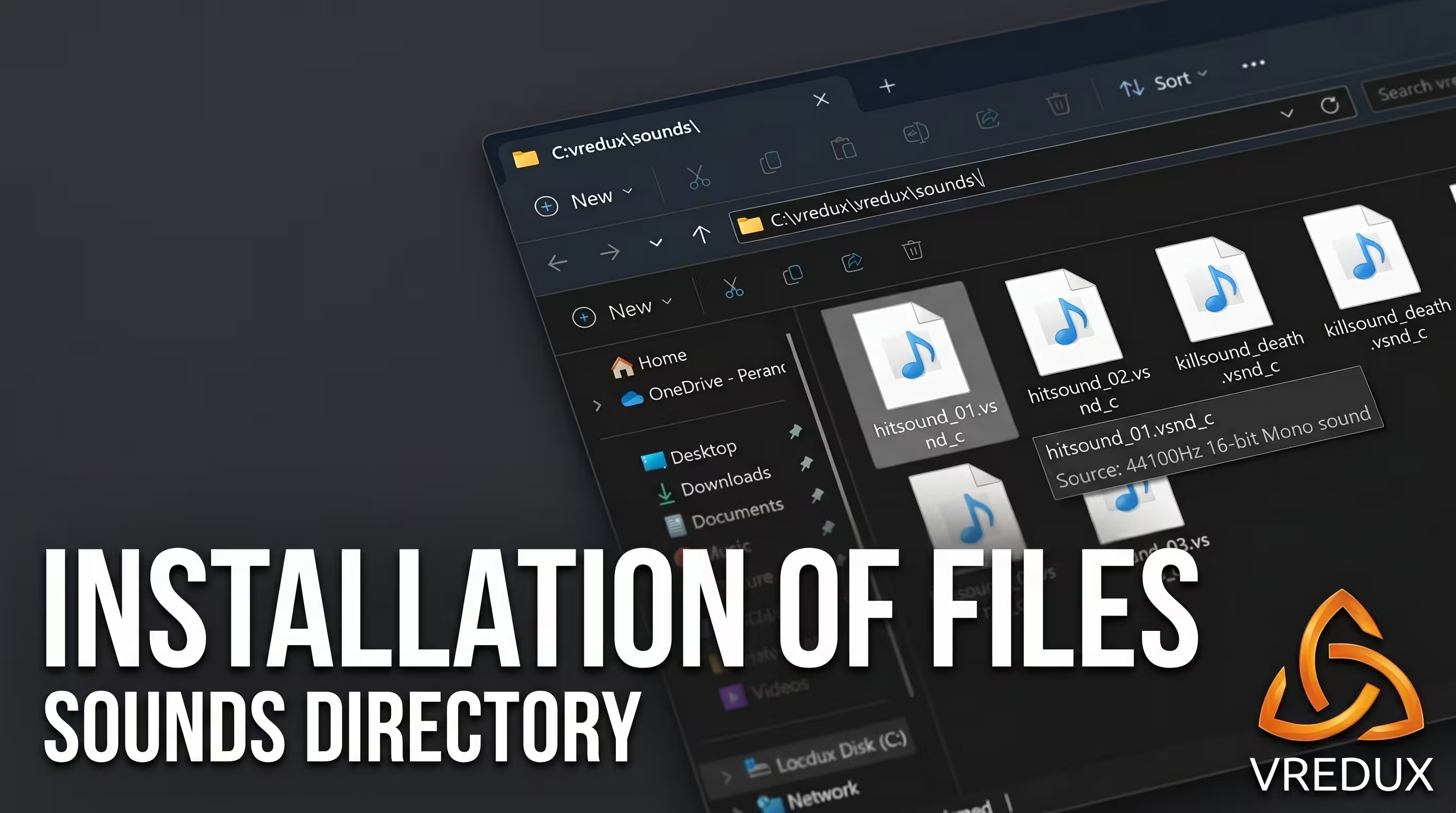
Speaking from experience: constantly juggling files, dealing with crashes, and living in fear of a red VAC ban message is a huge pain. VRedux, on the other hand, supports any hit sounds out of the box, requiring zero folder gymnastics. By purchasing a reliable CS2 cheat with a powerful bypass, you're paying for peace of mind. Losing an account with expensive skins over a free public loader costs dozens of times more than a subscription to a solid internal hack. If you want to understand ban mechanics deeper, check out our detailed article on the VAC system in CS2.
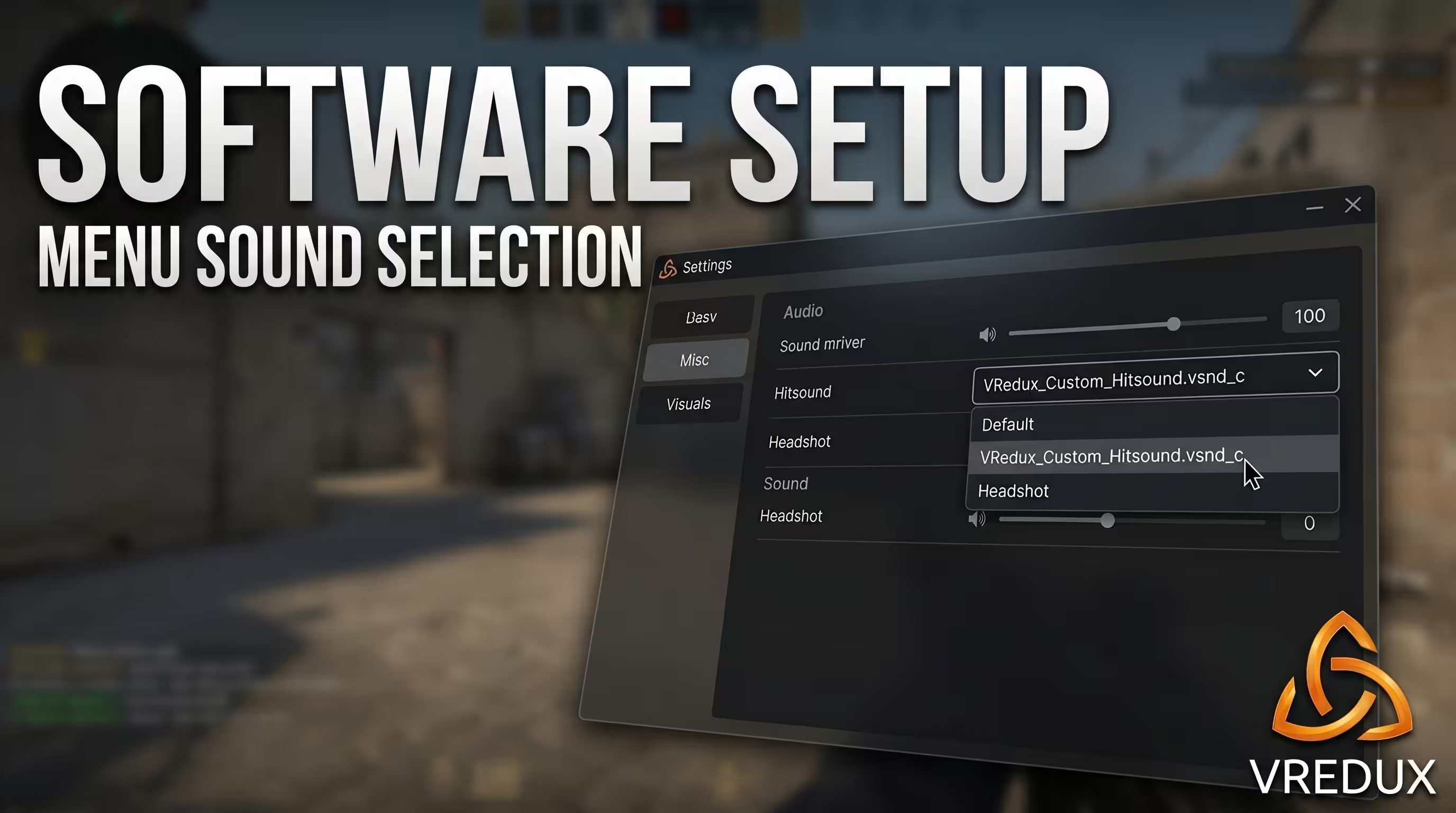
FAQ: Troubleshooting Custom Sounds
Here I've compiled answers to the questions I constantly get from guys trying to set up a custom CS2 hitsound for the first time.
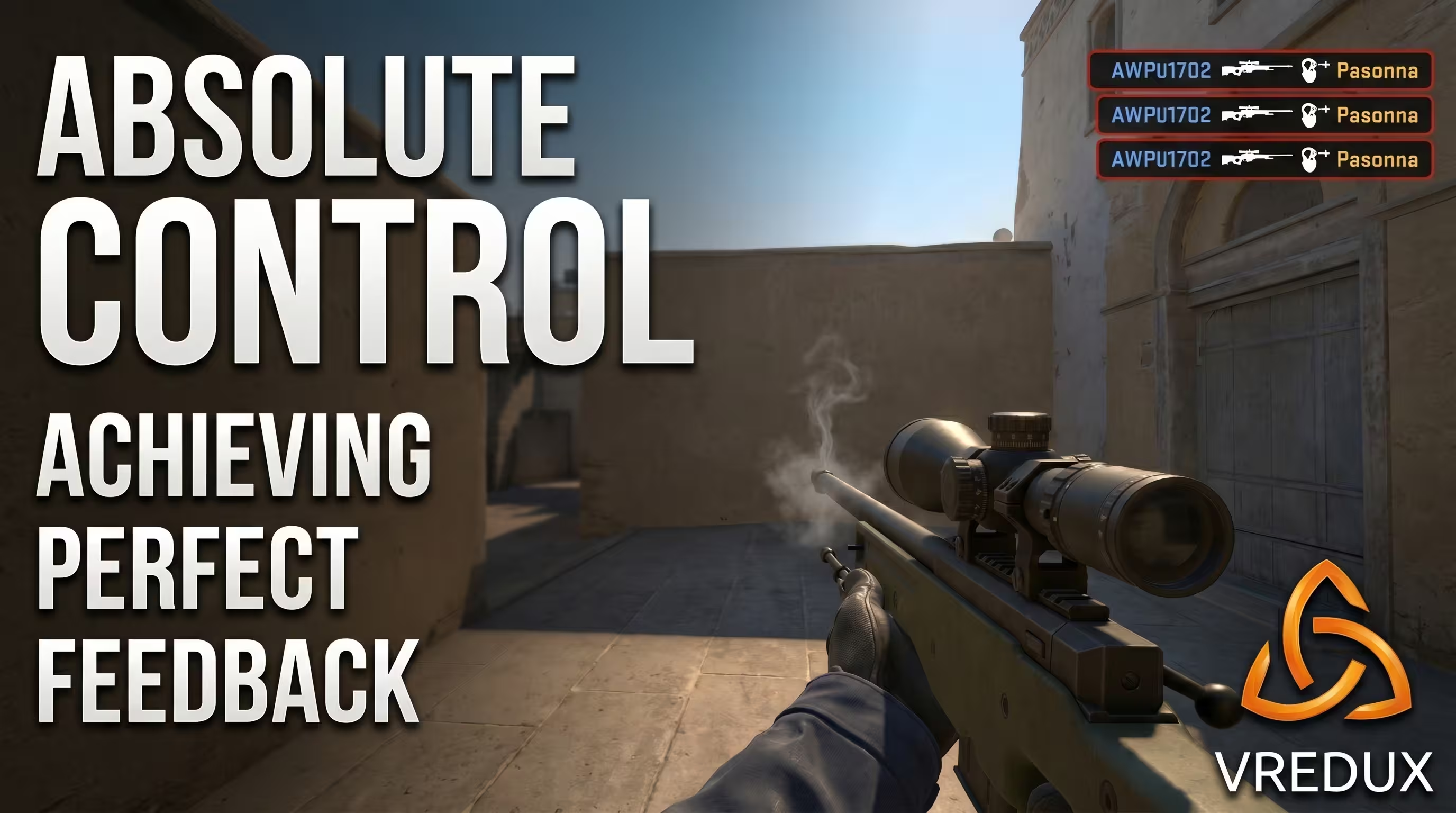
Proper audio feedback isn't just a cosmetic feature; it's a tool that allows you to stop getting distracted by the killfeed and dominate the server. While noobs bleed Elo, not knowing if their damage went through or if it was an unregistered hit, you have clear control over every single shot. Make sure to test your sounds in a private lobby before queueing into Premier mode. Study the mechanics, choose the right software, and drop by our guides section for new working tricks to dominate. Good luck with your matches!