When the ping spikes to 2000ms and enemies teleport, it is not a game, it is torture. But today, we tackle a different pain: spending thousands of dollars on the Steam Community Market just to preview a weapon. Honestly, I spent hours reverse-engineering the Source 2 mechanics because the legacy CSGO give weapon_knife command is completely dead. If you want to inspect skins before buying or simply want to test a Karambit offline, you must master the CS2 skin command system. Here on VRedux, I break down exactly how to use the developer console by pressing the tilde key, manipulate physics entities, and execute !gen codes on a game server to inspect every particular skin. Open the developer console, and let's explore the most reliable method of inspecting skins in Counter-Strike 2.
Table of Contents:
What is the Quick Verdict on CS2 Skin Commands? (TL;DR)
Want to inspect skins in CS2 offline right now? Enable the developer console, start a practice match, and follow these exact steps to mutate the m_iItemDefinitionIndex memory offset.
For online community servers, use the !gen chat command followed by the Weapon ID, Paint Kit ID, Pattern, and Float value (e.g., !gen 508 44 661 0.01). Read on to understand why this CS skin console command logic works and how to find the exact ID for any rare skin in-game.
Why Did Valve Replace Legacy Commands, and How Does the Source 2 Engine Handle Subclass Changes?
Many players still spam old console commands, not knowing they are garbage in the new engine.
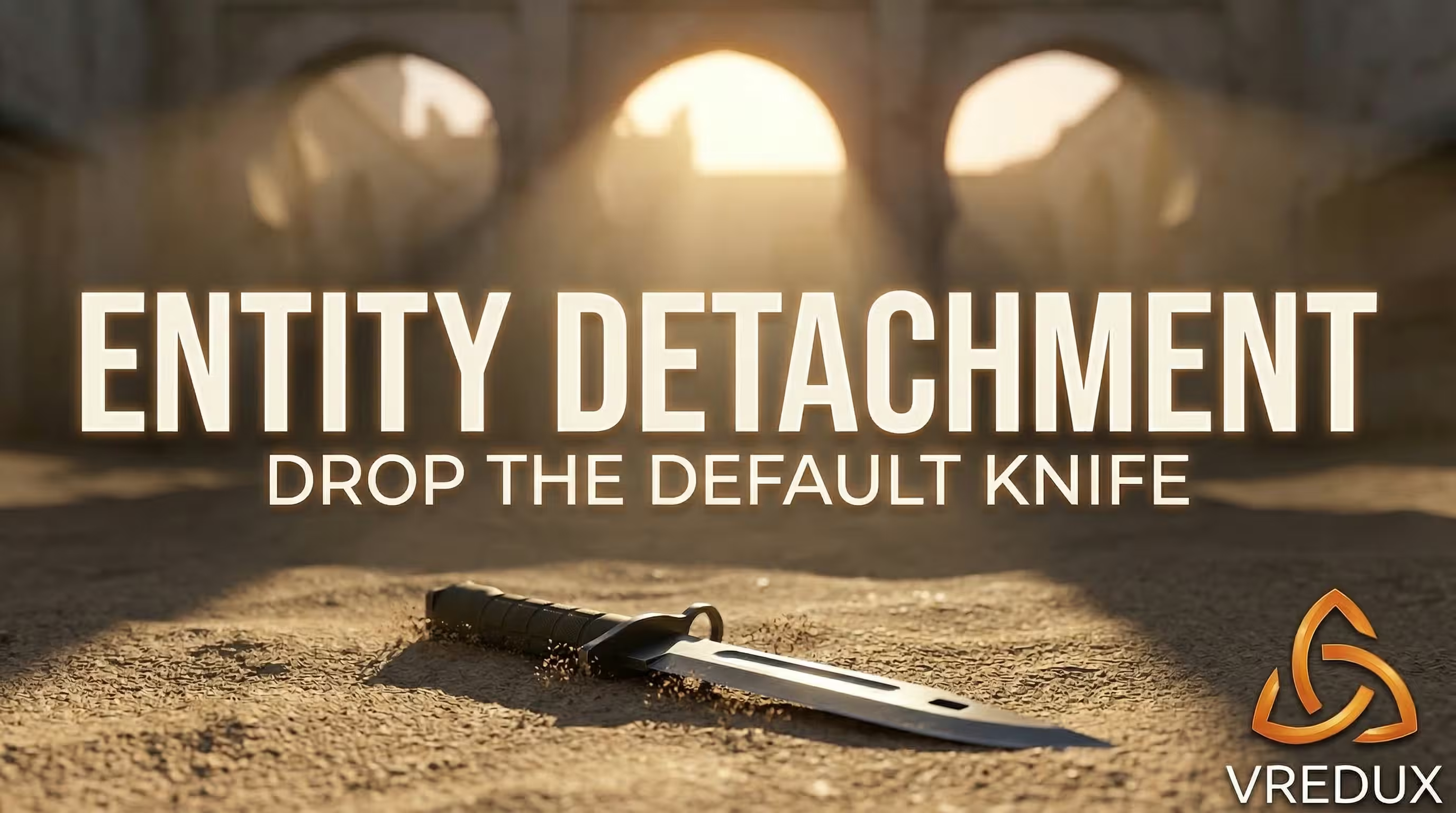
give command cannot override client-authenticated Steam inventory slots.To test skins in CS2, force the knife to become a physical ground object. Here is the exact memory execution sequence:
- •
Entity detachment: Execute
mp_drop_knife_enable 1and drop the weapon. - •
Physics grounding: The default knife becomes a
C_WeaponCSBasephysical entity with a VTable pointer. - •
Index mutation: Aim at the dropped model and fire
subclass_change <DefIndex>. This targets the grounded entity and overwrites its VTable pointer to a new weapon definition index.
Do not confuse this with subclass_create. The change skin command CS2 modifies an existing object, preventing it from clipping through the map floor. I tested this extensively on my 12400F + RTX 4060 rig; spawning new entities drops FPS and causes collision errors, but mutating existing ones is clean and stable. If you are tired of typing strings manually to get different skins, just check out the Comparison of Undetected Legit CS2 Cheats featuring a built-in skin changer to skip the hassle.
What Are the Exact Definition Indexes for CS2 Knives?
Every knife in the game maps to a strict Definition Index integer within the VPK Item Schema. To execute the change skin command CS2 offline, use these exact values.
Keep in mind, this specific CS skin command only changes the 3D model. To apply a specific skin float, pattern, or test skins from a new skin collection, connect to a dedicated inspect server.
How Does the Mathematical Structure of a !gen Code Work on Inspect Servers?
To inspect skins with specific wear and patterns, connect to a community inspect server running the CounterStrikeSharp framework. These servers use the WeaponPaints plugin to intercept chat messages and overwrite the client's memory offsets (m_nFallbackPaintKit, m_flFallbackWear) in real-time.
A standard CS2 !gen code array looks like this:
- •
[Weapon_ID]: The
m_iItemDefinitionIndex(e.g., 7 for AK-47). - •
[Paint_Kit_ID]: The texture overlay
m_nFallbackPaintKit(e.g., 44 for Case Hardened). - •
[Pattern_Index]: The
m_nFallbackSeedcontrolling texture projection (0-1000). - •
[Float_Value]: The IEEE 754 precision math dictating texture degradation.
Skin float values rely on strict IEEE 754 floating-point precision. The engine calculates the final wear using this formula:
$$m\_flFallbackWear = MinWear + (MaxWear - MinWear) \times Float$$
If a skin float is mathematically capped between 0.06 and 0.80, requesting a 0.00 float via a !gen skin command CS2 forces the server plugin to clamp the value to the base minimum. This is exactly how skin trading platforms or a DMarket blog verify rare skin patterns. By the way, if your ping spikes while connecting to these hubs, learning how to lower ping in matchmaking CS2 is mandatory for a smooth CS2 experience.
How to Prevent Server Tickrate Sync Glitches When Generating Skins?
Spamming the !gen or subclass_change command causes the client viewmodel to desync from the server tickrate. This results in invisible arms or missing weapon skins. To fix this instantly, press Q (quick switch) to force the Source 2 engine to redraw the C_WeaponCSBase model. Do not restart the game server; just cycle the weapon slots. For those who want flawless aesthetics without server lag or typing a skin console CS 2 code repeatedly, utilizing a premium internal hack is the ultimate solution. Find out more on our CS:GO Cheats & Hacks Guide.
FAQ: Frequently Asked Questions

Mastering the CS2 skin command offline saves hours of guessing float values and pattern seeds. While others struggle with broken legacy commands or waste money blindly, applying these console parameters gives full control over the m_iItemDefinitionIndex. Honestly, manually typing strings to offer skin previews gets tedious. Save time, protect the Trust Factor, and access the best CS2 loadouts instantly by exploring the tools available in our articles section. Good luck on the server!