When ping spikes to 2000ms and enemies teleport, the game becomes pure torture. The exact same frustration happens when you jump into a local server to test penetration mechanics, only to realize standard weapon commands do not work for heavy gear. The ballistic shield transition from CS:GO to the Source 2 engine brought massive physics changes, sub-tick hitbox updates, and completely new entity rules. If you just type the old legacy commands, the engine will either ignore you or lock your character model. I spent hours reverse-engineering the entity properties during my local tests. It turns out Valve hardcoded the shield as a melee weapon. Most guides online give you half the truth, leaving you stuck with a shield you cannot drop. In this tutorial, I will break down the exact CS2 shield command syntax, explain the hidden drop mechanics, and show you how to force the UI to display the shield in your lobby. Whether you search for a simple CS shield or advanced gameplay strategies to bypass engine restrictions, this guide covers everything. Honestly, digging through developer logs is tedious. That is exactly why our team at VRedux constantly tests these mechanics, ensuring you get the absolute truth about how Counter-Strike 2 processes entities.
Guide Contents:
Essential Facts About the CS2 Shield
Before we dive into the deep technical setup, here is the bottom line regarding the ballistic shield Source 2 integration. Skip the guesswork and memorize these absolute rules:
- The shield is permanently disabled in Premier and Competitive Matchmaking. Do not try to bypass this on official Valve servers.
- Local server spawn sequence requires exactly two steps:
sv_cheats 1followed bygive weapon_shield. - To drop the shield, this command is strictly mandatory:
mp_drop_knife_enable 1. - Main menu lobby equip command:
ui_vanitysetting_loadoutslot_ct heavy5(highly prone to resets after recent 2024/2025 patches). - The shield tanks exactly 650 HP but is fully penetrated by the Zeus x27 taser.
How to Spawn and Drop the Shield on a Local Server (CS2 Shield Commands)
The biggest pain point for map creators and practice lobbies is entity locking. You execute the command to spawn shield in CS2, hand it to a teammate, and suddenly they are completely stuck. They mash the drop key, but the character refuses to let go. This happens because the Source 2 engine strips the heavy classification from the shield and treats it strictly as a knife. During my local server tests on a 12400F + RTX 4060 setup, I constantly hit this wall. Without modifying the core server variables, you are literally locked into holding it until the round ends. The classic CS:GO riot shield command logic no longer applies flawlessly. You need a specific sequence to instantiate the item and unlock the physics engine's discard rules. Here is the exact step-by-step method to cleanly spawn the item and bypass the drop lock.
Step 1. Enabling Developer Mode (sv_cheats)
Press the tilde (~) key to open the interface. If the window does not appear, ensure you actually enable the developer command prompt in your game settings. Type sv_cheats 1 and hit enter. This variable is the gatekeeper for all entity generation.
Step 2. The give weapon_shield Command
Type the following into the console. This is the direct CS2 give shield instruction. The game instantly generates the entity and places it in your hands. This specific CS2 riot shield command only functions if you are the host of the local lobby.
Step 3. Fixing the Drop Bug: mp_drop_knife_enable 1
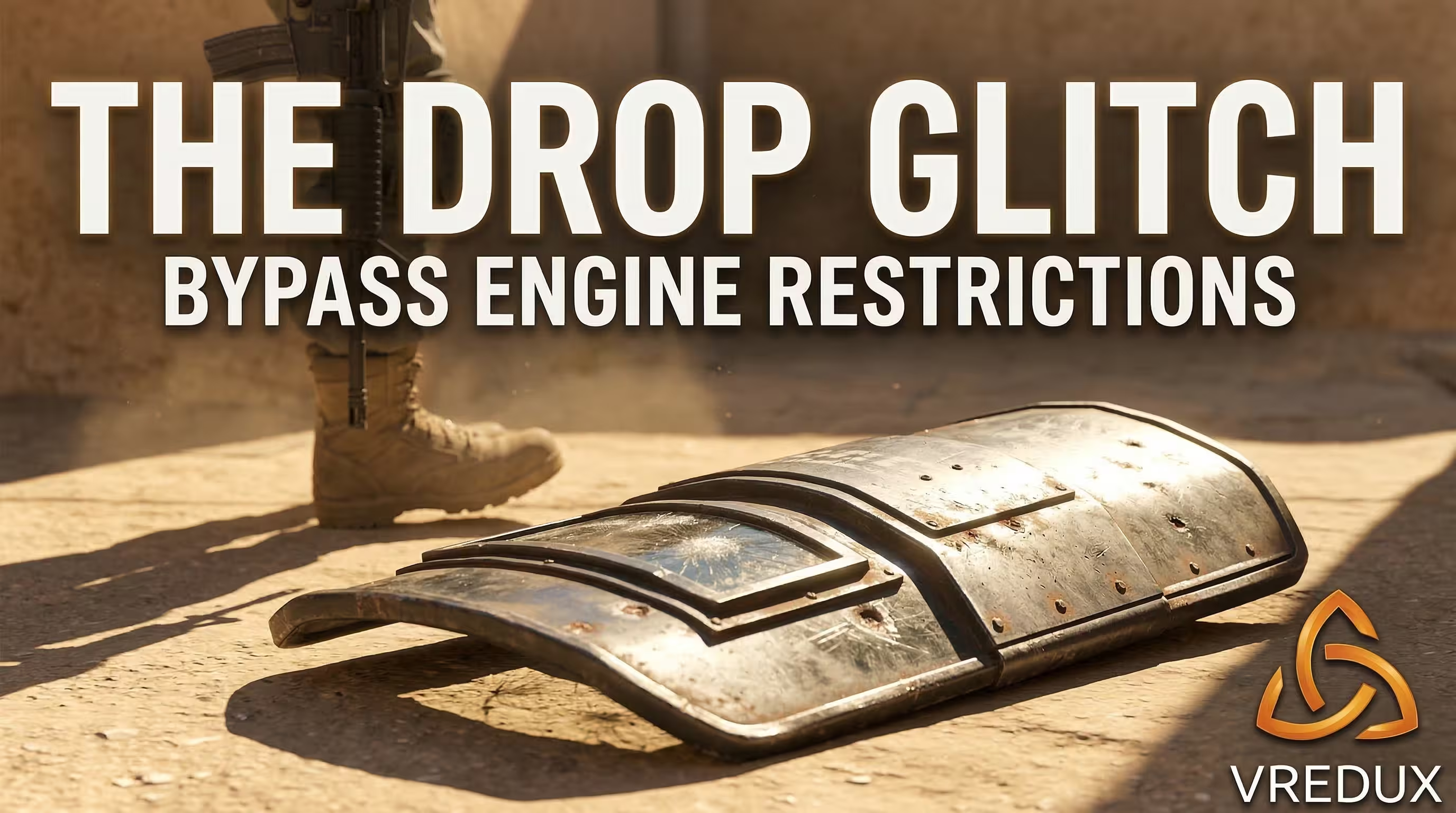
Why cant I drop the shield in CS2? As mentioned, Source 2 classifies it as a melee weapon. Type the parameter below into the console. Now, pressing the 'G' key actually discards the item. Without this exact parameter, the server rejects your drop request entirely.
Lobby Customization: How to Equip the Shield in the Main Menu (Vanity Glitch)
Customizing the lobby is a massive part of the Counter-Strike experience. Players constantly ask how to equip shield in CS2 main menu to flex on their lobby teammates. Historically, abusing the agent UI was simple, but recent patches broke the rendering stability. To force the game to display the gear, use the vanity glitch. Open your console in the lobby and execute the command below. This injects the heavy weapon slot data directly into the CT agent model. However, there is a massive catch. Following the recent Valve updates, this parameter frequently resets upon client restart. The texture bugs out, leaving your agent empty-handed. If you want on the main menu a permanent solution, you have to re-enter the command every single launch. If the shield does not proc on the first try, swap your displayed faction from CT to T and back again. This forces the UI to reload the shields in CS2 assets.
- Open console in the lobby screen.
- Type
ui_vanitysetting_loadoutslot_ct heavy5. - Swap factions if the menu in CS2 fails to render the texture.
- Remember this is a temporary UI override, not a permanent inventory save.
Source 2 Physics: Damage Math, Hitboxes, and Shield Counter-Tactics
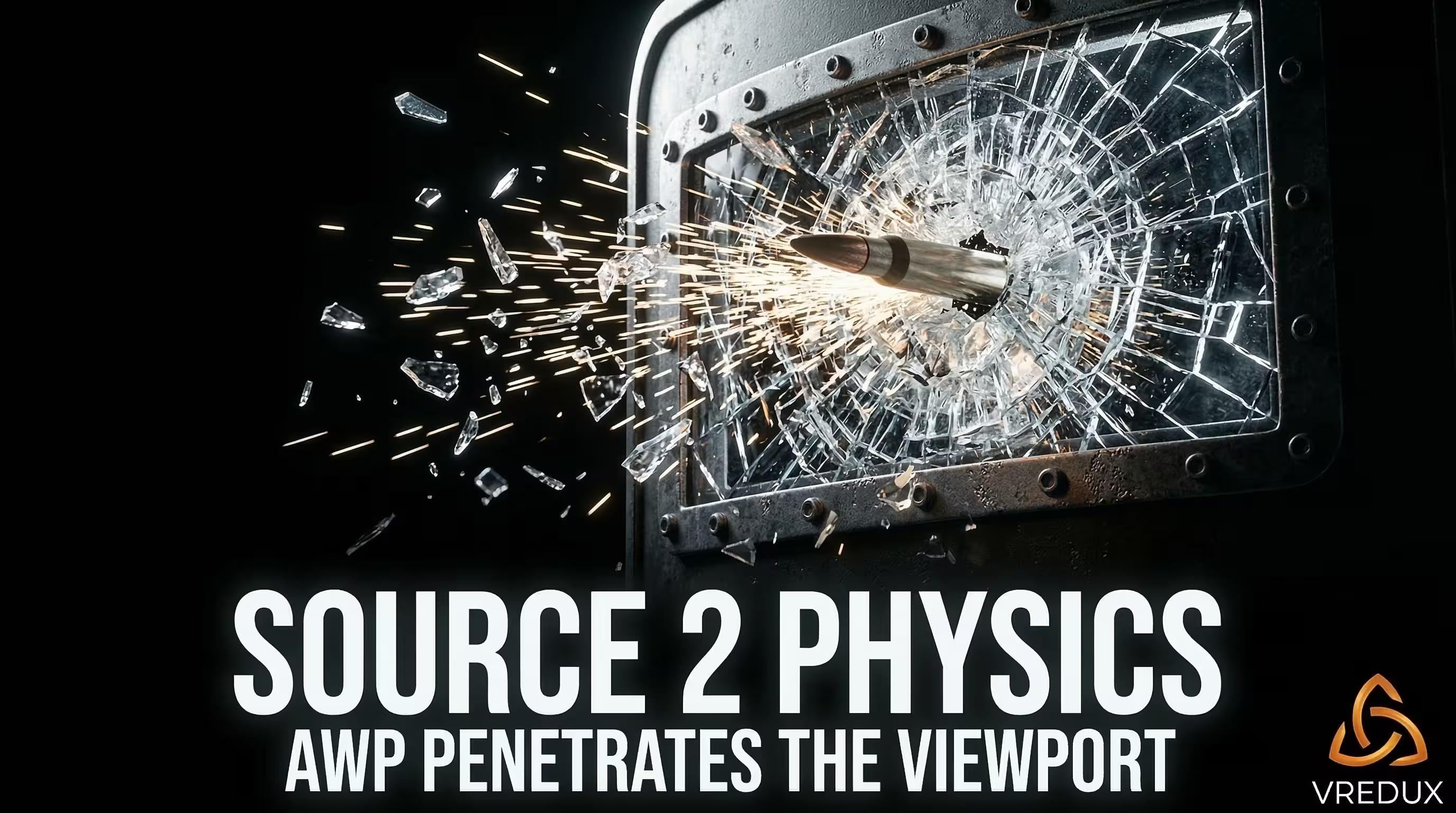
Understanding CS2 gameplay means understanding the math behind the engine. The shield CS mechanics are heavily tied to the new volumetric and sub-tick systems. Many players assume it grants a god mode command level of invulnerability. That is mathematically false. The shield has exactly 650 HP of durability. Once that threshold breaks, the item shatters. Can you shoot through the shield in CS2? Yes and no. Standard rifles like the AK-47 bounce off the main plating. However, sniper rifles like the AWP penetrate the viewport glass, dealing critical damage directly to the head hitbox. In my tests regarding volumetric Molotovs and the new sub-tick architecture, I found a fatal flaw. If you stand in the fire with a raised shield, the server instantly registers damage to your heels. The shield offers zero protection against AoE. Furthermore, the Zeus x27 taser completely ignores collision data. It is a guaranteed instakill through the plating.
Honestly, manually testing these hitboxes and penetration angles on a local server takes hours. When I need to understand exactly how a weapon interacts with player geometry, I don't waste time typing CS shields commands. I simply inject our private software. By using the advanced ESP features found in our undetected legit CS2 cheats, you can visually see the exact bounding boxes and penetration vectors in real-time. It completely removes the guesswork from your practice routine.
Automation via autoexec.cfg: Ready-to-Use Binds
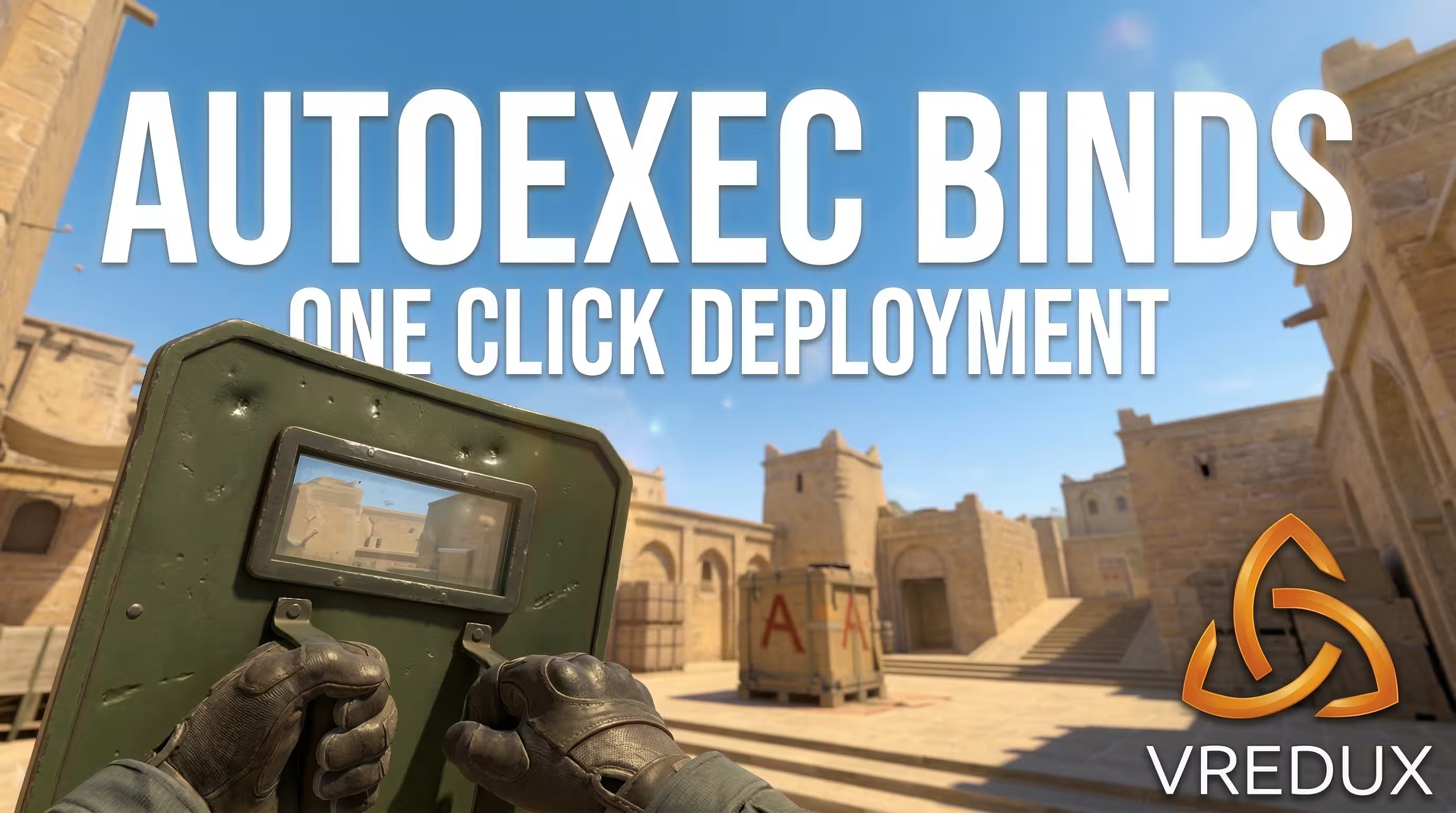
Typing multiple console variables every time you load a practice map is a nightmare. To automate the process, you need to bind shield command CS2 directly into your configuration files. This stores the logic permanently and saves massive amounts of time during demo reviews or Danger Zone testing. Open your autoexec.cfg file located in your game directory. If you do not have one, create a basic text file and change the extension to .cfg. Paste the following alias script to combine the spawn generation and the drop fix into a single keystroke:
Pressing 'P' now instantly configures the server, unlocks the melee discard rules, and drops the CSGO shield right into your hands. This is the most efficient way to handle the CSGO riot shield command legacy inside the modern engine.
Frequently Asked Questions
Now you have the complete technical breakdown of the shield CSGO mechanics translated for the new engine. Stop fighting the developer console and use the exact syntax provided above to streamline your local practice. For more advanced setups, console tricks, and deep dives into game mechanics, explore the rest of our Counter-Strike 2 guides. Master the technical side of the game, and dominating the server becomes second nature.