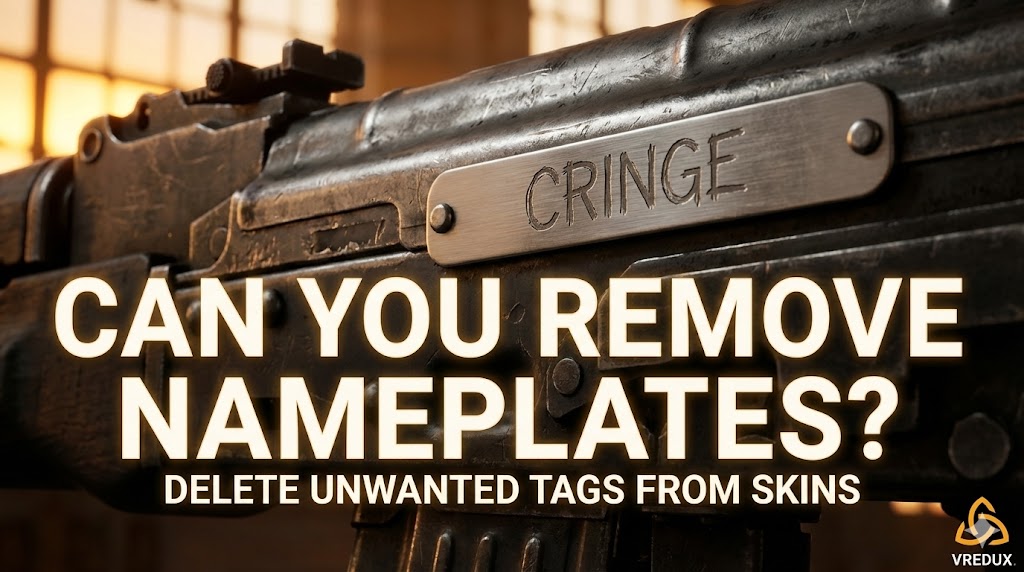
Honestly, we’ve all been there. You browse the Steam Market, find a sweet deal on an AK-47, buy it, and then realize the previous owner named it something incredibly cringe. Or maybe you named your default Glock "Deagle" back in 2015, and now it just feels embarrassing.
.jpg)
The question pops up constantly: can you remove nameplates on items in CS2? The short answer is yes. Whether you want to clear a weird name, rename a StatTrak™ weapon skin, or just clean up your HUD, Counter-Strike 2 gives you the option to fix it.
In this tutorial, I’ll walk you through exactly how to remove a name tag, how to customize your weapon inventory, and even how to hide player names if that’s what you are looking for. Let's clean up those skins.
Article Contents:
What is a Name Tag in Counter-Strike?
Before we start scrapping stickers and names, let's clarify what we are dealing with. A name tag in Counter-Strike (and previously CSGO) is a consumable item you buy from the Valve store or the Steam Market. It lets you rename any weapon or bomb with a custom string of characters.
Once applied, the custom name appears in the inventory, on the kill screen when you eliminate a player, and as a metallic plate on the gun model itself (the "nameplate").
But here is the catch: while applying a tag costs money ($1.99 usually), removing it is free—but destructive.
.jpg)
How to Remove Name Tag CS2: Step-by-Step
If you want to know how to remove a name tag CSGO style but in the new engine, the process is very similar but looks a bit different in the new UI.
I tested this on my own skins just to be sure, and here is the exact workflow to remove nametag CS2:
- Launch CS2 and go to your Inventory.
- Select the weapon that has the name tag you want to delete.
- Right-click on the gun and choose "Rename". (Yes, it sounds counter-intuitive, but click it).
- In the menu that pops up, look at the bottom. You will see a button labeled "Remove Name Tag".
- Click it. The game will ask you to confirm.
- Once you confirm, the name tag is removed permanently.
Warning: When you do this, the name tag item itself is destroyed. It does not go back into your inventory. You are essentially deleting $2. So, make sure you really hate that name before you click.
Does Renaming a StatTrak™ Weapon Skin Reset Kills?
A common fear is that modifying the name will mess up your stats. Honestly, you don't need to worry. Renaming a StatTrak™ weapon skin or removing the name will not clear your kill count. The StatTrak™ counter is separate from the nameplate.
.jpg)
Can You Change Name Tag CSGO / CS2 Without Removing It?
Many players ask: "Can I just edit the text?"
Unfortunately, no. You can you change name tag CSGO or CS2 only by destroying the old one and buying a new one.
If you want to rename a gun that already has a tag:
- Follow the steps above to remove name tag.
- Buy another name tag from the store.
- Apply the new tag with the new name.
It’s a bit of a cash grab by Valve, but that’s how the system works. You cannot simply edit the text; you must remove and re-apply.
Ready to upgrade your inventory? Check out our other guides on how to optimize CS2 for maximum FPS or how to bind jump to scroll wheel to play like a pro.
Can You Remove Nameplates on Items in CS2 vs. Hiding HUD Names
Sometimes when people search for "can you remove nameplates on items in CS2", they aren't talking about the sticker on the gun. They are talking about the floating names above players' heads or the text in the HUD.
If you want to remove the visual clutter of player names during a match, CS2 has specific settings for that.
.jpg)
How to Disable Seeing Teams Name Tags in CS2
If you are recording a frag movie or just hate UI clutter, you can customize what you see.
- Clean Player Names: Go to Settings > Game > Team. Change "Show Player Names" to specific settings. This replaces offensive names with neutral ones.
- Remove HUD Names: You can use console commands.
- Open the developer console (~).
- Type:
cl_hud_playercount_showcount 1. This changes the avatars at the top to just numbers (alive players), removing nameplates from the top bar.
For a completely cinematic look without any name tag or HUD info:
cl_draw_only_deathnotices 1
This command hides everything except the kill feed.
Troubleshooting: Why Can't I Remove the Name Tag?
Sometimes the option to remove name seems missing. I’ve seen this happen a few times.
- Market Restrictions: If you just bought the skin, sometimes the inventory lags. Restart the game.
- Storage Units: If the weapon is in a storage unit, you can't modify it. Retrieve it first.
- Default Weapons: You generally can't tag or untag default (stock) weapons unless you use a specific name tag slot, but usually, this applies to skins.
FAQ: Common Questions About CS2 Name Tags
Here is a quick breakdown of questions I see all the time in the community.
How to remove a name tag CSGO vs CS2?
The logic is identical. In Global Offensive, you used the "Rename" menu. In CS2, it's the exact same "Rename" -> "Remove" path. The only difference is the UI looks cleaner now.
Does the Name Tag from a weapon go back to inventory?
No. Once the name tag is removed, it is gone permanently. You do not get a refund or the item back.
Can I stack applied name tags?
No, a weapon can only have one name tag at a time. To apply another name tag, you must remove name tag currently on the gun.
Is there a way to hide name tags on weapons without removing them?
No. If the tag is on the skin, it shows. The only way to "hide" it is to remove it.
.jpg)
Cost and Effect Summary
| Action | Result | Cost |
|---|---|---|
| Apply Name Tag | Adds custom text + plate | ~$1.99 |
| Remove Name Tag | Restores default weapon name | Free (Tag destroyed) |
| Rename Skin | Changes custom text | Requires new Tag |
Conclusion
So, can you remove nameplates on items in CS2? Absolutely. It’s a simple process of right-clicking and selecting remove name tag in your inventory. Just remember, once you click that button, the tag is gone forever along with the money you spent on it.
If you are looking to customize your game further—maybe get skins that look great without worrying about previous owners' bad naming choices—you should verify your settings.
For more deep dives into CS2 customization, visit our main page at VRedux. Good luck, and keep those skins clean!