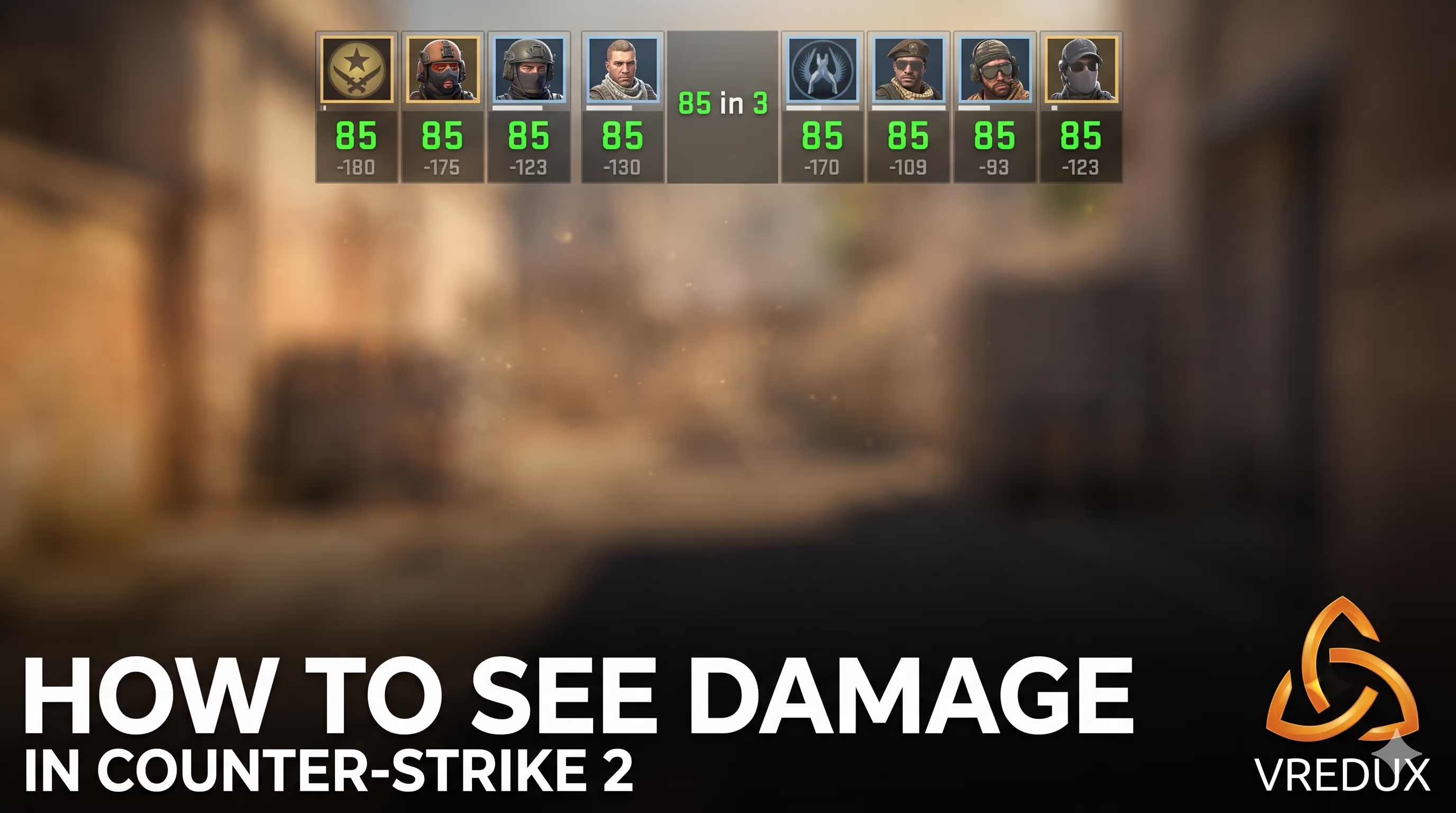
You know the feeling: you dump a whole magazine into an enemy, the game says you did "98 in 4," and then they turn around and one-tap you. Frustrating? Absolutely. The solution isn't just "playing more," it's playing smarter. Setting up a headshot only CS command environment is the fastest way to discipline your aim and stop the bad habit of panic-spraying at legs.
.jpg)
In Counter-Strike 2, precision is king. While standard Deathmatch is chaos, a private server with specific settings allows you to focus purely on crosshair placement. I’ve spent thousands of hours in this game, and I can tell you: 20 minutes of focused headshot training is worth 2 hours of mindless pub stomping. In this guide, I’ll show you exactly how to enable the mp_damage_headshot_only mode, set up bots, and refine your aim so you can start clicking heads like NiKo.
Article Contents:
.jpg)
How to Enable Headshot Only Mode in CS2
Many players look for complex workshop maps or mods, but Valve actually built this feature directly into the engine. You don't need external plugins. To get started, you need access to the developer console. If you haven't enabled it yet, go to Settings -> Game and toggle "Enable Developer Console (~)" to Yes.
Here is the step-by-step process to activate the headshot only mode:
- Launch a Private Match: Open the play menu, select "Practice," choose "Casual" or "Deathmatch," and pick a map (Mirage or Dust 2 are great for visibility).
- Open the Console: Press the tilde key (
~). - Enable Cheats: Type
sv_cheats 1and press Enter. This is the foundation; without this, the server won't accept gameplay-altering commands. - Activate the Mode: Type
mp_damage_headshot_only 1. - Restart the Match: Type
mp_restartgame 1to apply the changes cleanly.
Once you enter that console command, body shots will deal zero damage. You will see blood splatters, and the game will register the hit, but the enemy's health won't drop unless you hit the hitbox of the head. It’s brutal, but it forces you to adjust your crosshair to head level instantly.
Pro Tip from VRedux: If you are practicing offline, the mp_damage_headshot_only command applies to bots too. This means they can't kill you unless they headshot you, which inadvertently makes them deadlier if you stand still!
Configuring Bots for Perfect Training
Simply turning on the headshot in CS2 mode isn't enough. If you just jump in, bots will run around randomly, or worse, beam you instantly. You need to curate your environment. I remember my first time trying this; I got frustrated because I spent more time chasing bots than shooting them.
To create a proper "Aim Botz" style environment on a standard map, use these commands in your console:
| Command | Function | Why use it? |
|---|---|---|
bot_kick |
Removes all bots. | Clears the server so you can add them one by one. |
bot_add_ct / bot_add_t |
Adds a bot to a specific team. | Control the number of targets. |
bot_stop 1 |
Freezes bots in place. | Perfect for practicing static one-tap shots. |
bot_place |
Places a bot where you aim. | Set up custom angles to practice peeking. |
sv_infinite_ammo 1 |
Unlimited ammo, no reload. | Don't waste time reloading your Glock-18 or AK. |
If you want to go deeper into server customization, check out our guide on essential CS2 cheat commands, which covers wallhacks and trajectory tools that pair perfectly with aim training.
.jpg)
Mastering Headshots: A Pro Routine
Knowing the CS GO headshot only command (which is the same in CS2) is step one. Step two is using it to fix your mechanics. Many players think "aim" is just flicking, but it’s actually 90% crosshair placement.
1. The "Miyagi" Method (Tracking)
Load up the map. Set mp_damage_headshot_only 1. Do not shoot. Just trace the bot heads with your crosshair while moving. Maintain the lock on the opponent’s head while strafing left and right. This builds mouse control. If you have a high DPI, you might find your jittering increases here—try lowering your sensitivity if you can't track smoothly.
2. Counter-Strafing Rhythm
In CS2, you aren't accurate while moving. You need to tap the opposite movement key to stop instantly before shooting. With headshot only mode on, if you miss that timing, you deal 0 damage. It forces honesty. You can't get lucky with a running body spray.
3. The Burst vs. Tap
With an AK-47, practice the one-tap. Aim, stop, click once. If you are using an M4 or MP9, try short bursts of 5-7 bullets. Even in headshot mode, knowing how to control the first few bullets of recoil is vital. If you miss the first shot to the head, the recoil might carry the second bullet into the helmet if you pull down correctly.
Speaking of performance, tracking heads requires a smooth frame rate. If your game feels choppy, you won't land those shots. Make sure you check your FPS in CS2 to ensure your hardware isn't holding you back.
.jpg)
Troubleshooting: Why Isn't It Working?
Sometimes you type the command and nothing happens. Or worse, the console says "Unknown command." Here are the most common reasons why the CS2 headshot setup might fail.
"Unknown Command" Error
This usually happens because you didn't enable sv_cheats 1 first. The game protects critical variables from being changed in a fair environment. Always enable cheats before the damage modifier.
The Helmet Issue
There is a nuance with wearing a helmet. Some weapons, like the Glock-18 at long range or the PP-Bizon, might not kill in one shot to the head if the bot has a helmet. The game will register the "dink" (headshot sound), but the bot won't die. This is normal. It teaches you which weapons are viable. If you want instant kills regardless of weapons, you might need to tweak weapon damage values, but generally, it's better to learn the real weapon damage thresholds.
CS:GO vs. CS2 Differences
If you are searching for old CS GO headshot only command lists, be careful. Most work, but some physics commands or crosshair generator v4 scripts might be outdated. Stick to the core commands I listed above.
.jpg)
FAQ: Common Questions
Can I get banned for using these commands?
No. Using sv_cheats and mp_damage_headshot_only in a private offline server or a server you host is perfectly legal. You cannot use these in Matchmaking or Premier mode.
Does this work in Deathmatch?
Yes, but only if you are the host (playing with bots). You cannot join an official Valve Deathmatch server and force headshot only mode for everyone else.
What is the best CS2 crosshair for headshots?
Generally, a small static crosshair or a dot is best for precision. Large dynamic crosshairs can obscure the target's head at long distances. You can look up s1mple or NiKo crosshairs to see what the pros use.
Why do some servers have "Headshot Only" without me typing commands?
Those are community servers running server-side plugins. They automatically enforce the rules. Using the console command is for your own private practice sessions.
How do I disable headshot only mode?
Simply type mp_damage_headshot_only 0 in the console. Body shots will register damage again immediately.
Conclusion
Mastering the headshot in CS2 isn't about magic. It's about stripping away the lucky kills and forcing yourself to be precise. By using the mp_damage_headshot_only 1 command, you create a training dojo where only perfect aim is rewarded. It might feel frustrating to see blood on an enemy's shoulder and get no damage, but that frustration is exactly what helps you improve.
Consistency is key. Spend 15 minutes a day in this mode, and your headshot percentage in real matches will skyrocket. You'll stop aiming for the "general direction" of the enemy and start snapping to the head level instinctively. So, load up the server, kick the bots, and start tapping.
For more guides on improving your gameplay and technical deep-dives, check out the VRedux Articles Section.