Let’s be honest: walking into a Premier match with a default name like "Player" or an embarrassing alias you made five years ago is a crime against style. Your CS2 name is your identity. It’s what the enemy sees when you one-tap them, and it’s what your teammates scream when you clutch a 1v5.
.jpg)
Many players get confused because they look for an in-game menu to change name in CS2, only to find nothing. That’s because Counter-Strike 2 relies entirely on the Steam ecosystem. In this guide, I’ll show you exactly how to change name in CS2, share some cool nickname ideas, and explain how to hide your name if you’re streaming.
Article Contents:
Why Can't I Change My Name Inside CS2?
If you are a veteran, you might remember the old days or console commands in 1.6. However, in Global Offensive and now in CS2, your in-game identity is directly tied to your Steam profile.
Valve decided to unify this. So, when you want to change your CS2 name, you are actually changing your Steam nickname. This means the change applies to all Steam games, not just CS.
.jpg)
How to Change Your Name in CS2: Step-by-Step
There are two main ways to change name. You can do it quickly while playing, or through the desktop client.
Method 1: The Quick Overlay Method (In-Game)
This is the fastest way if you are already in a match and want a quick fix.
- While in Counter-Strike 2, press Shift + Tab to open the Steam Overlay.
- Look for the "Friends" window (usually on the right).
- Click the "Settings" icon (the gear symbol) next to your current name.
- Select "Edit Profile Name".
- Type your new name and hit confirm.
Your CS2 name change happens instantly in the scoreboard.
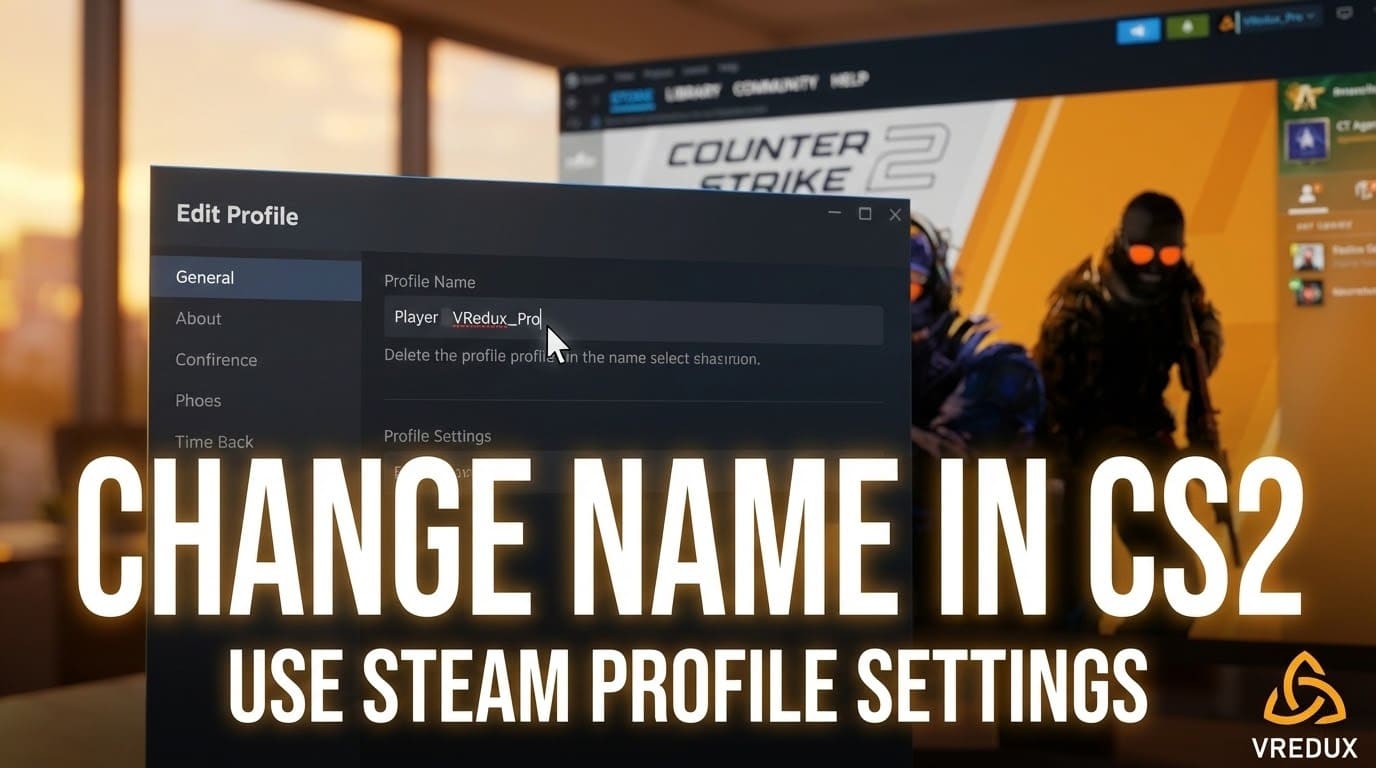
Method 2: The Steam Client Method (Desktop)
If you aren't in the game, follow these steps to update your profile:
- Open the Steam app on your PC.
- Hover over your username in the top menu and select "Profile".
- Click the "Edit Profile" button on the right side.
- In the "Profile Name" field, delete the old text.
- Enter your fresh nickname (you can use special characters here too).
- Scroll down and click "Save".
That’s it. Next time you launch CS2, your identity will be updated.
.jpg)
Method 3: Can I Use Console Commands?
Many people search for cs2 change name console or try commands like name "NewNick".
- The Reality: In CS2, the name command usually just shows your current name in the console but doesn't allow you to change it permanently like in older versions. You strictly need to use the Steam settings.
Pro Tip: While changing names is free, getting global rank requires skill. If you want to dominate regardless of your name, I recommend checking out the private cheat VRedux. It helps you bypass restrictions and play like a pro safely.
Best CS2 Name Ideas: Funny, Cool, and Pro
Stuck on what to choose? A cool nickname can strike fear into enemies or just make your team laugh. Here are some names for CS2 categories to get your brain working.
Funny and Meme Names
If you just want to have fun, funny names are the way to go.
- "404 Aim Not Found"
- "Carry Potter"
- "Desperate Housewife"
- "Walking Lootbox"
- "Ping Crimson"
Pro Player Style
Want to copy the greats? You can imitate a pro like s1mple, ZywOo, or donk, but add a twist.
- "s1mple (Walmart Version)"
- "m0NESY’s Cousin"
.jpg)
Invisible and Blank Names
Want to be mysterious? You can have a CS2 name that looks empty. You can't just press spacebar; you need a specific symbol.
- How to do it: You need to copy a special Unicode character (Hangul Filler or similar invisible space) and paste it into your Steam name field.
- Copy this inside the brackets: [⠀] (This is a special blank character).
Using Special Characters and Symbols
To make your username stand out, use a name tag style or fancy fonts.
| Symbol | Meaning / Type |
|---|---|
| ✪ | Star (Classic Pro) |
| ⚡ | Lightning (Dynamic) |
| ♛ | Crown (Leader) |
| ☠ | Skull (Aggressive) |
You can find special characters on various generator sites to express your personality.
How to Change Name Tags on Weapons
Don't confuse your player name with a Name Tag. A Name Tag is a consumable item that lets you rename gun skins.
- Buy a "Name Tag" from the Steam Market or get it in-game (costs around $2.00).
- Go to your Inventory.
- Right-click the skin you want to rename.
- Select "Rename".
- Type the custom name (e.g., "Headhunter", "Magic Stick").
This applies a metal tag to your weapon model.
.jpg)
Troubleshooting: Why Can't I Change My Name?
Sometimes, you try to change your name and it reverts back. Here is why:
- Offensive Language: Steam filters block slurs or banned words.
- Too Long: There is a character limit (32 characters).
- Connection Issues: If Steam is down, the update won't save.
- Group Tags: Sometimes your "Clan Tag" overrides or clutters your name. Go to Game Settings -> Clan Tag to change this.
FAQ
How often can I change my name in CS2?
As often as you want. There is no cooldown on changing your Steam nickname.
How to change cs2 name to something invisible?
You need to paste a specific Unicode symbol that renders as blank. See the section above for the character to copy.
Does changing my name reset my rank?
No. Your rank, Prime status, and inventory are tied to your Account ID, not your display name.
Is there a csgo name changer tool?
No, and be careful. Third-party programs claiming to change your name in-game might be scams. Always use the official Steam interface to edit it.
How to change your name on CSGO legacy version?
The process is exactly the same: change name in CSGO via Steam Profile.
Conclusion
Changing your CS2 name is a simple process, but it’s essential for defining your gaming persona. Whether you want a funny alias, a cool symbol-heavy handle, or a professional identity, it all happens through Steam.
Remember, a new name gives you a fresh start, but if you really want to upgrade your gameplay experience, check out our guide on how to show FPS in CS2 to optimize your performance. And if you are tired of losing to cheaters, maybe it's time to level the playing field. Read more about reliable software in our article about CS2 cheats.
Now, go update your profile, pick a legendary nickname, and dominate the server! For more guides and the best private software, visit the main page of VRedux.