You've been practicing smokes on Mirage for two hours, and your eyes are starting to bleed. You want to switch to Nuke to practice wallbangs, but navigating the main menu feels like a chore. Or maybe you are hosting a private lobby, and your friends are screaming to change the map. Knowing the right CS2 change map command is the difference between a seamless gaming session and an awkward 5-minute pause while you fumble with settings.jpg)
I've been running servers since the CS 1.6 days, and let me tell you: the console is your best friend. In Counter-Strike 2, Valve kept the legacy alive, but with the new Source 2 engine, there are some nuances. Whether you need to know how to change map in CS2 for a solo practice, or you are looking for the correct CS2 server change map commands to manage a dedicated host, this guide covers it all. No fluff, just the codes that actually work.
Article Contents:
.jpg)
First Step: Enable Developer Console
Before we dive into the change map command CS2 list, we need to make sure you can actually talk to the game engine. If you already know this, skip ahead, but I see so many new players stuck here.
To use any CS2 map change command, you must enable the developer console:
- Open the Game Settings (gear icon).
- Go to the "Game" tab.
- Find "Enable Developer Console (~)" and set it to YES.
Now, just press the tilde key (~)—usually under Esc—and the grey window will drop down. This is your command center. If you want to customize your experience further, check out our guide on how to customize HUD settings in CS2, which also requires the console.
How to Change Map in CS2 Console (Local Play)
If you are playing offline with bots or hosting a lobby on your own PC for friends, the process is straightforward. You force the game to load a new level directly.
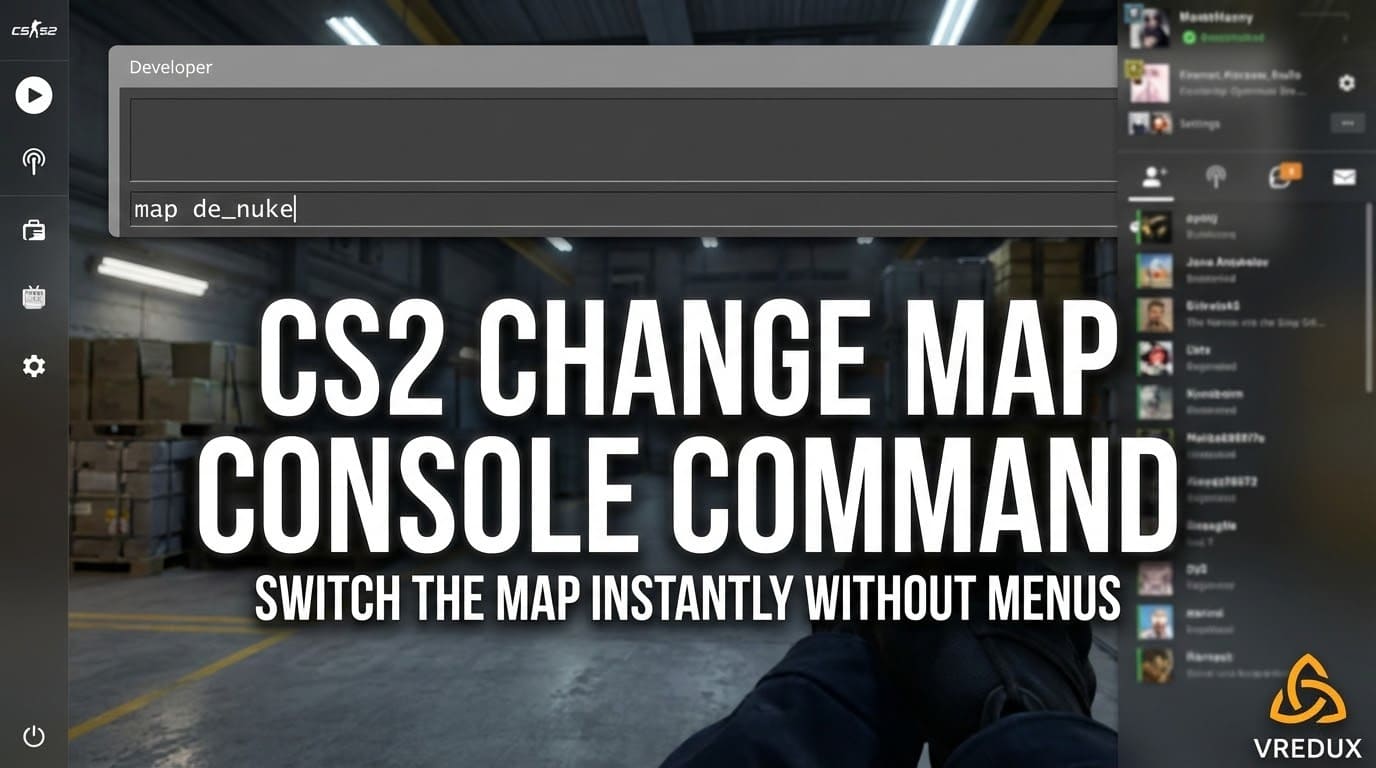
The primary command to change map CS2 users need is simply map.
Syntax: map [map_code_name]
For example, if you want to switch to Dust 2, you type:
map de_dust2
When you type this, the game immediately ends the current session, disconnects, and loads the new environment. It's fast and brutal. This is the CS2 how to change map method for 90% of players.
Why does it kick my friends?
Here is a classic issue. When you use the map command, you are essentially restarting the server instance. If your friends' computers aren't fast enough or the connection hiccups, they might get dropped. However, for a local host, this remains the most reliable change map console CS2 method.
.jpg)
CS2 Server Change Map Commands (Admin/Dedicated)
Running a dedicated server is a different beast. If you use the standard map command here, you might reset server variables or kick everyone out. For server admins, the preferred CS2 command to change map is changelevel.
Syntax: changelevel [map_code_name]
Example:
changelevel de_mirage
Why use this instead? The changelevel command keeps the players connected and moves them seamlessly to the next map without a hard disconnect. It maintains the "party" integrity better than the raw map command.
If you are controlling the server remotely, remember to use RCON (Remote Console). You'll need to login first:
rcon_password [your_password]rcon changelevel de_inferno
This is crucial for anyone looking for CS2 server change map solutions without physical access to the server machine.
CS2 Custom Map Commands and Workshop
Counter-Strike 2 finally brought back the Workshop, and with it, the need to load custom maps. The old CS GO custom map commands don't always work exactly the same, but the logic is similar. You can't just type "map aim_botz" if you haven't downloaded it.
To change map CS2 to a workshop map:
- Subscribe to the map on the Steam Workshop.
- Launch CS2.
- Open console.
- Type:
map [map_name](the autocomplete list will usually show workshop maps with a long ID prefix).
For dedicated servers, you should use the CS2 custom map commands related to the workshop host:
host_workshop_map [workshop_id]
This forces the server to download and host that specific ID. It's a bit more complex than the standard CS2 map change command, but it opens up endless gameplay possibilities. If you are into testing weird mechanics on custom maps, you might also be interested in useful cheat commands for CS2 to practice nades or fly around.
.jpg)
The Complete Cheat Sheet: Map Names
The game doesn't use "Inferno" or "Office" in the code. You need the internal file names. I can't tell you how many times I've typed "map vertigos" and wondered why nothing happened. Precision matters.
Here is the CS2 map change dictionary you need to memorize (or just bookmark this page):
| Map Name (Display) | Console Code (Type this) | Mode |
|---|---|---|
| Mirage | de_mirage | Defusal |
| Dust 2 | de_dust2 | Defusal |
| Inferno | de_inferno | Defusal |
| Nuke | de_nuke | Defusal |
| Vertigo | de_vertigo | Defusal |
| Ancient | de_ancient | Defusal |
| Anubis | de_anubis | Defusal |
| Office | cs_office | Hostage |
| Italy | cs_italy | Hostage |
If you are looking for CSGO map console commands for War Games or Arms Race, the prefix might change to ar_ (Arms Race) or baggage, but generally, CS2 map commands stick to de_ (defuse) and cs_ (hostage rescue).
FAQ: Common Issues and Questions
What is the difference between "map" and "changelevel"?
The CS2 command change map (map) starts a fresh server instance. It's like turning the PC off and on. The changelevel command just switches the level while keeping the server running and players connected. Use map for local play, changelevel for dedicated servers.
How do I change the map in CS2 without console?
You can use the "Play" menu, select "Practice," and pick a map. However, once you are in the game, the only way how to change map in CS2 quickly without disconnecting to the main menu is via the console command. The UI doesn't have a "vote change map" button in offline mode.
My radar is glitching after changing map, what to do?
Sometimes when you use a CS2 full map command to switch quickly, the radar might glitch or not load properly. This is a known Source 2 bug. Usually, typing retry in the console (which reconnects you) fixes this visual bug.
Does this work for CS:GO maps?
If you are looking for CSGO map change command information, it is identical: map [name]. However, you cannot load old CS:GO .bsp files in CS2 unless they have been ported to the new format. So, CSGO custom maps commands won't work on CS2 unless the map author updated the map.
.jpg)
Conclusion
Mastering the CS2 change map console inputs is a basic skill every player should have. It saves time, lets you practice efficiently, and makes you look like a pro when hosting a lobby. You don't need to be a coder to remember map de_mirage.
We've covered everything from the basic change map command CS2 to server-specific tools. Whether you are setting up a 1v1 on aim maps or managing a 5v5 scrim server, these codes are your bread and butter. Stop wasting time in menus and start controlling your game.
Also, if you want to further optimize your game to ensure you load these maps faster, check out VREDUX for tools and guides that push your CS2 experience to the limit.
For more in-depth tutorials and commands, browse our VREDUX Articles Section.